

This feature is initially developed by davrot and yu-i-i/overleaf-cep, modified by ayaka-notes/ayakaleaf-pro with OAuth. It is introduced from v6.2.0 and later. It’s still in beta status. We need your feedback if you have any problem.
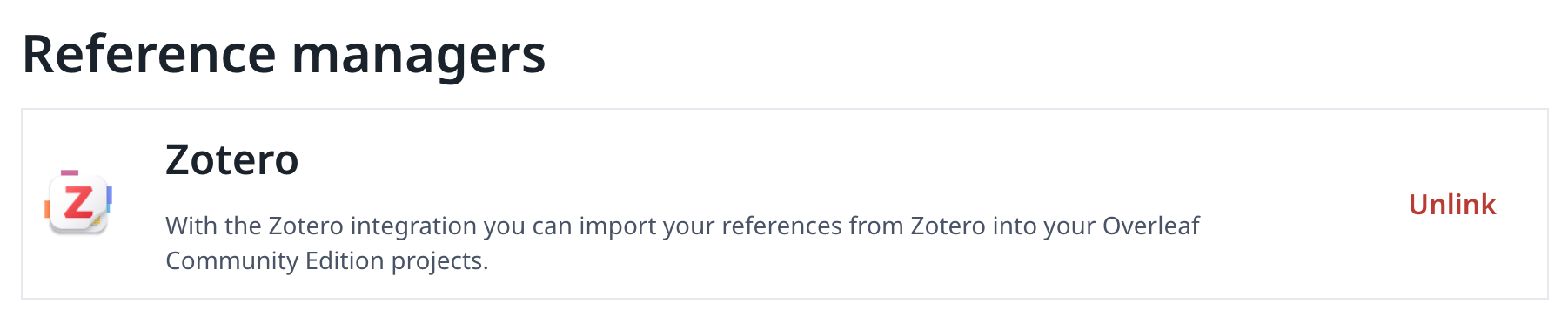
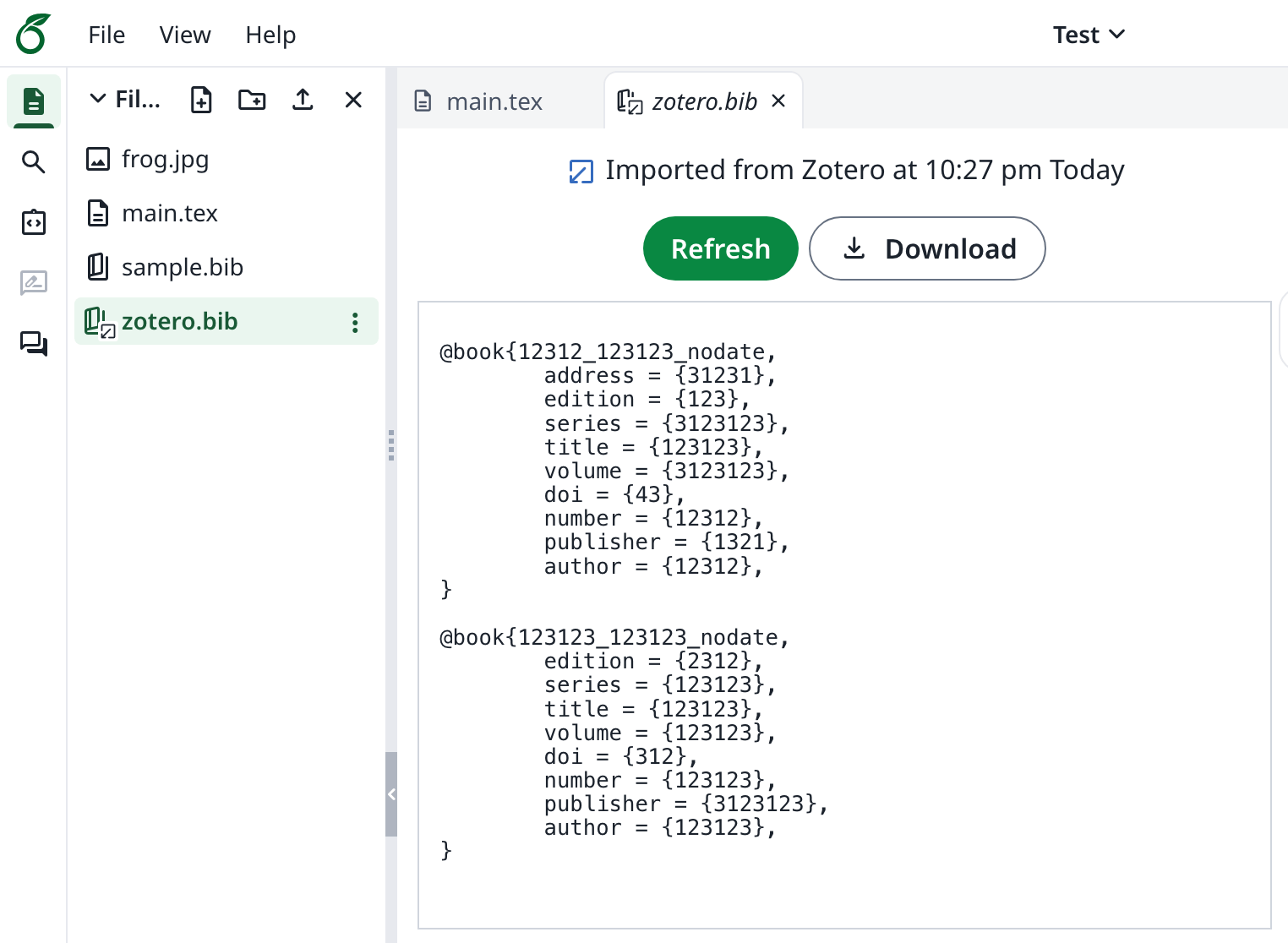
Setup Zotero Integration
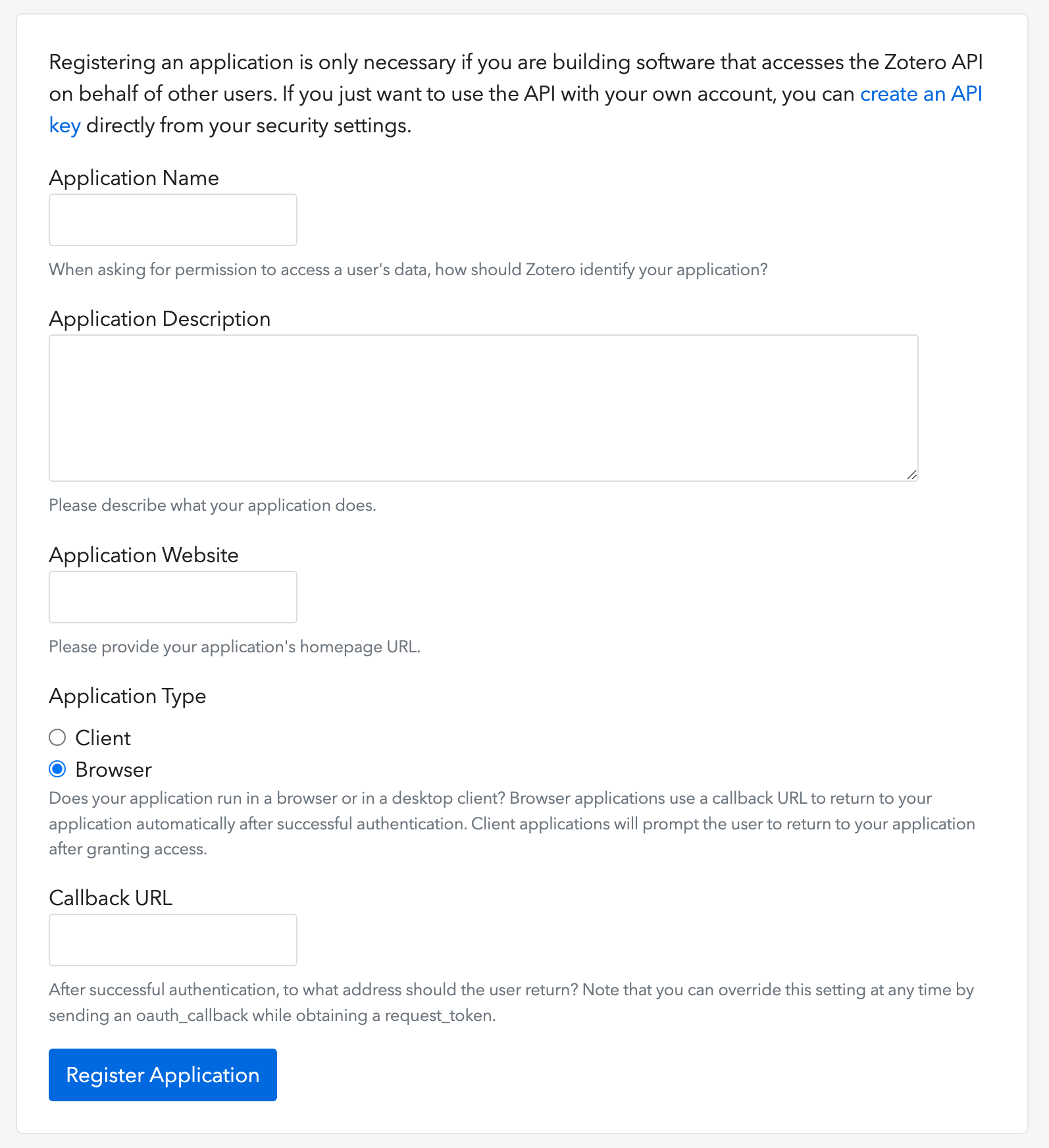
- Open this link to create a Zotero OAuth client (as image shows)
- Choose Application Type: Browser
- Setup Callback URL with your
${OVERLEAF_SITE_URL}/user/zotero/oauth/callback - Configure your
config/variables.env
config/variables.env
Notes
Since Ayakaleaf is a collaborative platform, to improve security, starting with version 6.3.0, only the original creator of a Reference
bib file will be allowed to update the imported file.test.bib file in the project, linking it to their own Zotero account. If another user, User B, accesses the project through the shared link, User B will still be able to read and download test.bib, but will not be allowed to update or re-import the file from Zotero. Only User A, as the original creator of the Reference file, can perform updates. Conversely, only the original creator of the .bib file has permission to update it.