

\begin { Documents }
AyakaLeaf Pro Edition
An Online LaTeX Editor enhanced with all Overleaf Pro features
(including AI, open source, free to use, self-hostable).
Write like a rocket scientist with Ayakaleaf Pro
— unlock all Features, an on-Premise solution that anyone can use.
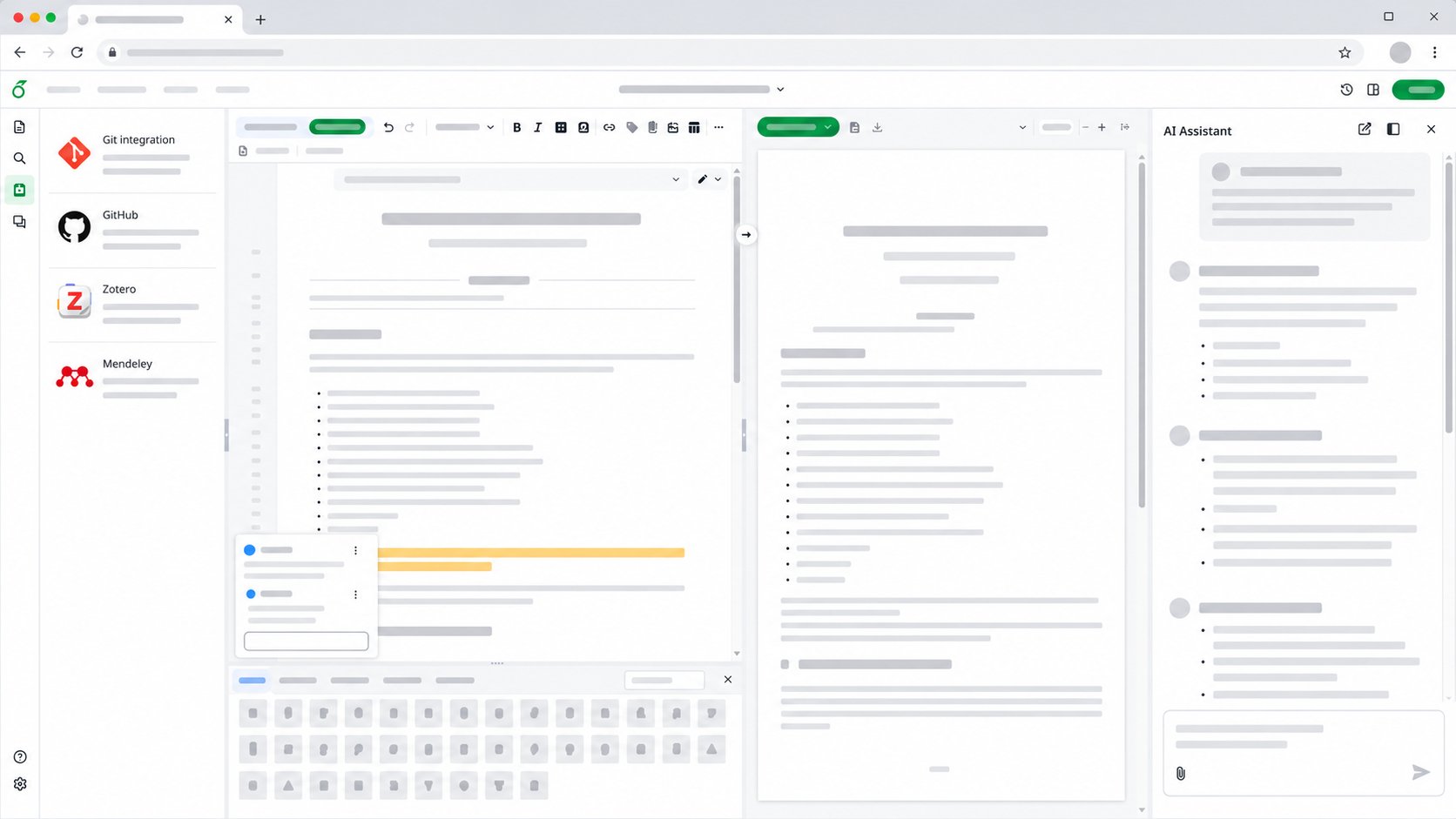
Comparison
| Feature | Overleaf Community | Overleaf Server Pro | Ayakaleaf Pro (ours) |
|---|---|---|---|
| Powerful LaTeX editor | ✓ | ✓ | ✓ |
| Full project history | ✓ | ✓ | ✓ |
| Commenting | X | ✓ | ✓ |
| Real-time track changes | X | ✓ | ✓ |
| Easy internal collaboration | X | ✓ | ✓ |
| Private template management system | X | ✓ | ✓ |
| Git integration | X | ✓ | ✓ |
| Symbol Palette | X | ✓ | ✓ |
| Admin Panel | X | ✓ | ✓ |
| SSO integration | X | ✓ | ✓ |
| GitHub integration | X | X | ✓ |
| Zotero integration | X | X | ✓ |
| Mendeley integration | X | X | ✓ |
| Advanced Reference Search | X | X | ✓ |
| Pandoc Import/Export | X | X | ✓ |
| Python Script Runner | X | X | ✓ |
| AI Error Assistant | X | X | ✓ |
| AI Chat Assistant | X | X | ✓ |
| Price | Free | Per user/year pricing | Permanent Free |
Features
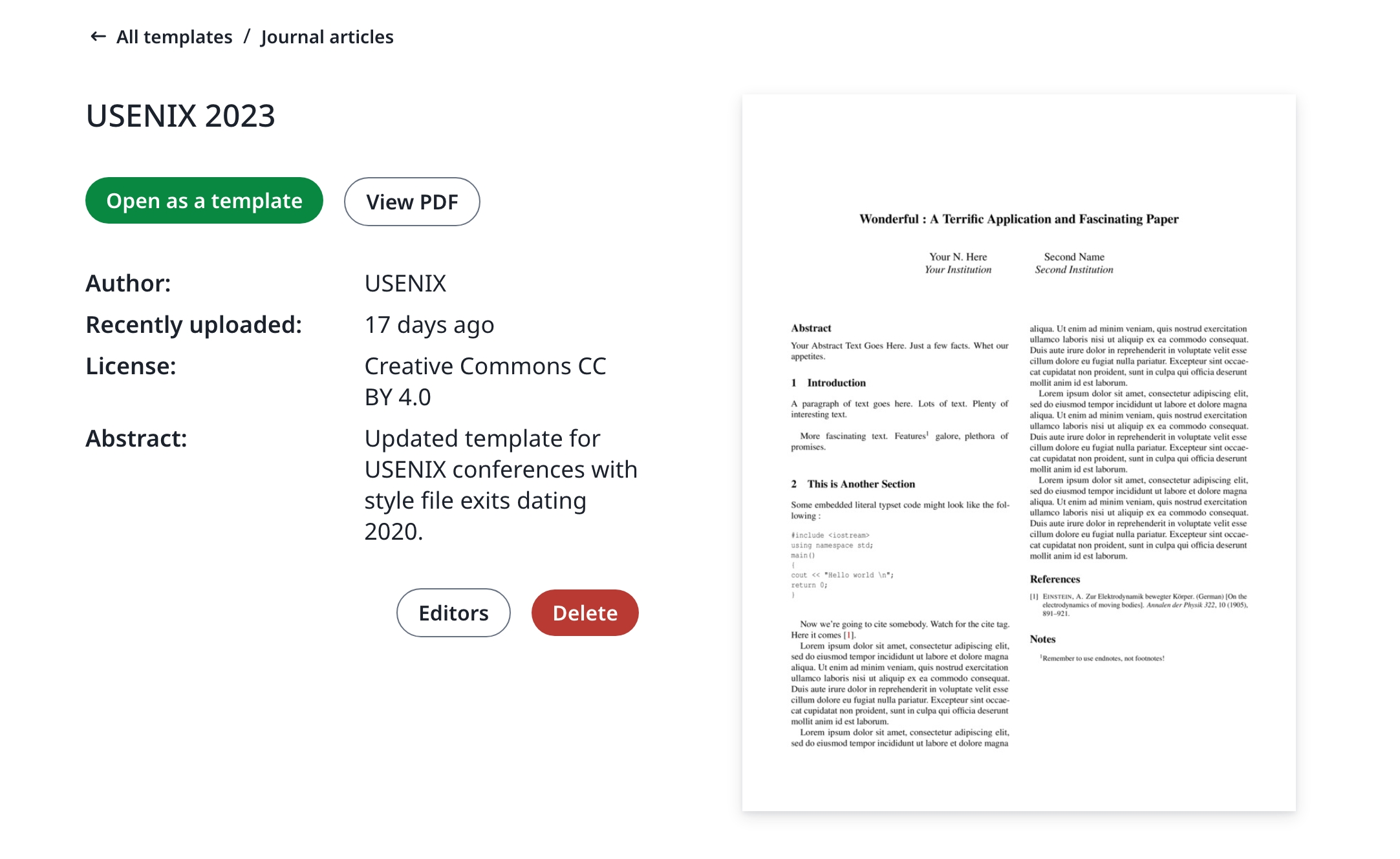
Template System
Publish your template to your members.
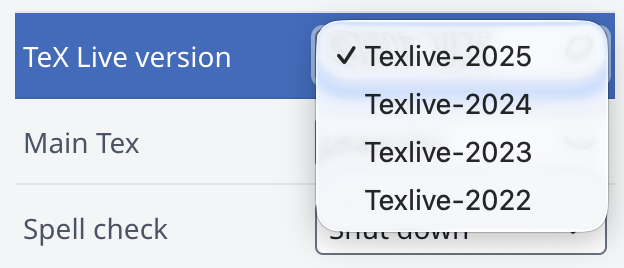
Sandbox Compile
Compile your project in Docker with isolation and any TeXLive version.
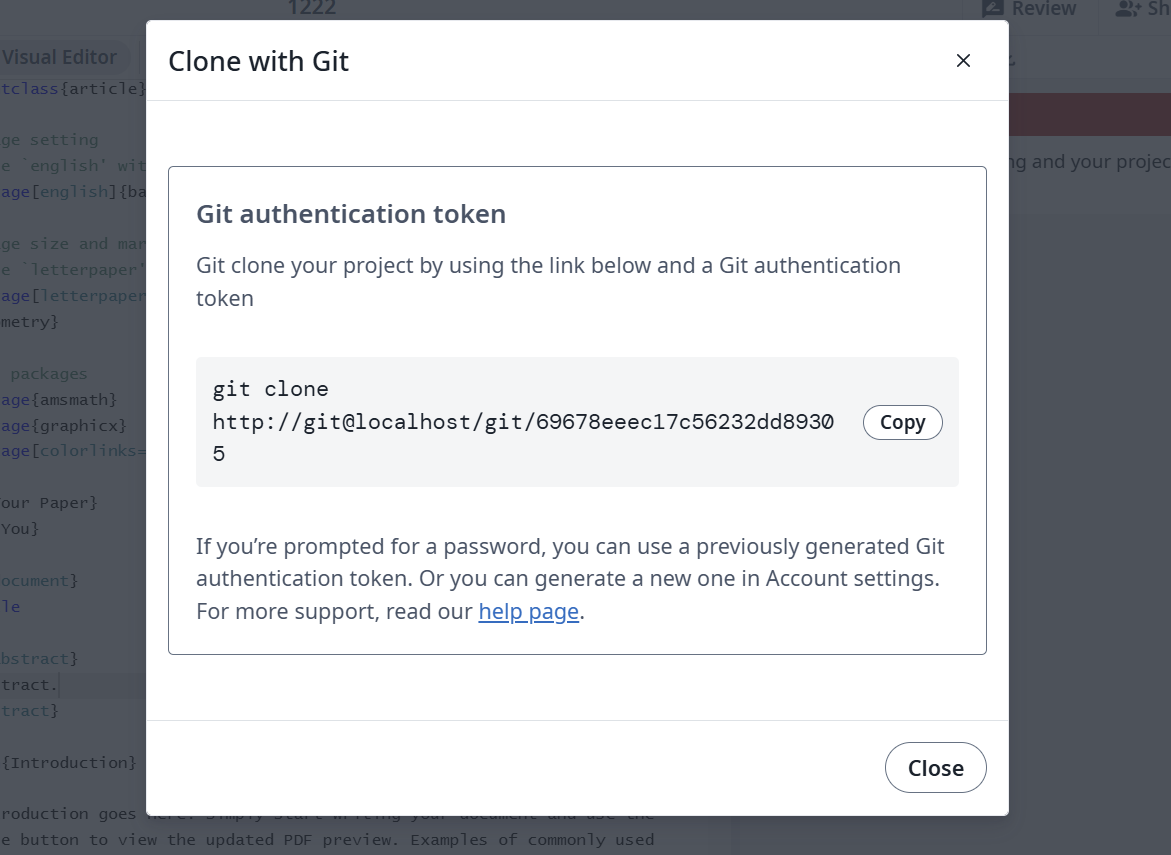
Git Intergration
Synchronized your project with GitHub or GitLab.
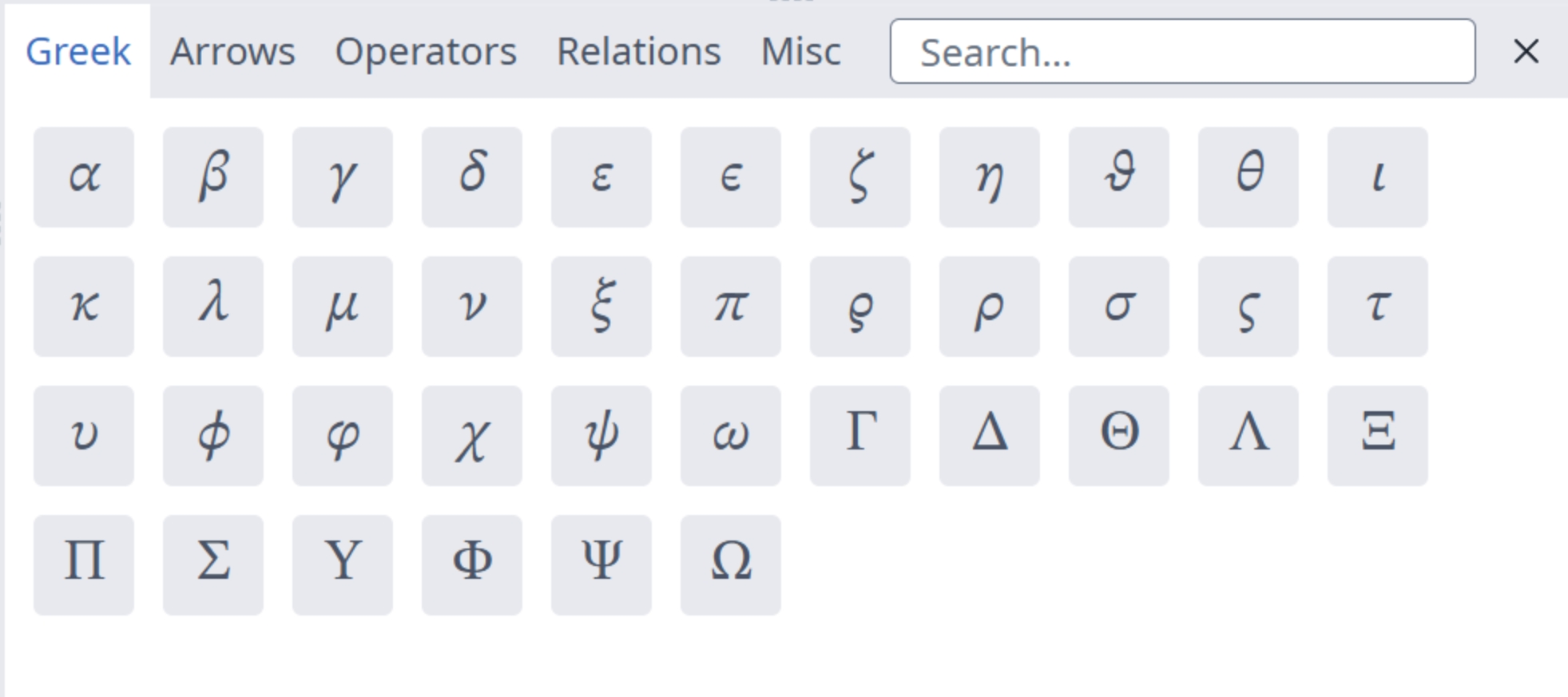
Symbol Palette
Input your LaTeX symbol easily and more quickly.
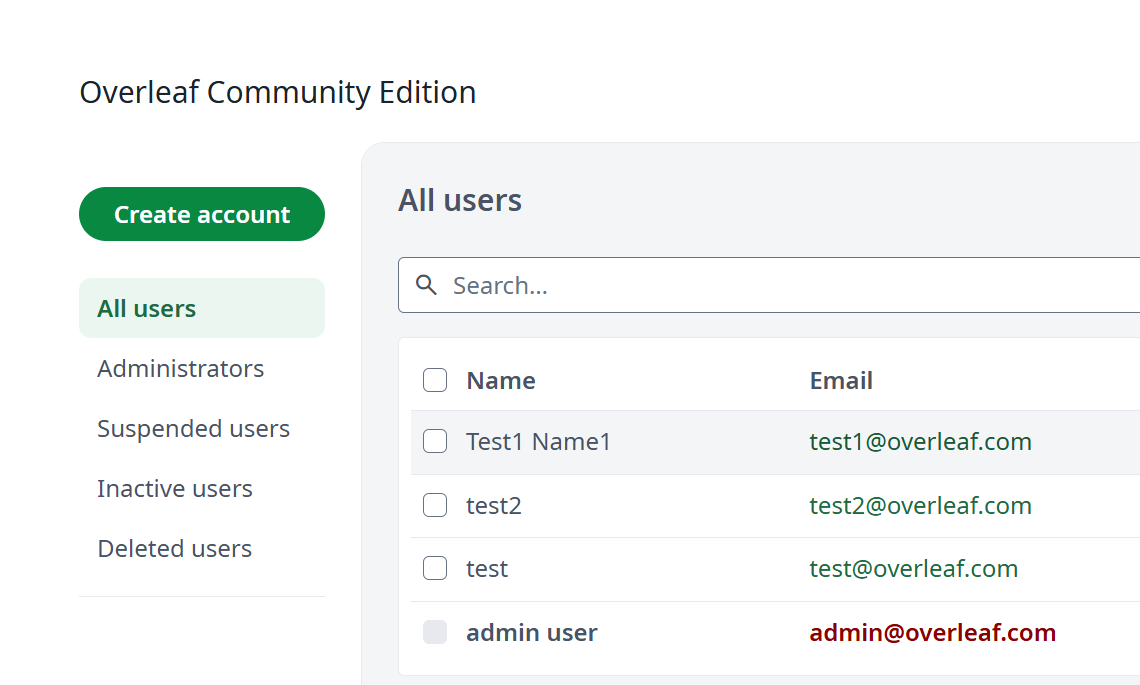
User Management
Manage your team and users with admin panel.
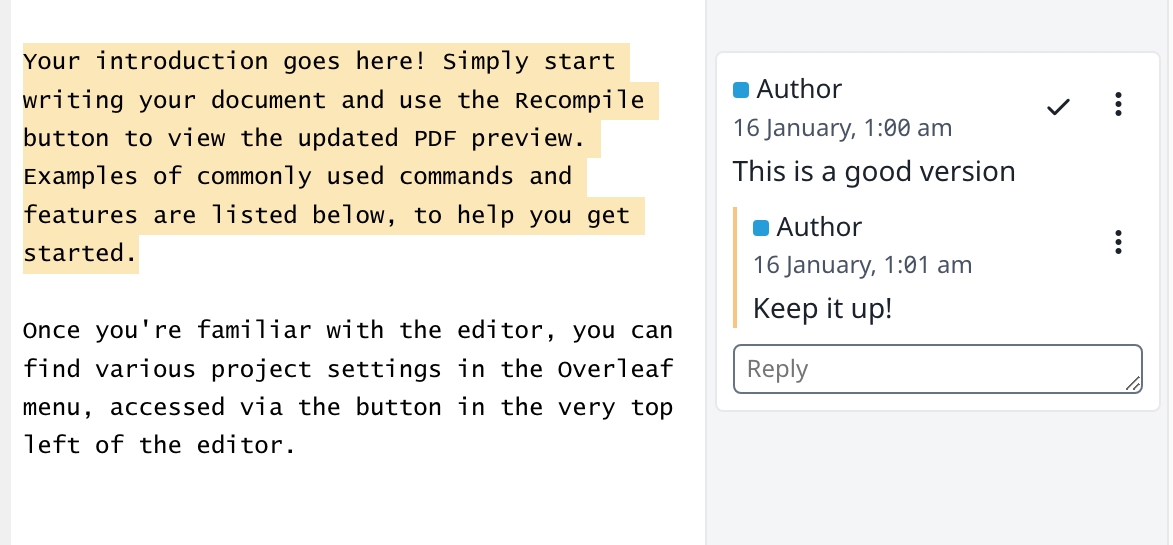
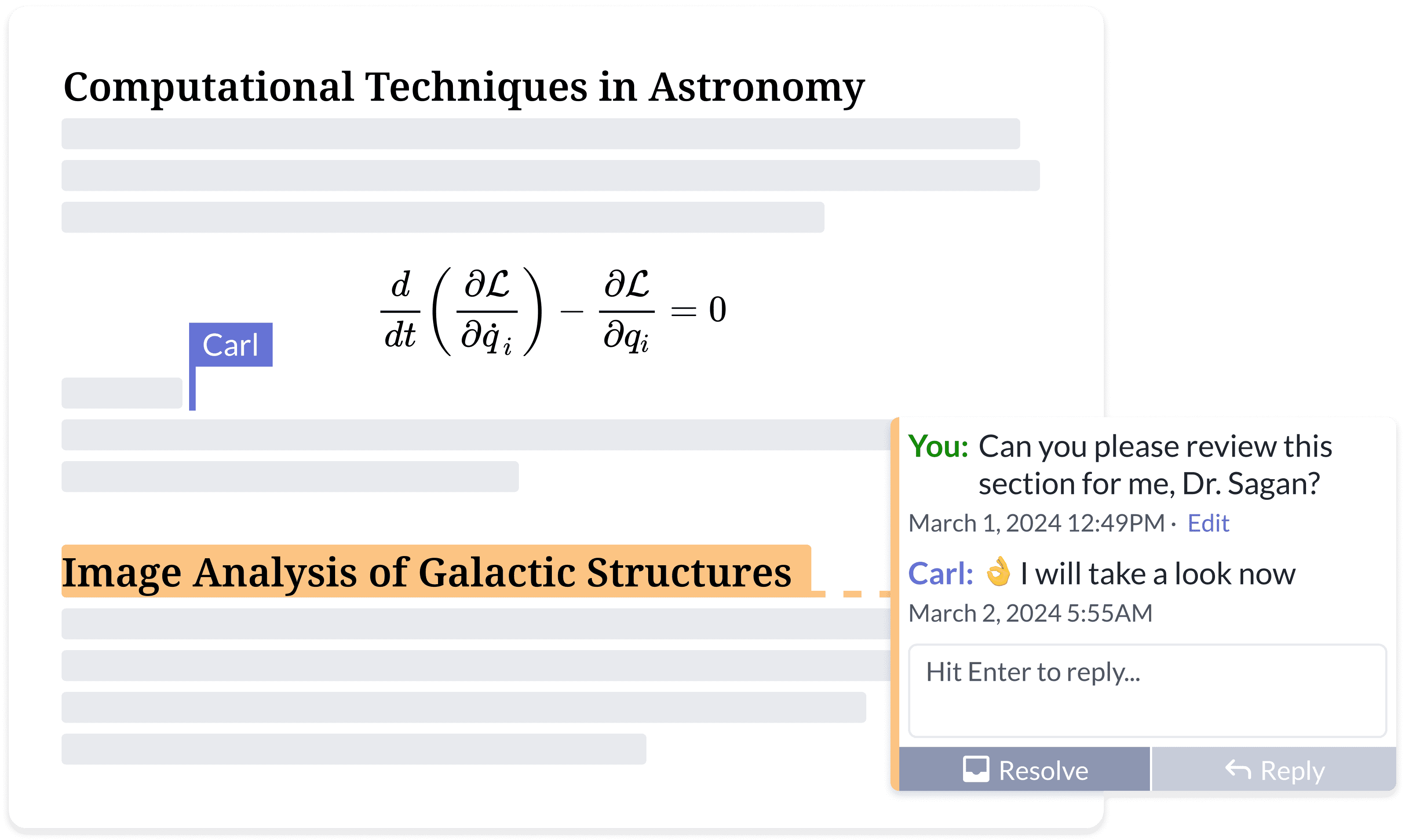
Review Panel
Discuss with your instructor and comments on your thesis.
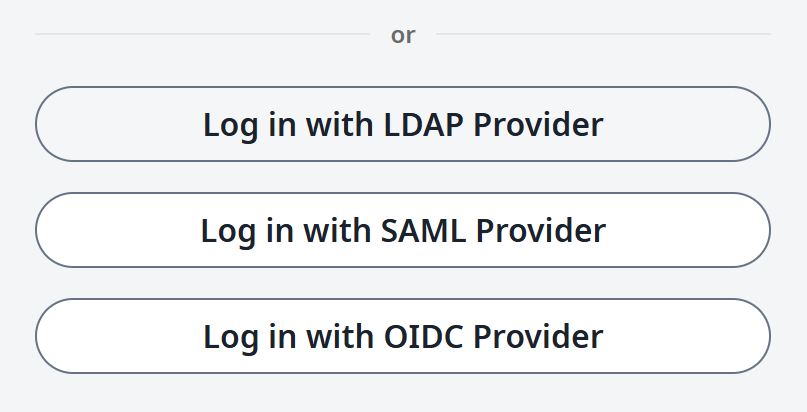
SSO Support
Connect with OAuth SAML or LDAP provider.
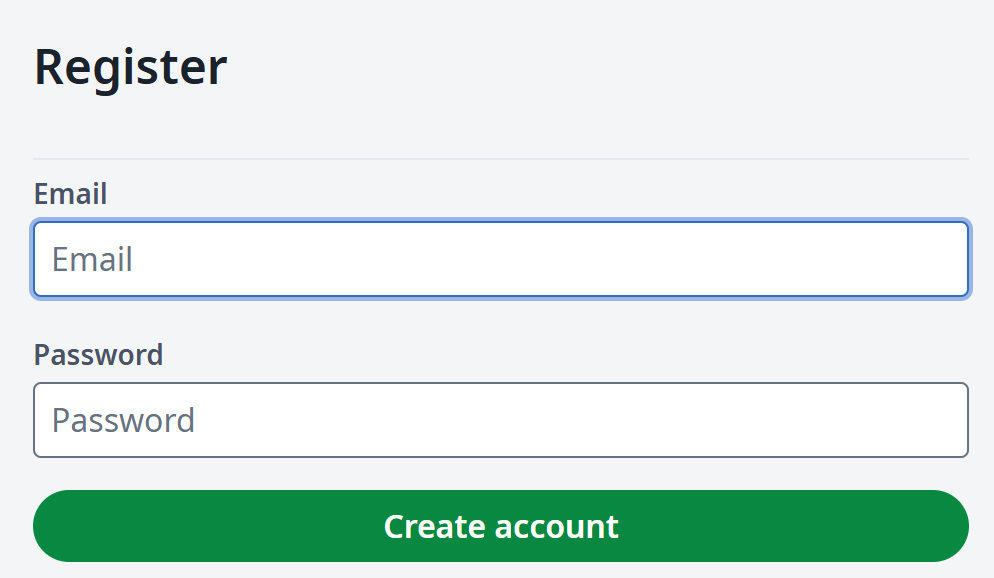
Self Register
Regiser quickly with email and password.
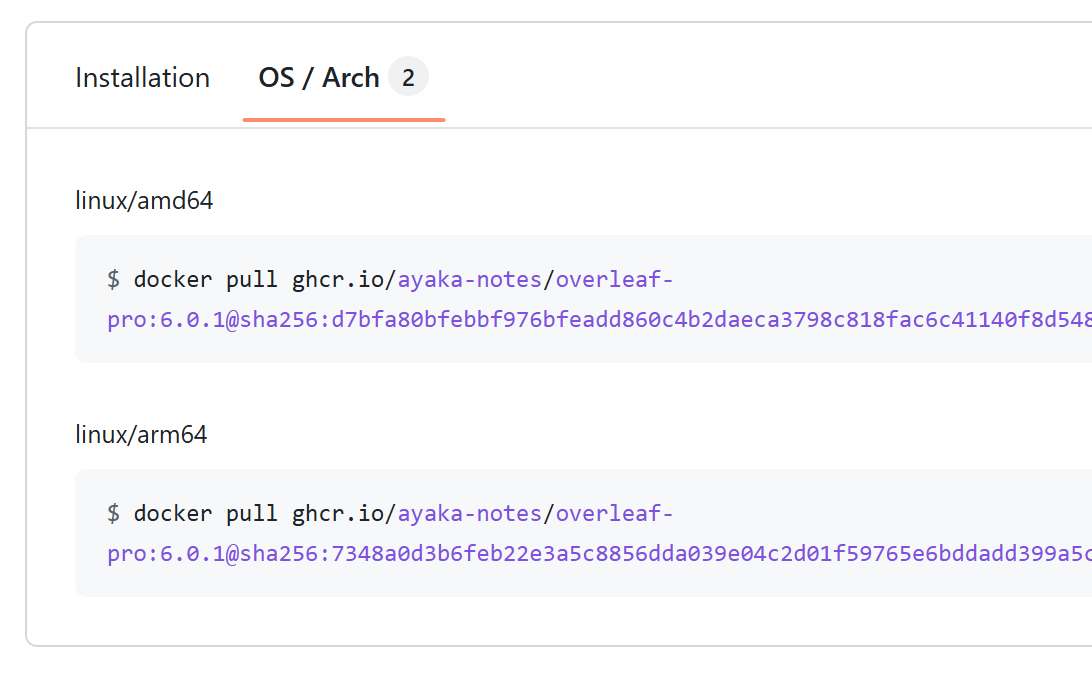
ARM Supported
Run your overleaf with Mac mini or arm server.
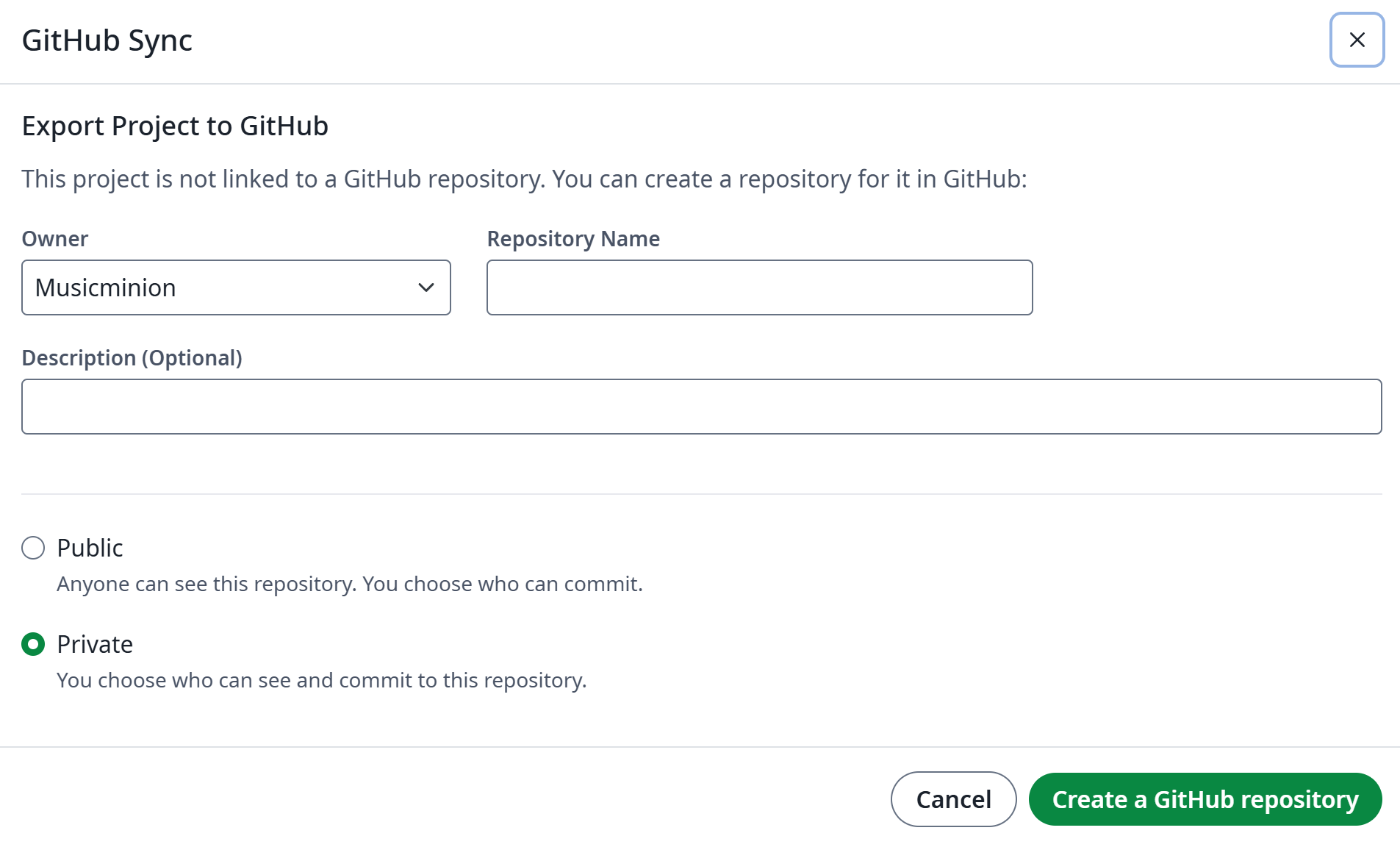
GitHub 2-way Sync
Connect your project with GitHub repository.
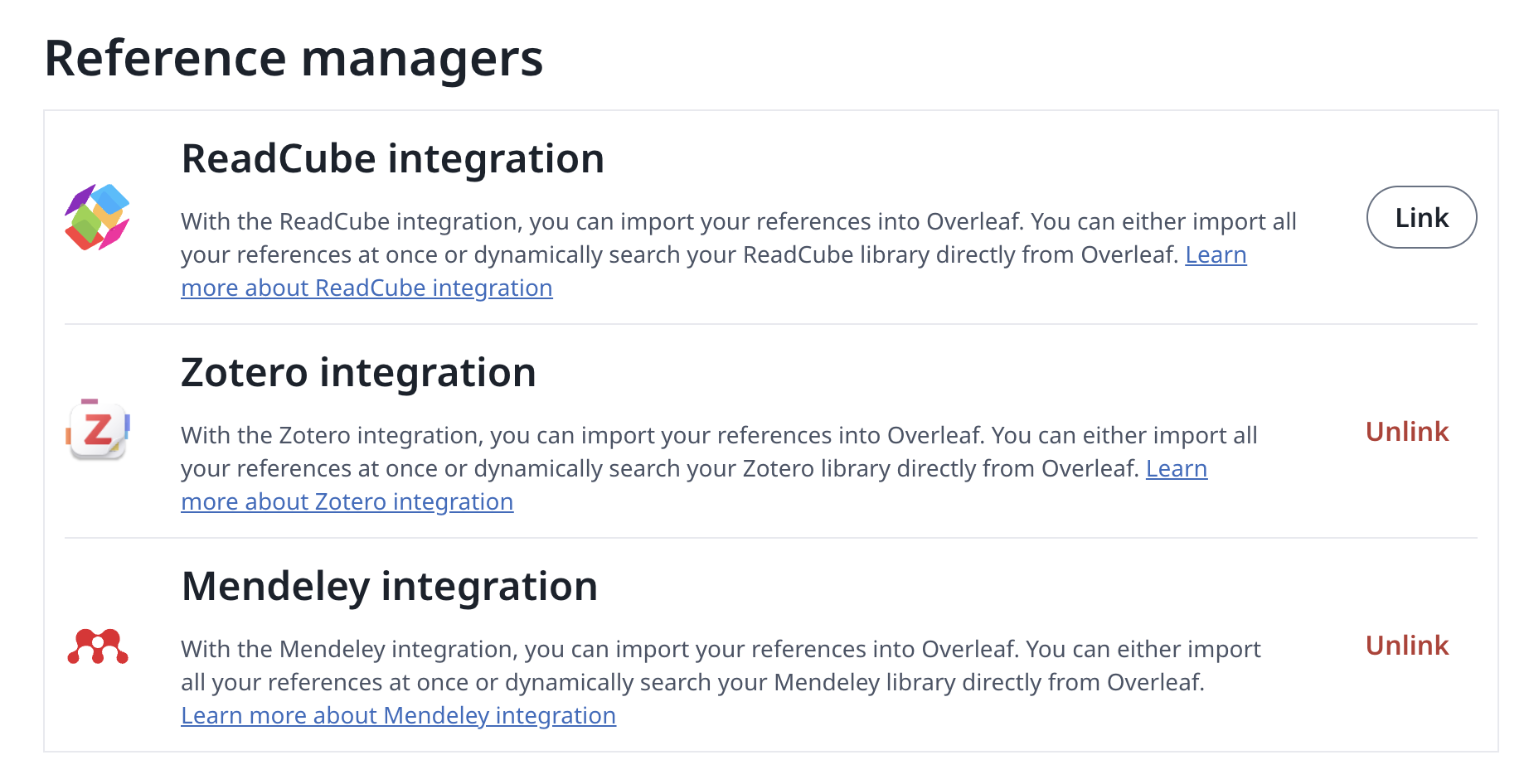
Reference Management
Connect your project with Zotero/Mendeley.
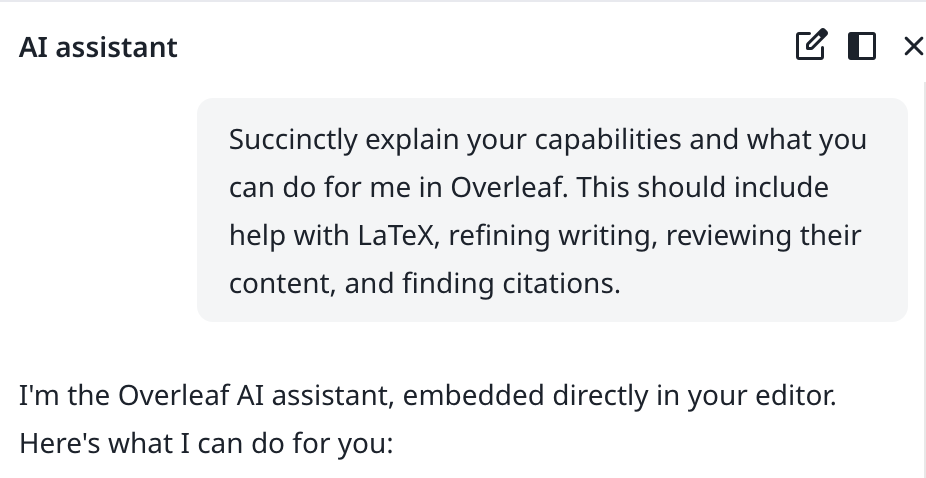
AI Assistant
Write your thesis with the help of leading AI models
Enjoy AI Editor
- Chat with AI agent
- Reprase with ChatGPT or any LLM
- Available Soon…
Get On Premises in 5 minutes
Setting up your own Ayakaleaf Pro and your online environment with your server immediately!You don’t need any skill with Linux or server management.Start Deploy Manuel
init.sh
Enjoy Online Editor
No downloads, no setup, and no need to know before you start.- Visual Editor and Code Editor
- Thousands of free templates
- Detailed guidance and LaTeX learning
- Stellar support from real-life TeXperts
Write your best work, together
Say goodbye to endless rounds of email feedback.- Access from anywhere, on any device
- Document sharing
- Simultaneous editing and commenting
- Real-time track changes
- Project history and version control

Read more about developer document by community.
There aren’t manydeveloper resources available online. Here you can find the most of Ayakaleaf’s architecture and developer tools, also some debug skills.Live in Docker build by @Ayaka-Notes
Overleaf uses Docker containers to compile your projects. Your project is compiled in an isolated Docker sandbox, ensuring absolute security.Therefore, we provide a Live image (from 2019 to latest) that allows for free switching between versions, including all fonts and packages. TeXLive Full Imagemain.tex
Ayakaleaf Pro is not affiliated with Overleaf, Inc. or its parent company, Digital Science. It is also not Server Pro Edition, which is a commercial product offered by Overleaf, Inc. Ayakaleaf Pro is an independent project developed and maintained by the ayaka-notes.