

- #project-access: let guests open a shared project link without logging in
- #page-access: let signed-out visitors browse pages such as
/learn,/templatesand/devs - #public-registration: let users sign up themselves, optionally with an activation email and limited to email domains
Project Access
By default, even if a user obtains a project sharing link, they must log in before they can join a collaborative project editing session.
config/variables.env
OVERLEAF_ALLOW_ANONYMOUS_READ_AND_WRITE_SHARING enables anonymous read/write on link-shared projects.
OVERLEAF_ALLOW_PUBLIC_ACCESS prevents non-authenticated users being redirected to the login page.
For read-only access only, set OVERLEAF_ALLOW_PUBLIC_ACCESS=true alone: guests can then open view links (/read/...) without logging in, while edit links still ask them to log in.
Recreate containers with bin/up. Then open a link-sharing URL in a private window.
Page Access
By default (OVERLEAF_ALLOW_PUBLIC_ACCESS not set), every page except the login and registration pages redirects signed-out visitors to the login page. This includes pages that are meant to be public, so links to them only work for users who are already logged in.
With OVERLEAF_ALLOW_PUBLIC_ACCESS=true, signed-out visitors can open:
It also lets the #signed-out-visitors keep a form submission from a signed-out visitor until they have logged in.
The project list, the editor and creating projects (also from a template or through the Import API) still require a login.
Public Registration
Public registration is only available in ayaka-notes/ayakaleaf-pro.Please note that once you enable public registration, anyone with access to your Overleaf instance can register as a user.With
true, the registration process does not verify email addresses, so please only use it on an intranet or in a trusted environment, or use registration with an activation email instead.On an instance with OIDC, do not use true: anyone could sign up with a colleague’s email before the colleague’s first OIDC login, which would link the colleague to that account. Use registration with an activation email or no public registration, see Accounts and passwords.config/variables.env:
config/variables.env
bin/up.
Then click Sign up or visit /register.
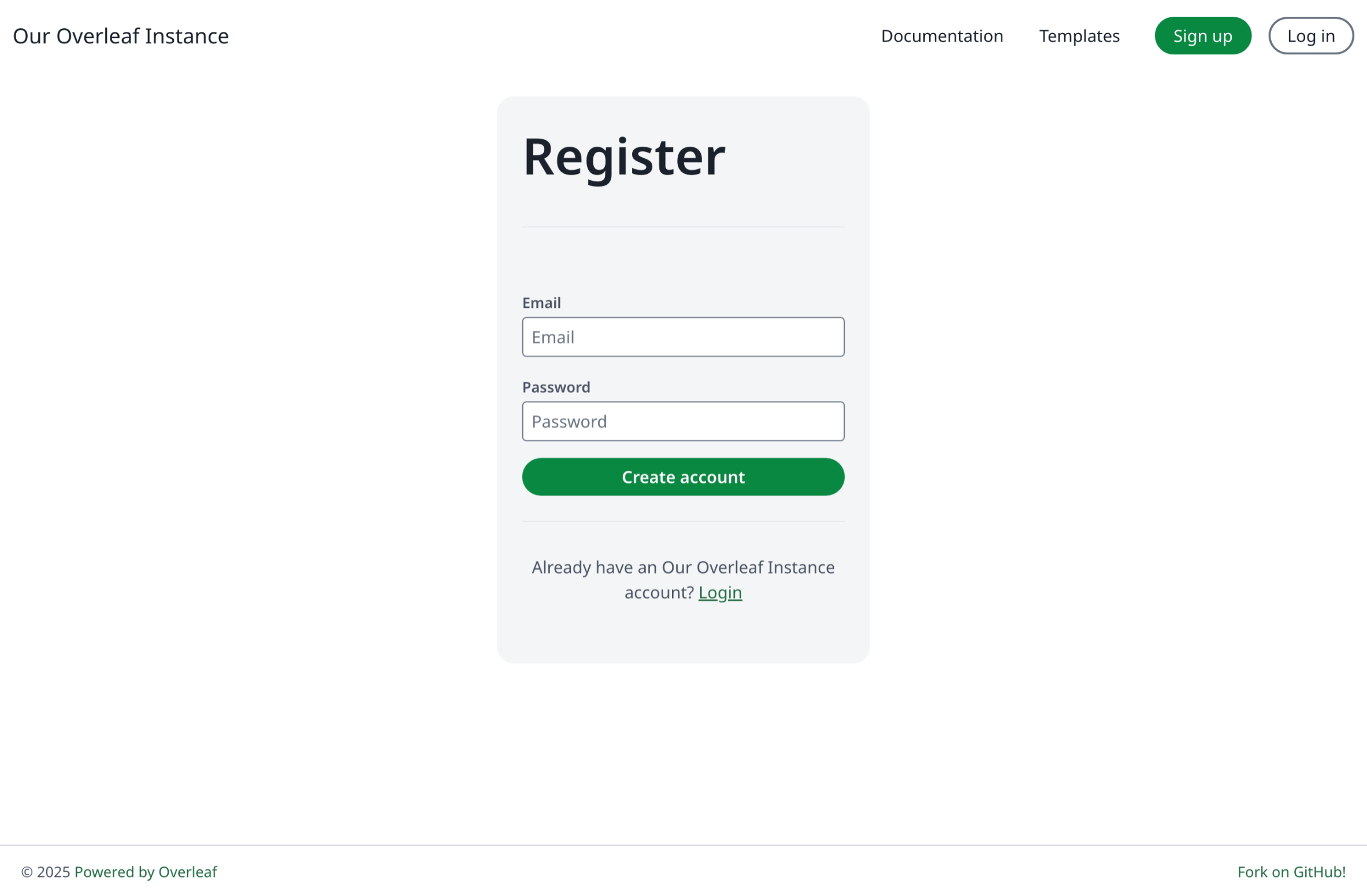
Registration With Activation Email
Registration with an activation email is only available in ayaka-notes/ayakaleaf-pro. Users sign up with their email alone and set their password through the link in the activation email, so only the owner of an address can use the account. A list of domains and wildcards needs v6.4.0 or later; earlier versions take one domain only, like@example.com.
Before enabling this, configure email delivery, otherwise users never get the activation email. See Email delivery.
Then add the following line to config/variables.env:
config/variables.env
OVERLEAF_ALLOW_PUBLIC_REGISTRATION can be set to:
Domains are matched case-insensitively. To allow a domain and its subdomains, list both:
@example.org,@*.example.org.
Q&A
What can a signed-out editor do with comments?
What can a signed-out editor do with comments?
Answer: A signed-out user who opens a project through its edit link gets the same access as an editor, except for actions that record who did them:
The review panel still shows the Resolve button to them, but resolving fails with an error message.Users who open a project through its view link see no comments at all, see Roles and permissions.
Can I add users and invite collaborators without email, or with an invitation code?
Can I add users and invite collaborators without email, or with an invitation code?
Answer: There are no invitation codes, but users can be added without email. In Admin → Manage Users, click Create account. Then open the user’s Info: it shows the activation link, valid for one week, which you can copy and send to the user yourself. To share a project, invite users who already have an account: the invitation also appears on their project list, so they can accept it without the email. People without an account only get the invitation by email, so create their account first.