

OIDC Authentication
SAML Authentication
LDAP Authentication
Public Access
reCAPTCHA
Password restrictions
Global Configuration
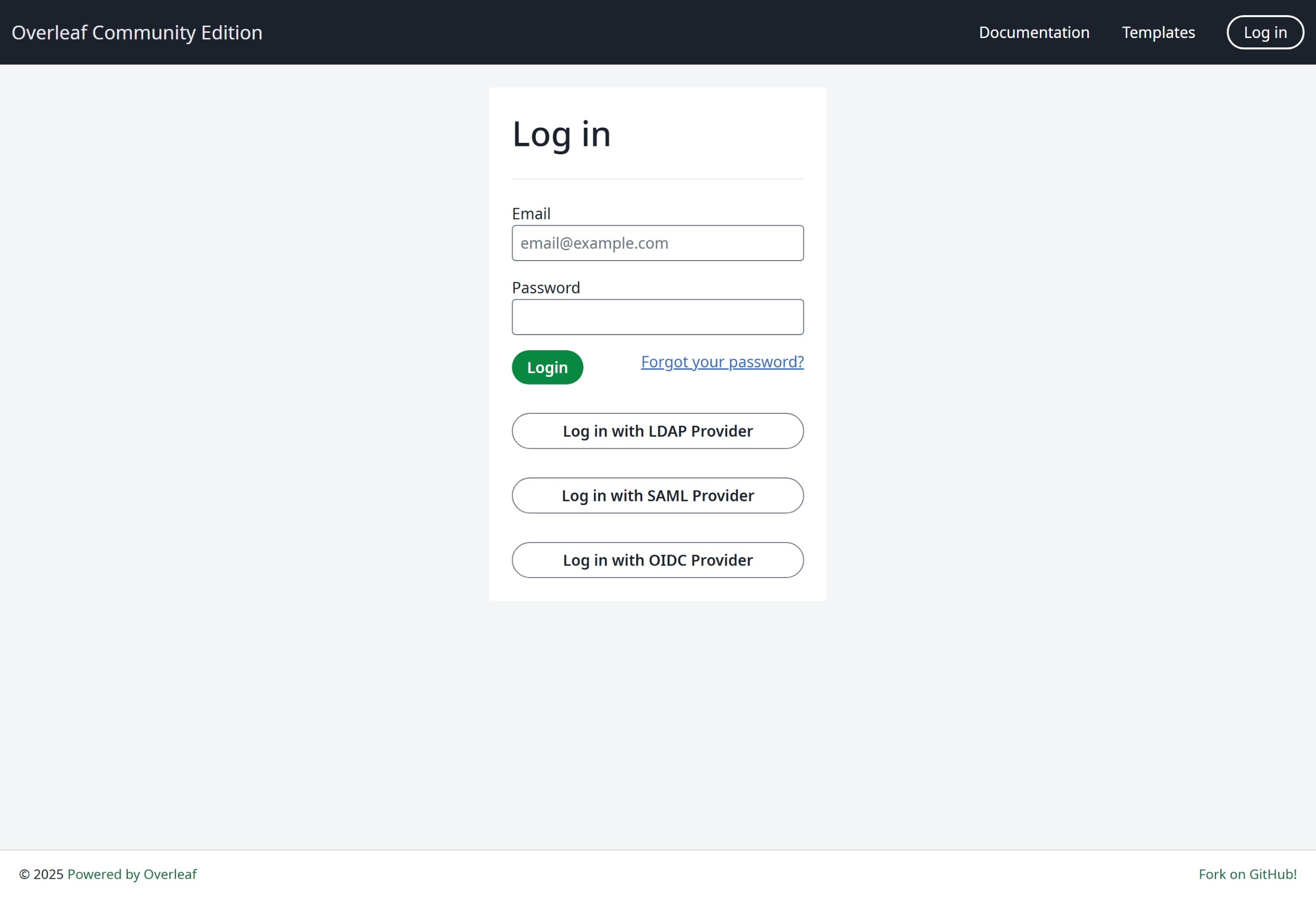
The environment variableEXTERNAL_AUTH is required to enable the specific authentication module. This environment variable specifies which external authentication methods are activated. Available options are (in lower case):
- saml
- ldap
- oidc
OVERLEAF_DISABLE_LOCAL_LOGIN=true. This hides the email and password login. It has no effect unless EXTERNAL_AUTH enables at least one method (added in 6.3.1).
Accounts and passwords
WithEXTERNAL_AUTH set, an instance can hold accounts with and without a local password. Whether an account may set or change a password depends only on that: an account with a local password manages it, an account without one logs in through SSO only and cannot get one from an admin. On an instance with OIDC as its only method it can set one itself with a reset email, unless OVERLEAF_DISABLE_LOCAL_LOGIN=true.
- LDAP and SAML take over the local account with the same email at its first login, and remove its local password at every login. With another email they create a new account and leave the local one alone.
- A first LDAP, SAML or OIDC login whose email is a secondary email of another account is refused: it does not log in to that account.
- OIDC links to an account and keeps its password, so a local account linked to OIDC can log in both ways. It is linked with Link on the settings page, or at the first OIDC login when the email matches. See OIDC Authentication for linking.
- An account an admin creates as a local account gets an activation email: activating it sets its password the same way as a reset by email.
- With several methods enabled, e.g.
EXTERNAL_AUTH=ldap saml oidc, the rules above stay the same: only the local password of the account counts, and an account without one cannot set one, also an account made by OIDC. - If your IdP closes accounts that should lose access, such as those of former staff, set
OVERLEAF_DISABLE_LOCAL_LOGIN=trueon an OIDC instance: otherwise someone who set a local password can still log in after the IdP closed the account. - The reset by email needs the email settings (
OVERLEAF_EMAIL_*). Without them no email is sent, although the page says so: an admin copies a reset link or sets the password in Admin → Manage Users instead. OVERLEAF_DISABLE_LOCAL_LOGIN=truehides the email and password login, but keeps the passwords: they work again when the login is shown again.- With
EXTERNAL_AUTHset, users cannot type a new email on the settings page, whatever the method: the first OIDC login of a user links the account that has the user’s email. Admins change emails in Admin → Manage Users. With the email settings, users add emails they confirm with a code, and can make one primary on an instance without LDAP and SAML. - On an instance with OIDC, use registration with an activation email, such as
OVERLEAF_ALLOW_PUBLIC_REGISTRATION=@<domain>or@*(the activation email proves the address), rather thantrue, or no public registration: withtrueanyone could sign up with a colleague’s email before the colleague’s first OIDC login, which would link the colleague to that account.
Q&A
Can I turn on a CAPTCHA for login or registration?
Can I turn on a CAPTCHA for login or registration?
Answer: Yes, from v6.4.0. Set
RECAPTCHA_SITE_KEY and RECAPTCHA_SECRET_KEY from a reCAPTCHA v2 invisible key, see reCAPTCHA. It covers the email and password login, the LDAP login, registration and password reset. Earlier versions have no setting for it; logins are rate limited in every version: 20 attempts per minute per IP address and 10 attempts per 2 minutes per email.