Overview
Over the years, many community developers have made significant efforts to improve the Overleaf Community Edition. They are:- https://github.com/ertuil/overleaf
- https://github.com/AllanChain/lcpu-overleaf
- https://github.com/yu-i-i/overleaf-cep/
- https://github.com/ayaka-notes/overleaf
- https://github.com/davrot/overleaf_with_admin_extension
- https://github.com/overleaf/overleaf/pull/1447 (GitHub integration)
- https://github.com/overleaf/overleaf/pull/1385 (Typst support)
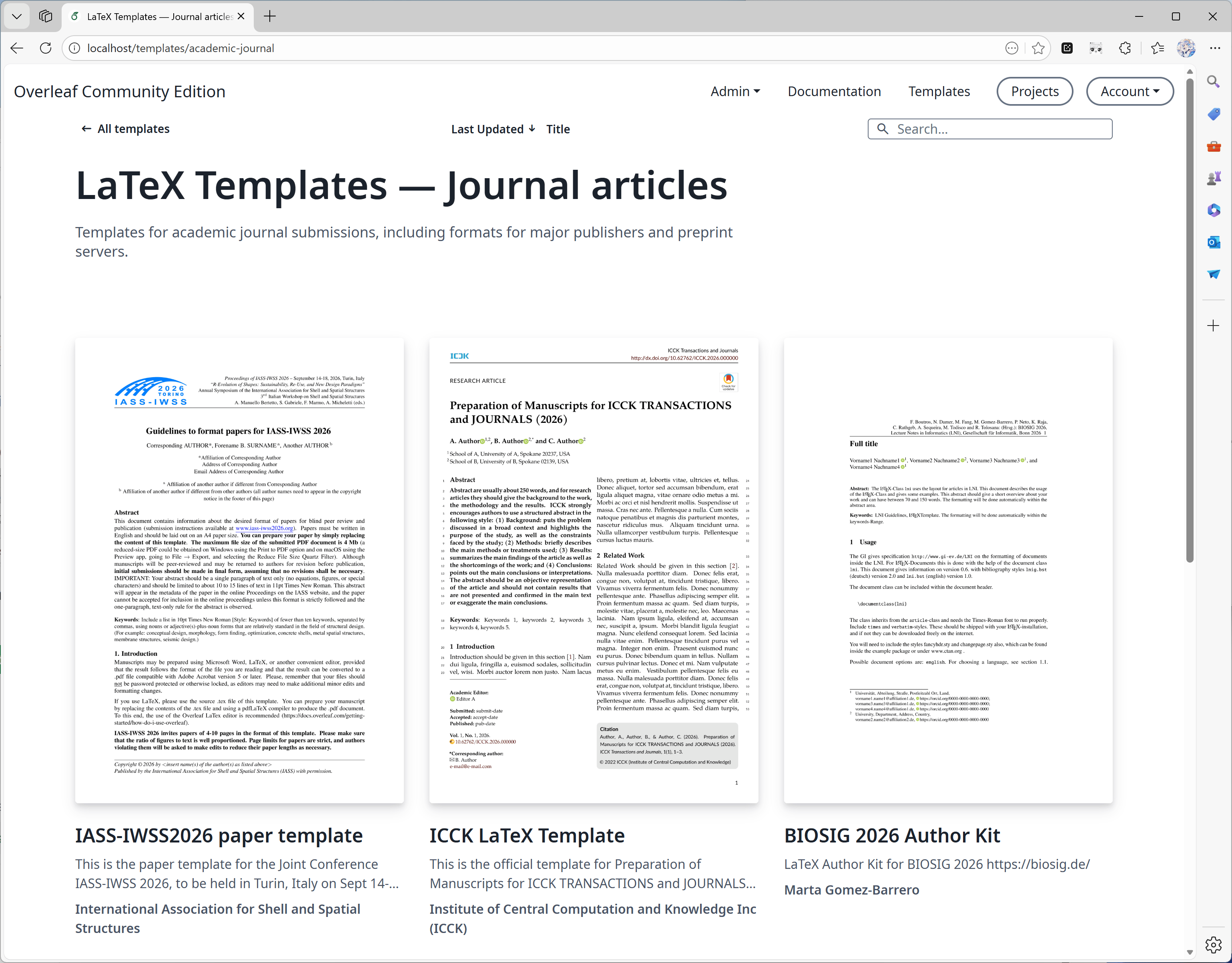
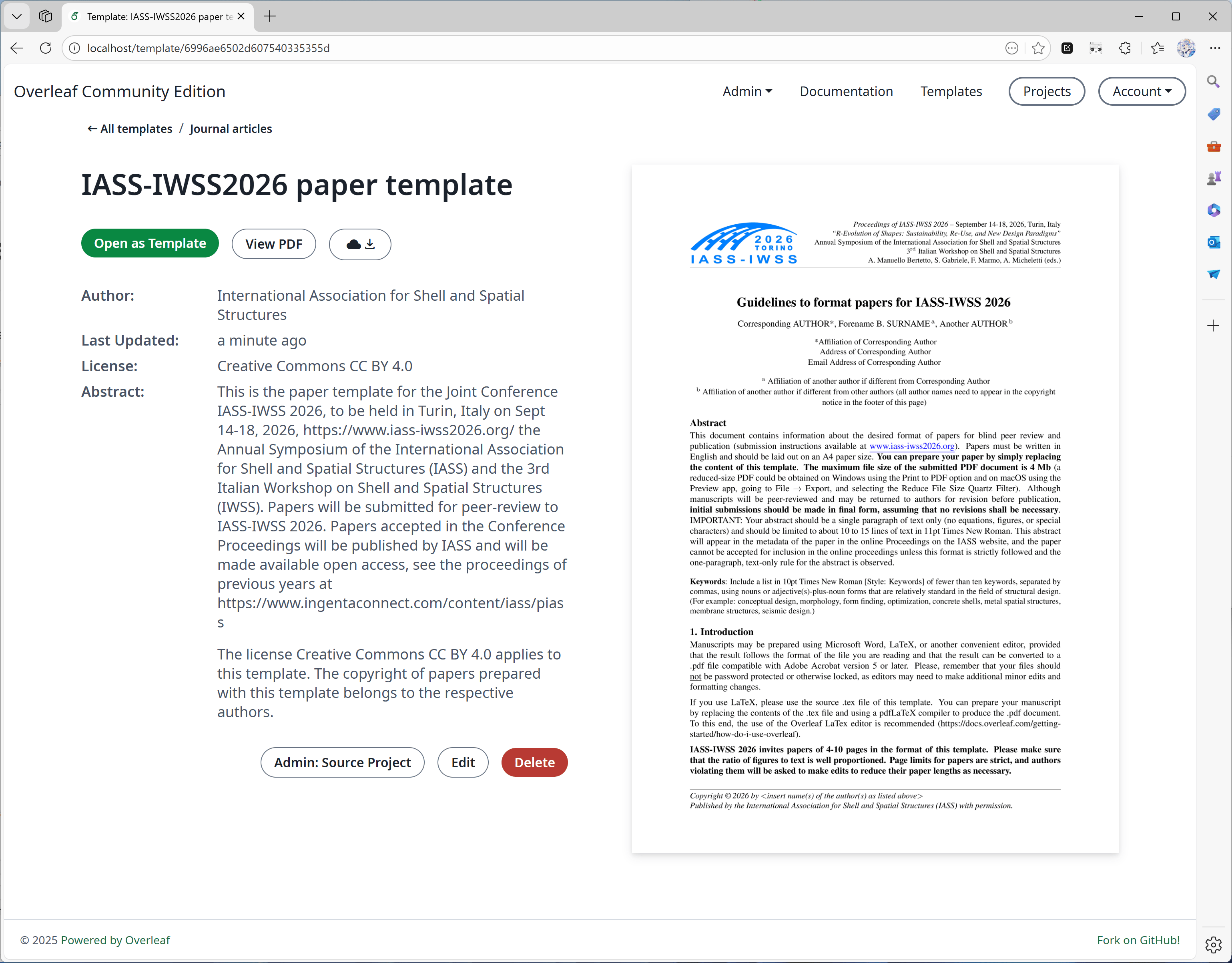
Features 01: Templates System
This feature is mainly developed by yu-i-i/overleaf-cep. We modified some code for enhancement, so that you can:- Download Templates directly on the template pages.
- Open project corresponding to the Template.
- Convert to higher quality cover images (and in a shorter time).
Features 02: Sandbox Compile
This feature is implemented by overleaf official; we added some code to enable it. We also provide a texlive-full image built specially for Ayakaleaf Pro.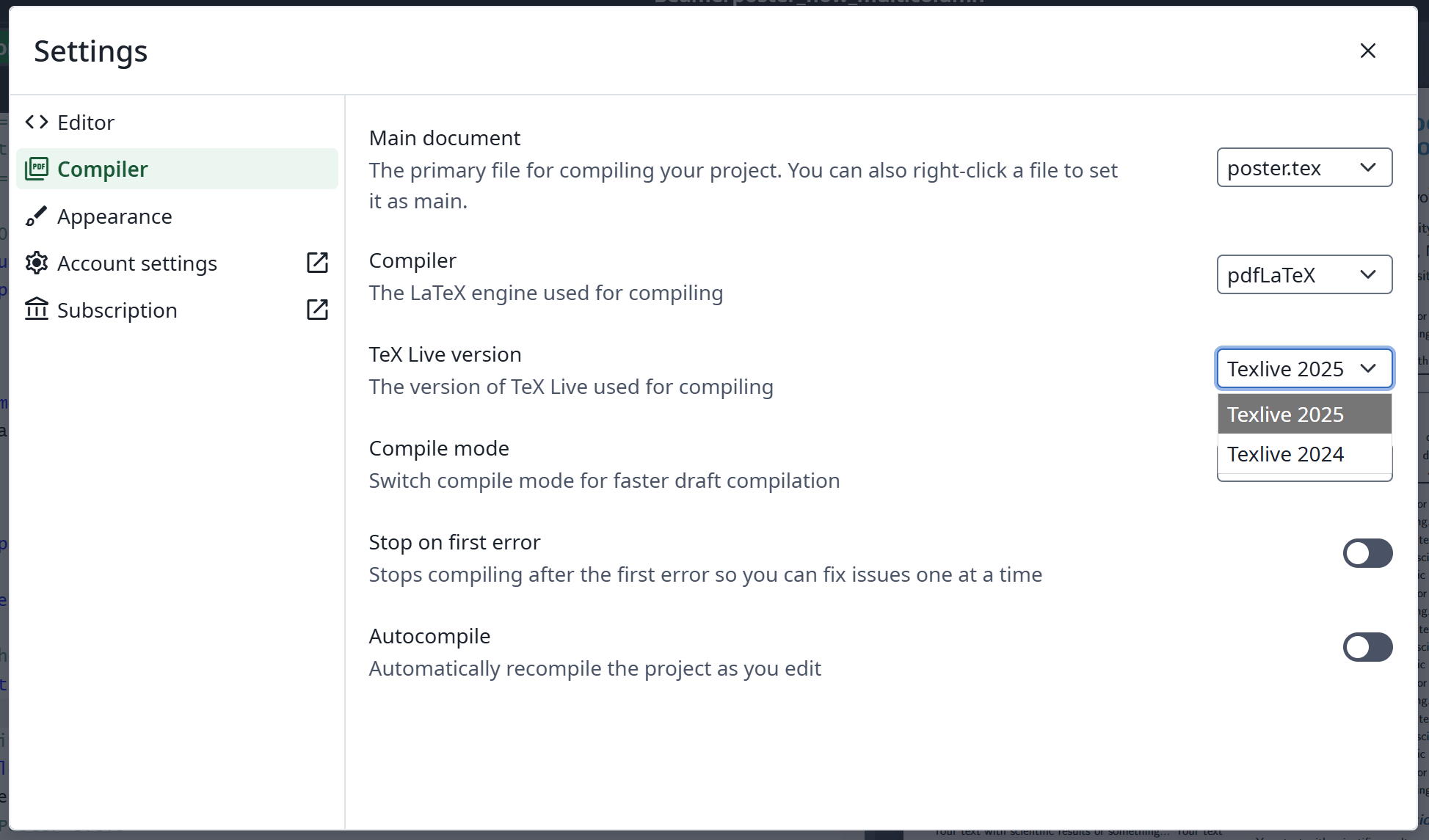
Sandbox Compile
Features 03: Git Integration
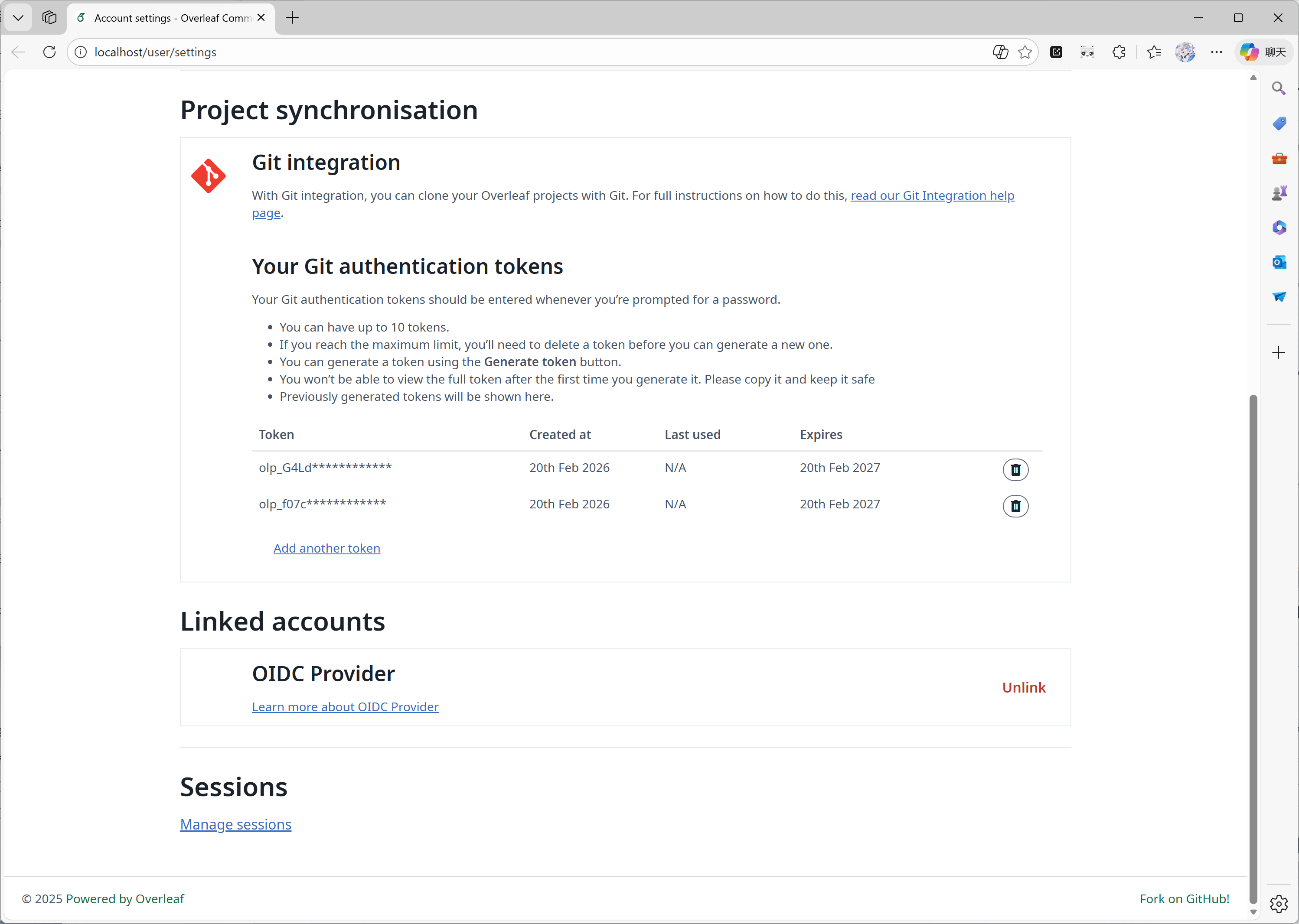
This feature is developed by ayaka-notes/ayakaleaf-pro. Overleaf provides an official component called git-bridge, it’s available at here. We just implemented a connector between git-bridge and Overleaf, which is the same as what Overleaf does on their SaaS platform.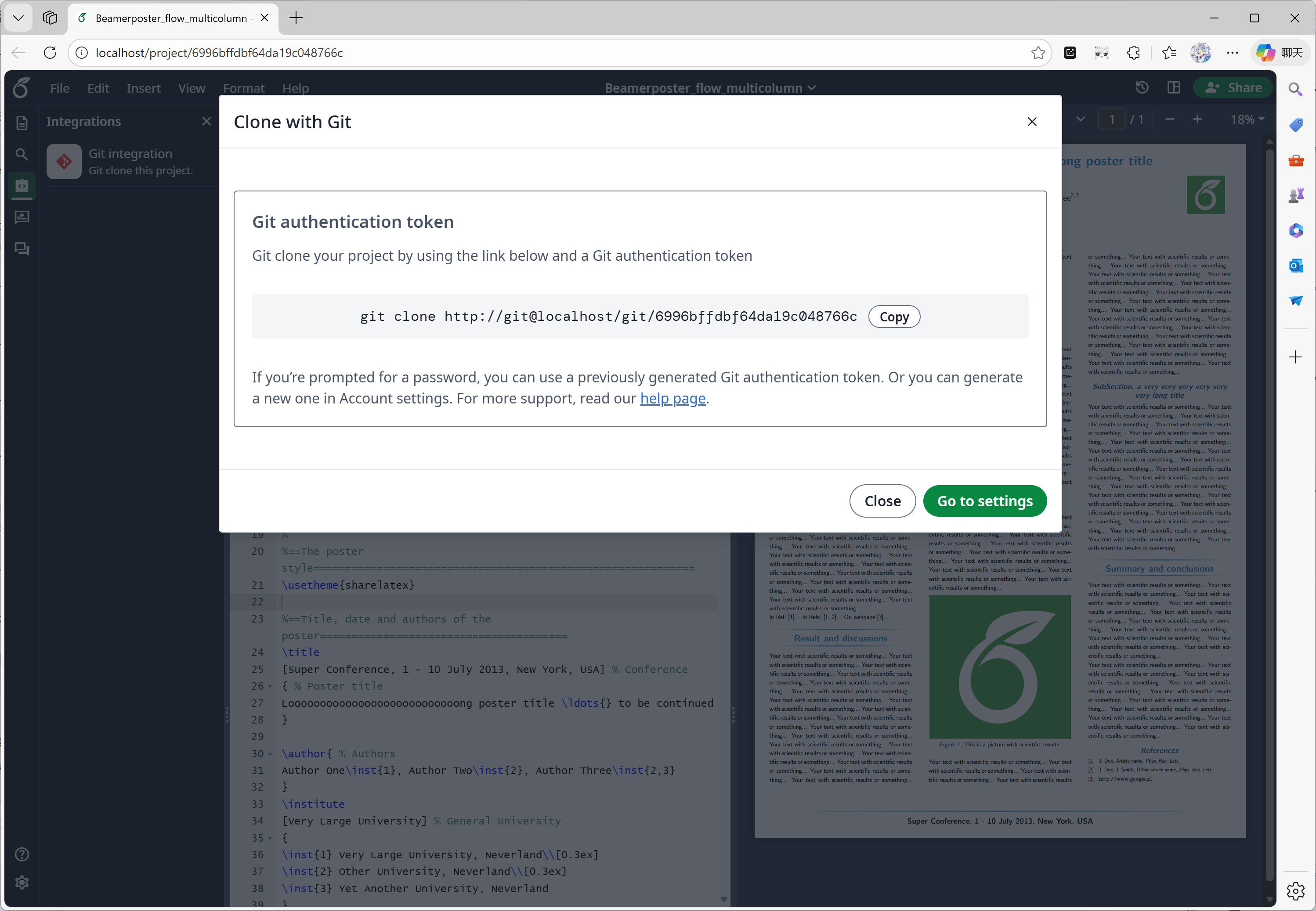
Features 04: Symbol Palette
This feature is implemented by overleaf official; we just added the missing code to align with upstream updates.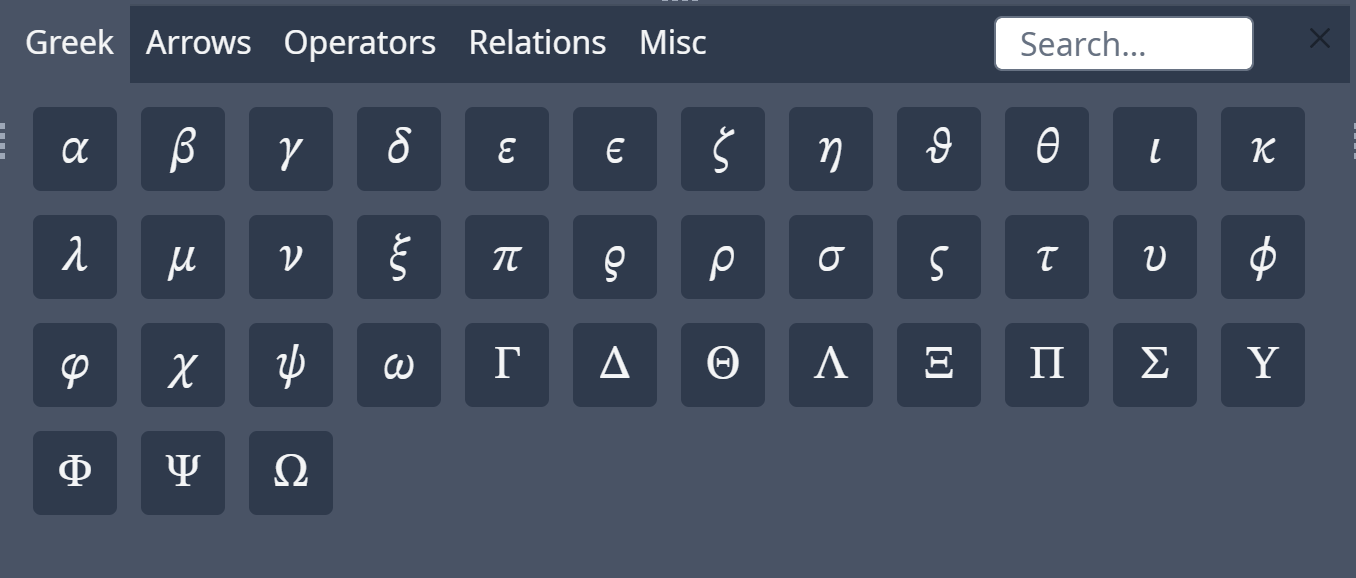
Symbol Palette
Features 05: Admin Panel
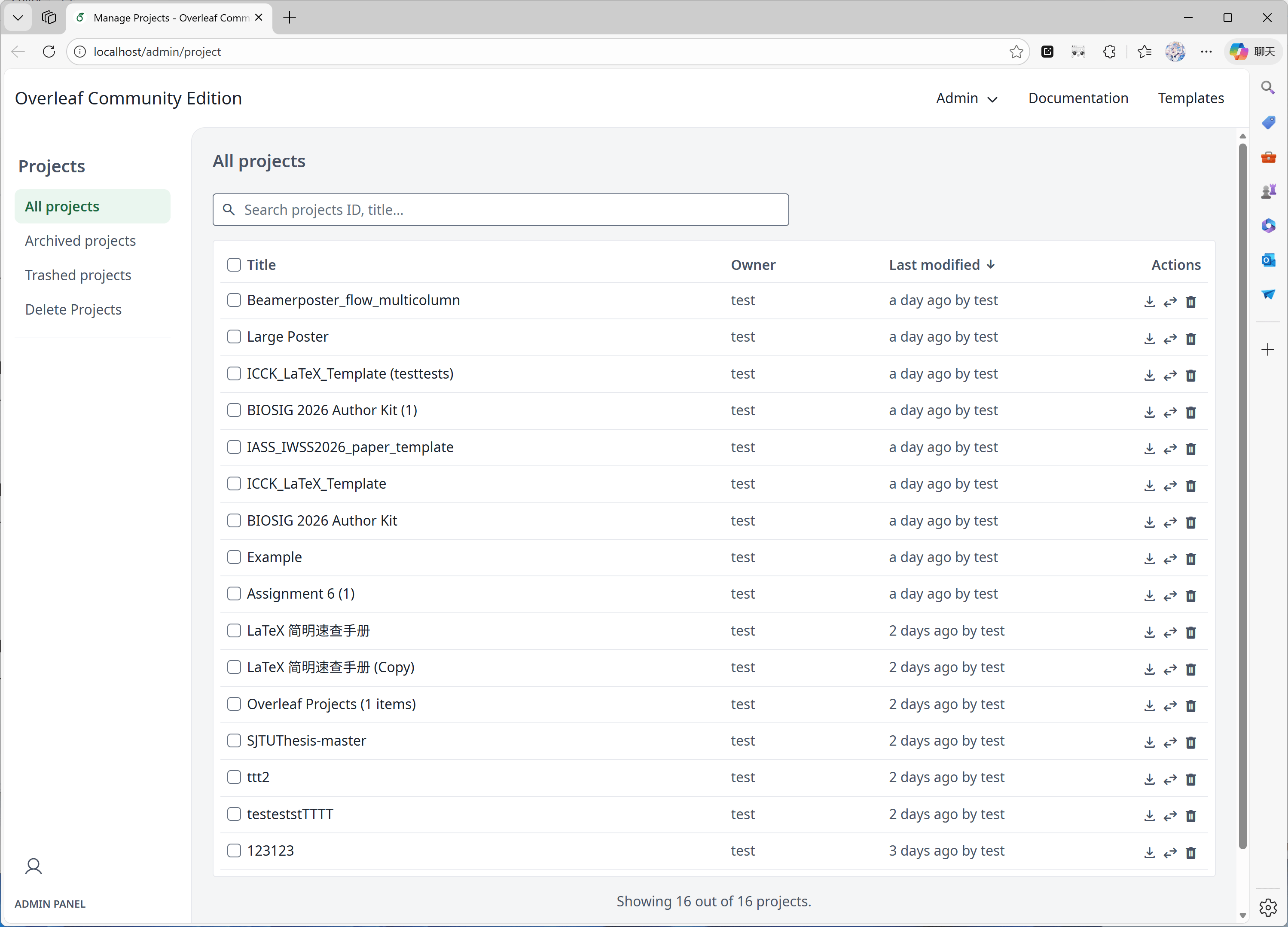
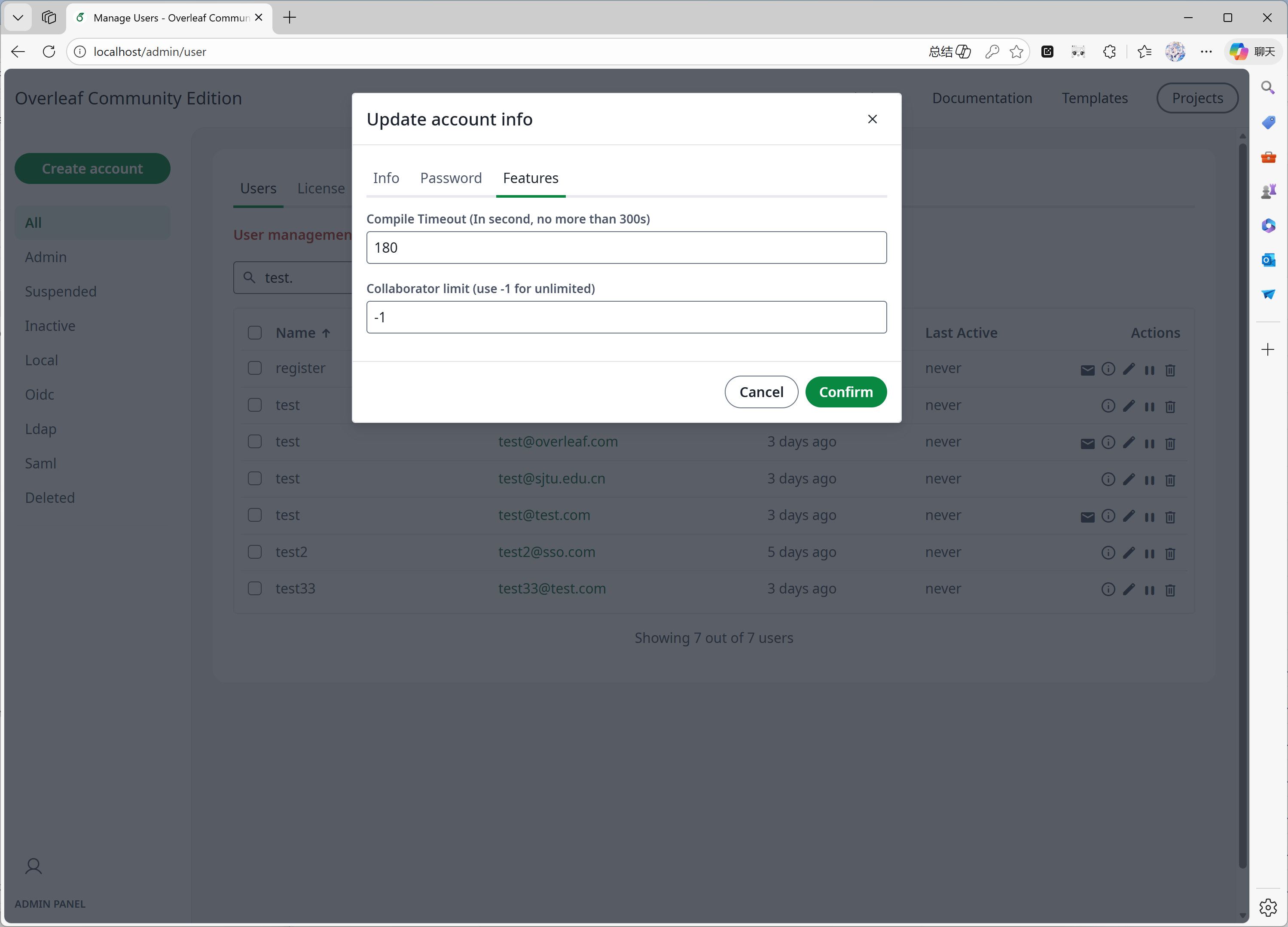
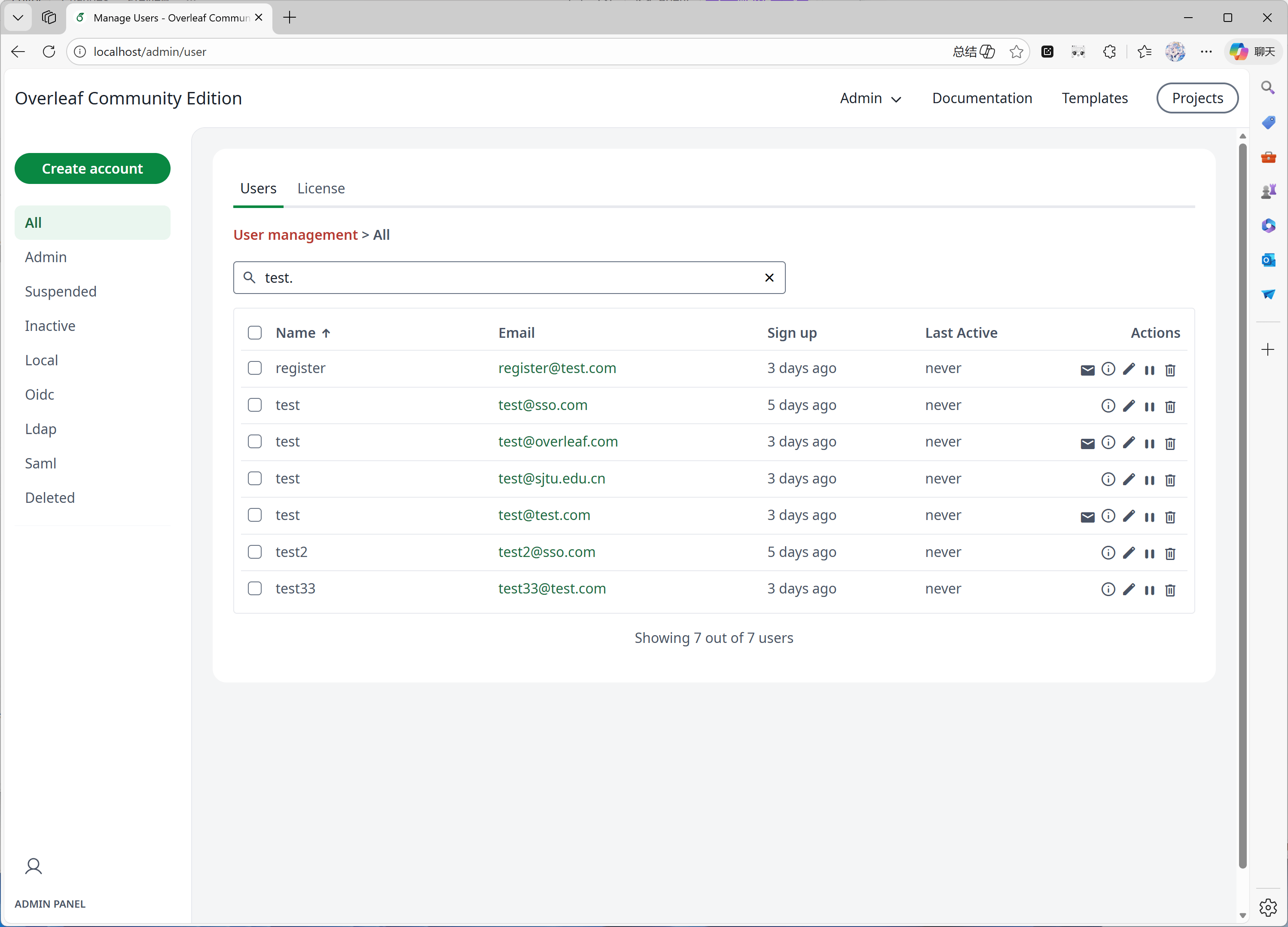
This feature is mainly developed by yu-i-i/overleaf-cep. We modified some code for enhancement, so that you can:- Search users with the backend when you have more than 1000 users.
- Search projects with the backend when you have more than 1000 projects.
- Open projects directly on project admin panel.
- View and adjust user’s compile time limit on admin panel.
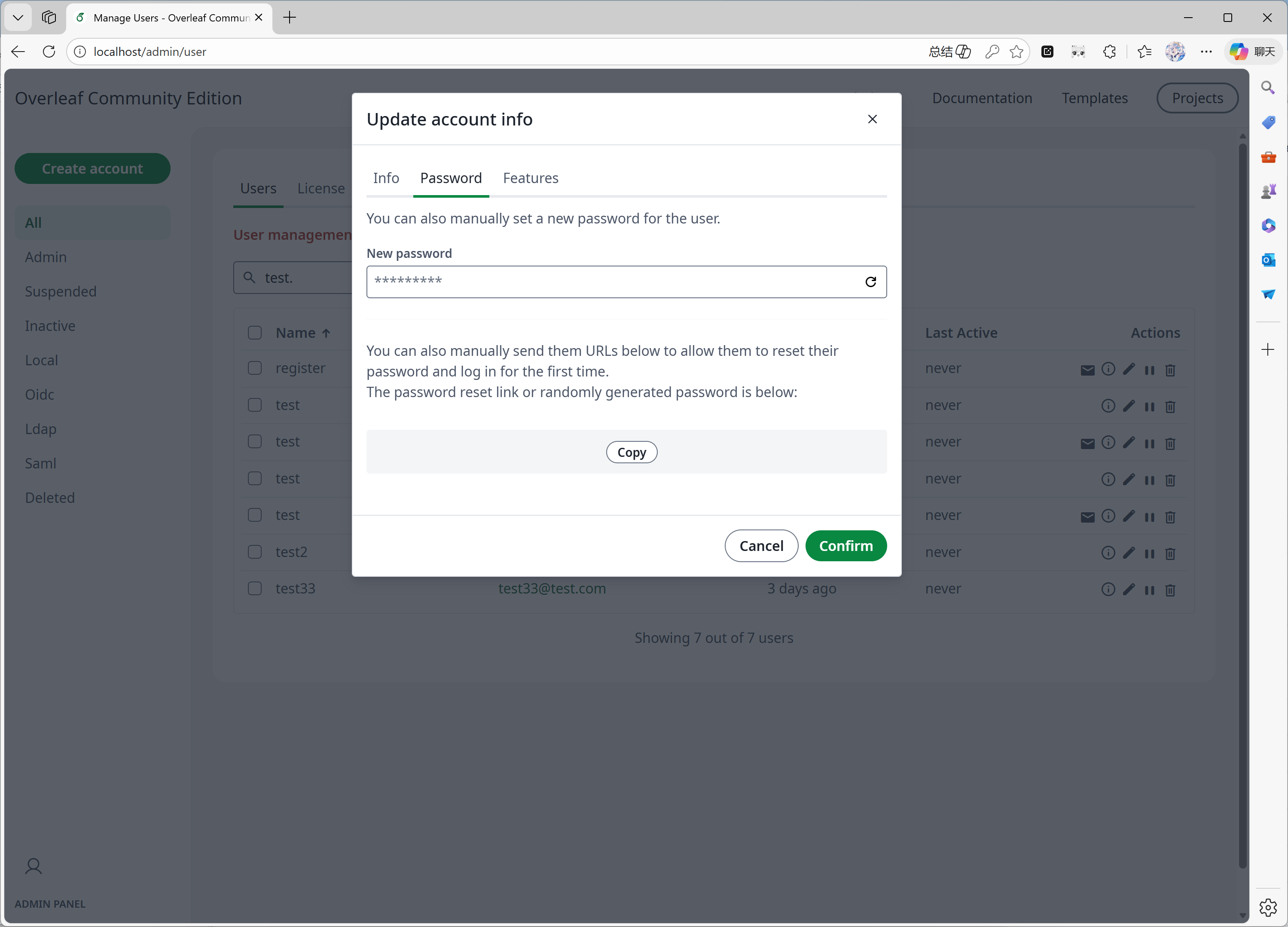
- Reset user’s password directly on admin panel.
- Other enhancement…
Features 06: Review Panel
This feature is mainly developed by overleaf official, we just add the missing code from yu-i-i/overleaf-cep and ertuil/overleaf, which is a connector between chat and web service.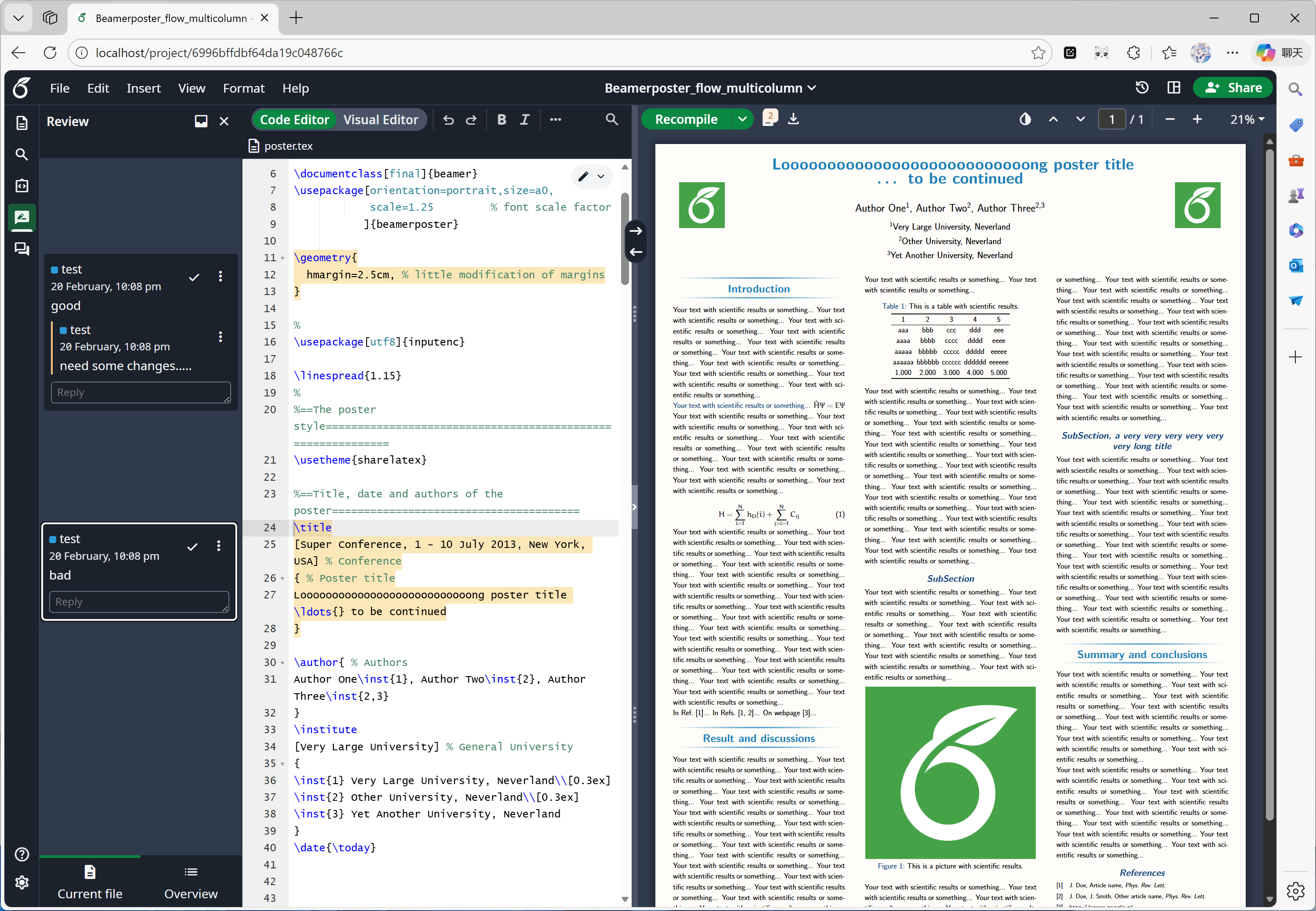
Review panel
Features 07: External URL
This feature is mainly developed by yu-i-i/overleaf-cep. CEP implemented an external service called linked-url-proxy, which can be safely used to fetch external files with domain/IP limits.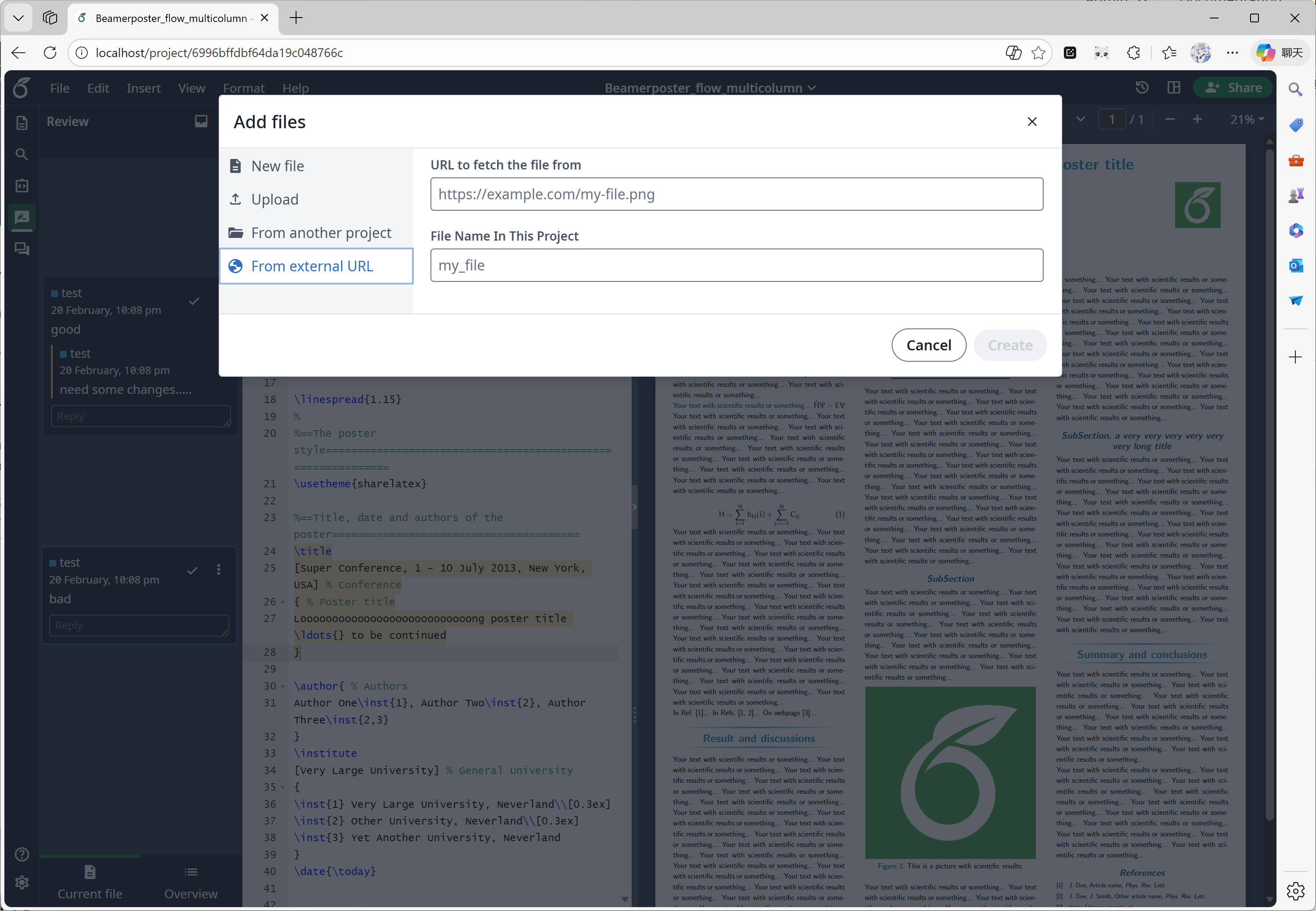
External URL
Features 08: SSO
This feature is mainly developed by yu-i-i/overleaf-cep. CEP implemented a submodule to connect passport with Overleaf web authentication.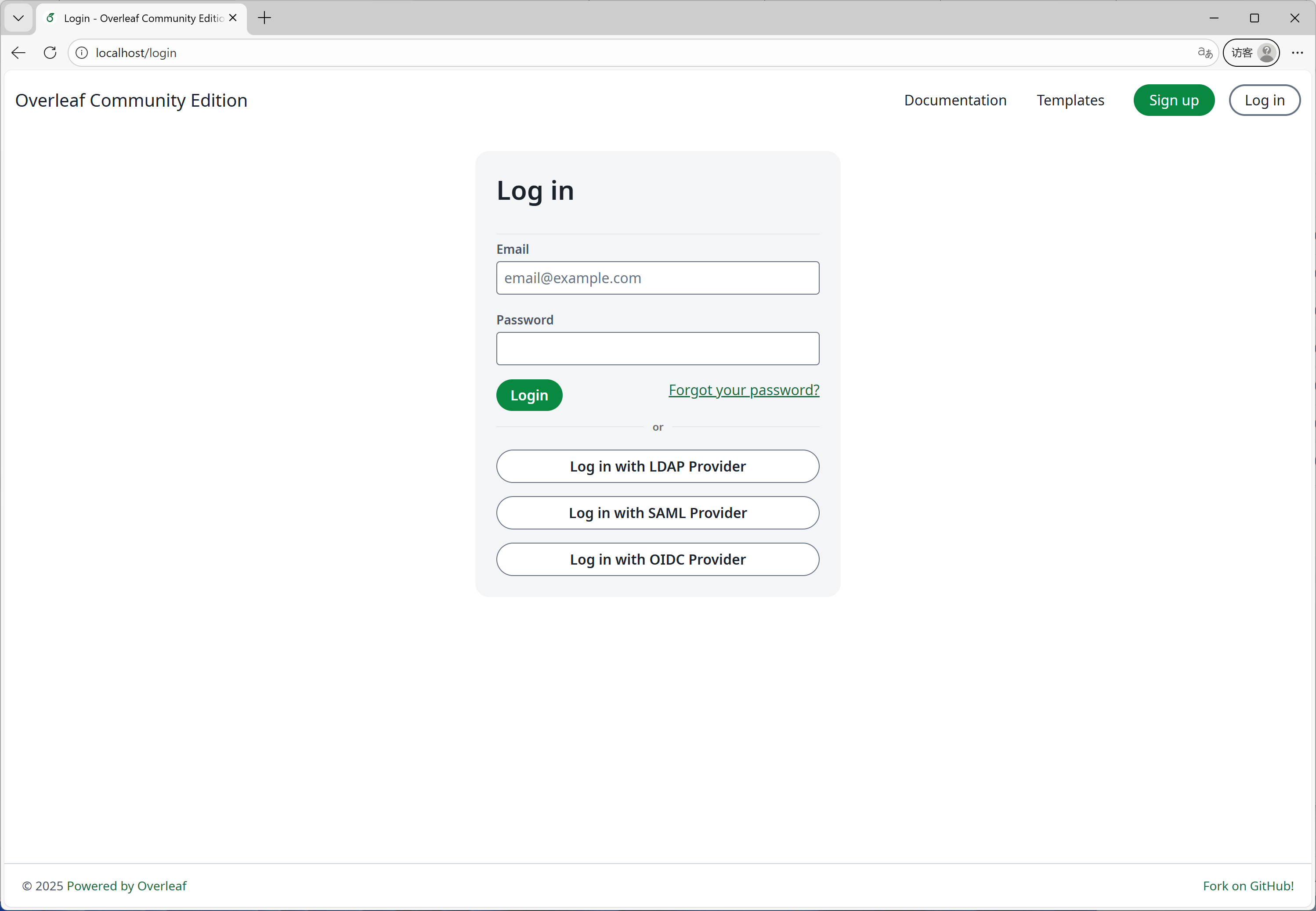
Login Page
Features 09: ARM supported
We use GitHub Actions to build and publish Docker images for the x86 and arm architectures. When you download the image, it will automatically select the appropriate architecture based on your system.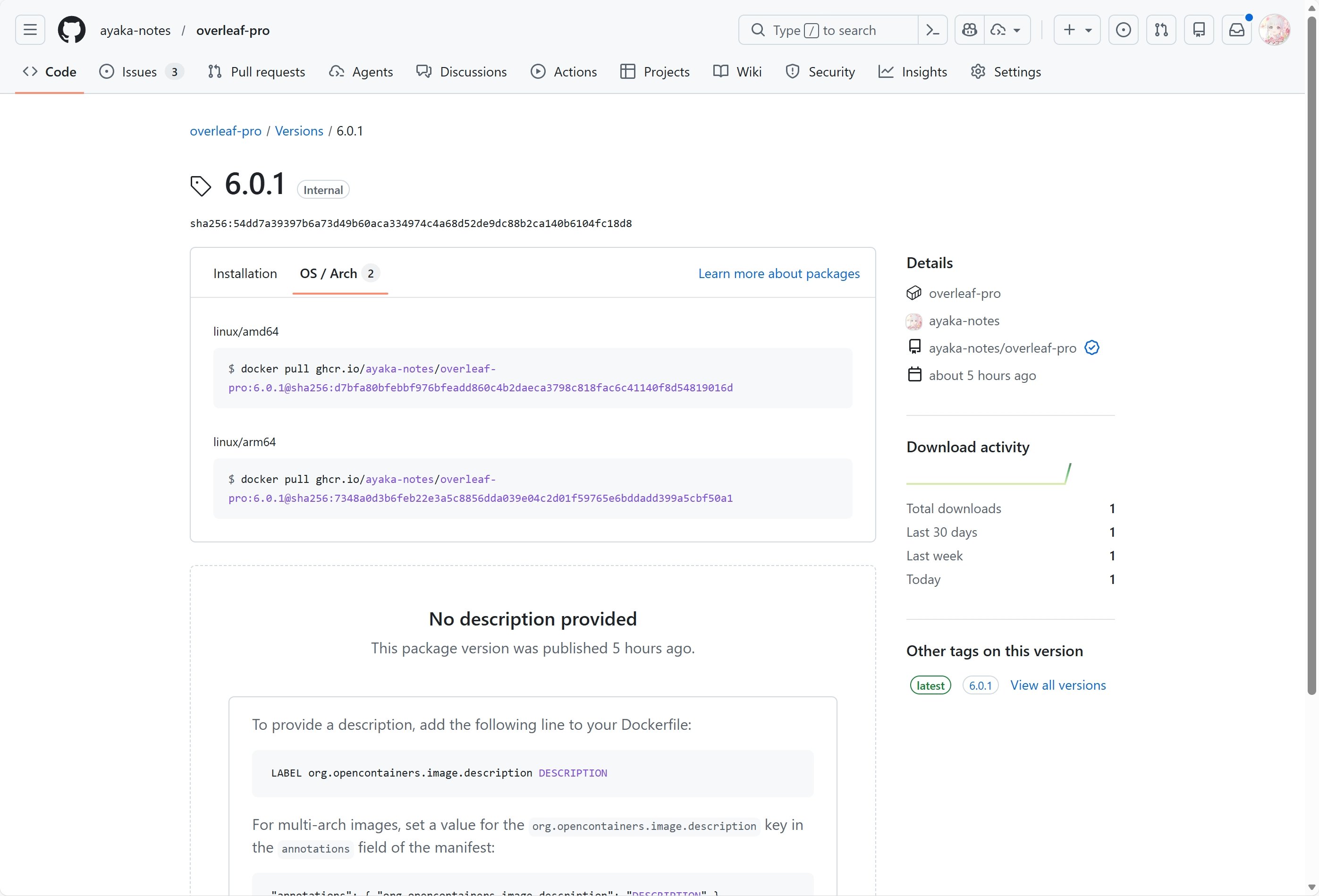
Github Package
Features 10: Self Registration
This feature is developed by ayaka-notes/ayakaleaf-pro. You can:- limit user register with specific domain
- open user register to any one who have access to your overleaf
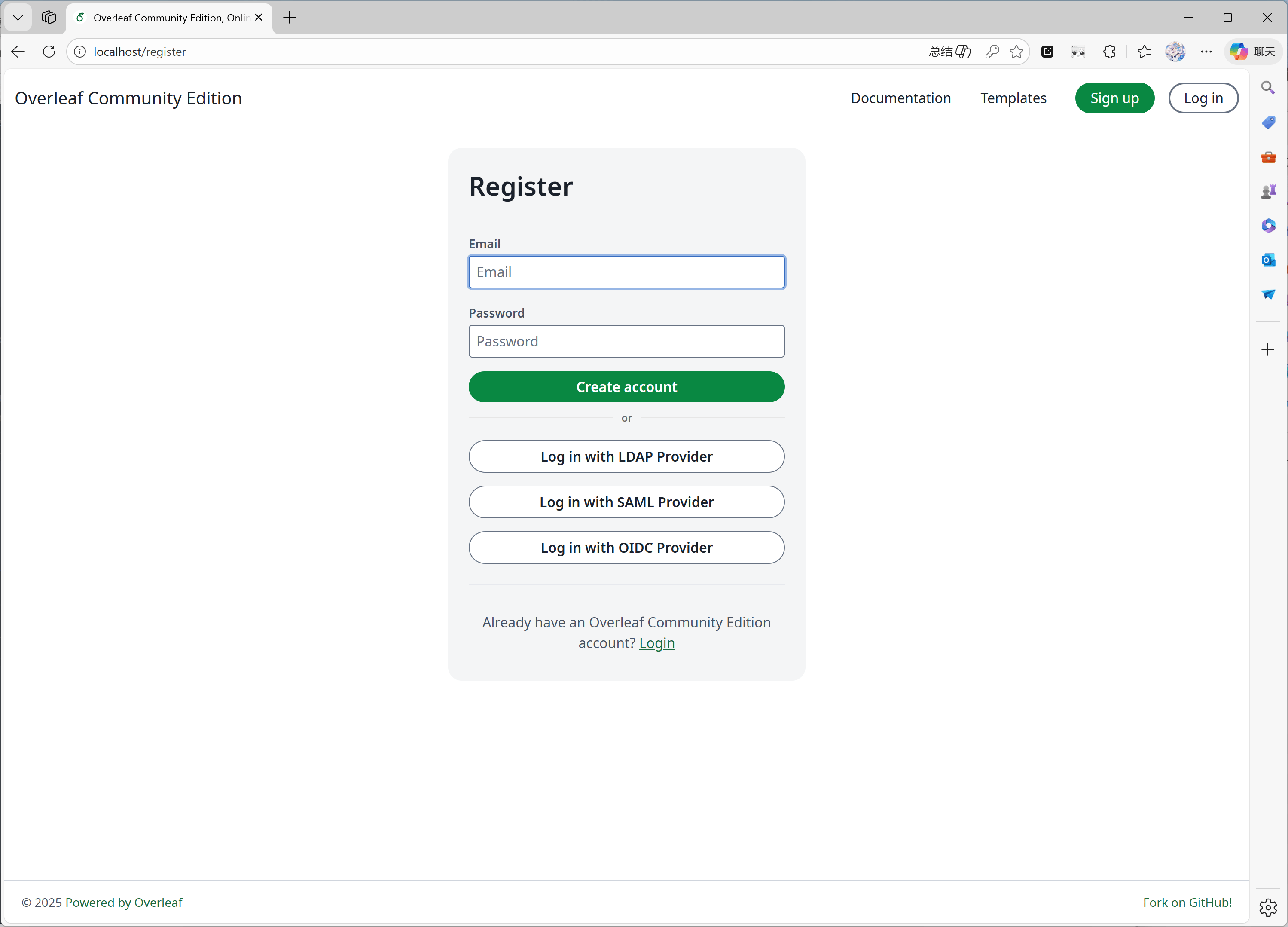
Register page
Features 11: Learn Wiki
This feature is developed by ayaka-notes/ayakaleaf-pro. You can see latest learn wiki from overleaf, but we don’t own any copyright of those documents! We just download it from overleaf server the first time you enable this feature, and update periodically.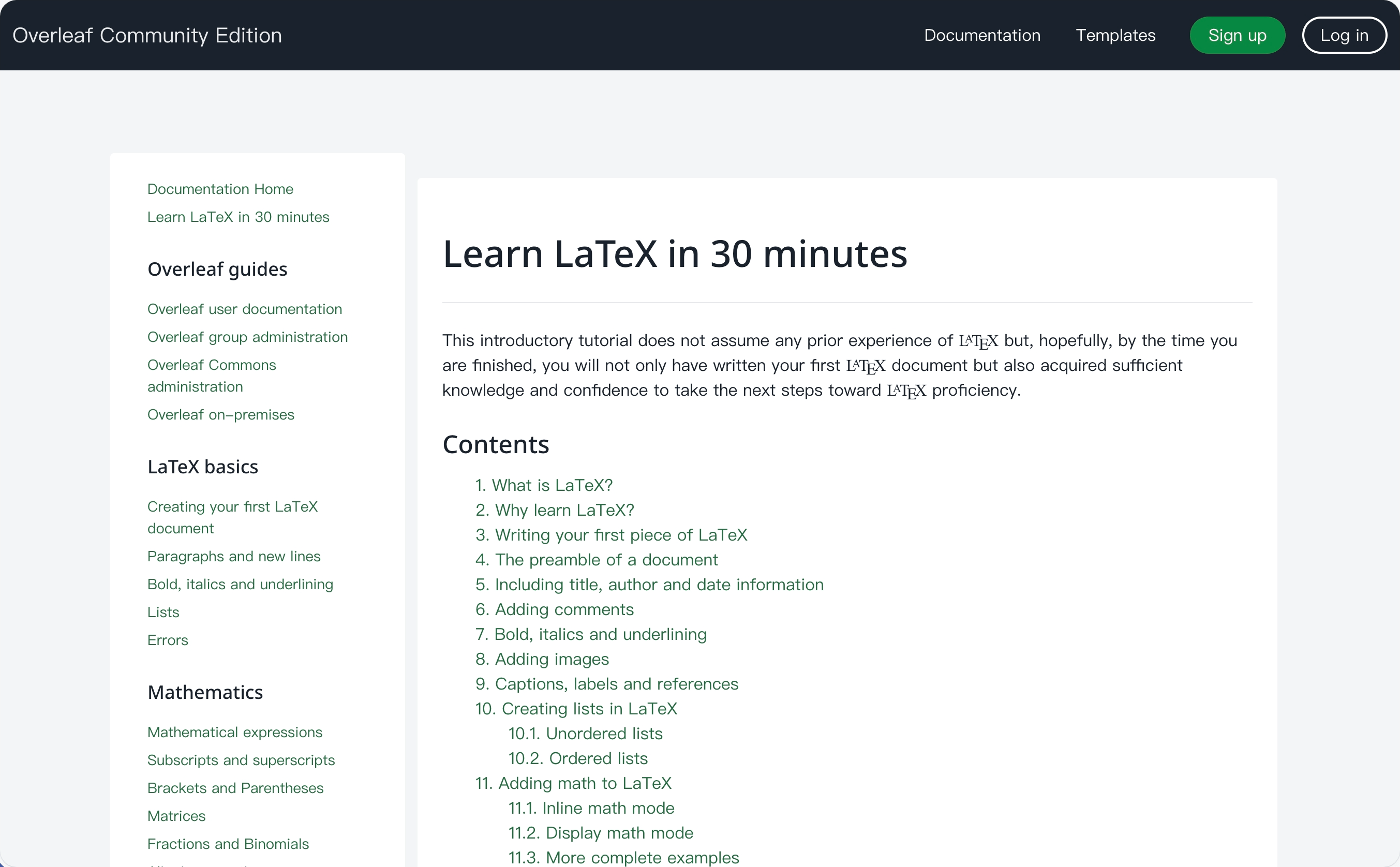
Wiki page
Features 12: GitHub Sync
This feature is developed by ayaka-notes/ayakaleaf-pro, also modified and fixed by yu-i-i/overleaf-cep.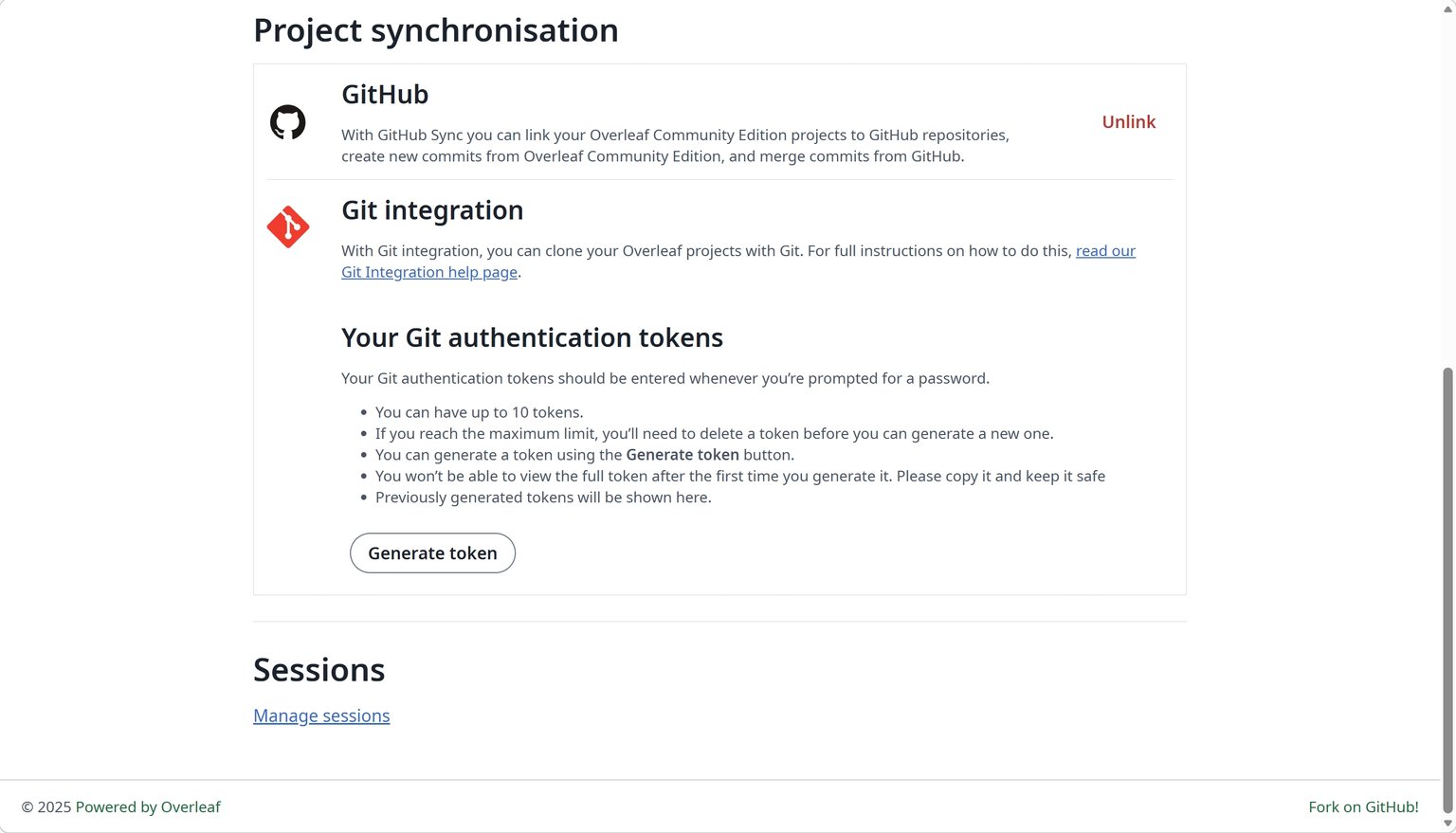
Features 13: Python Runner
This feature is developed by overleaf official. You can run Python scripts in your browser.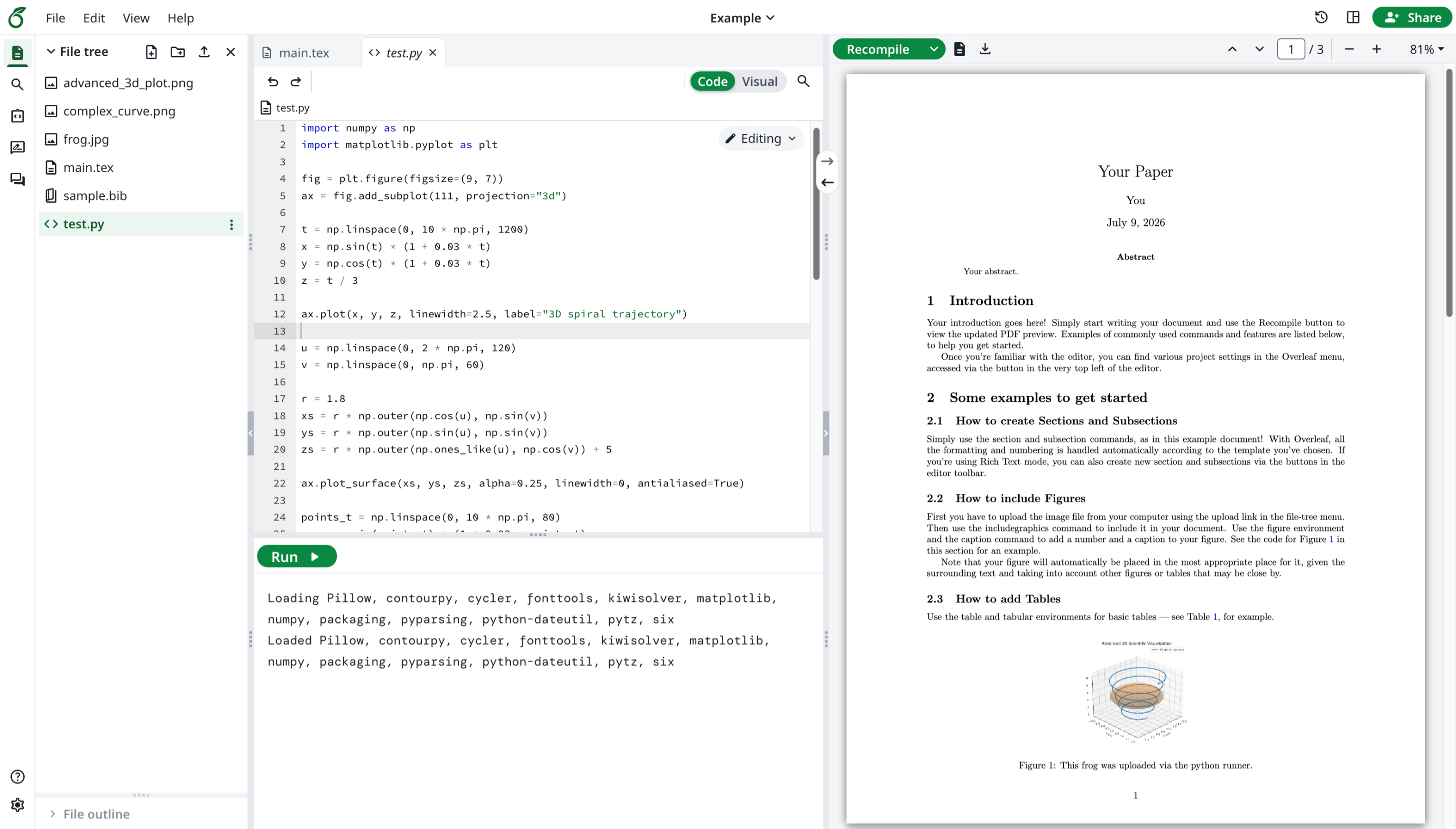
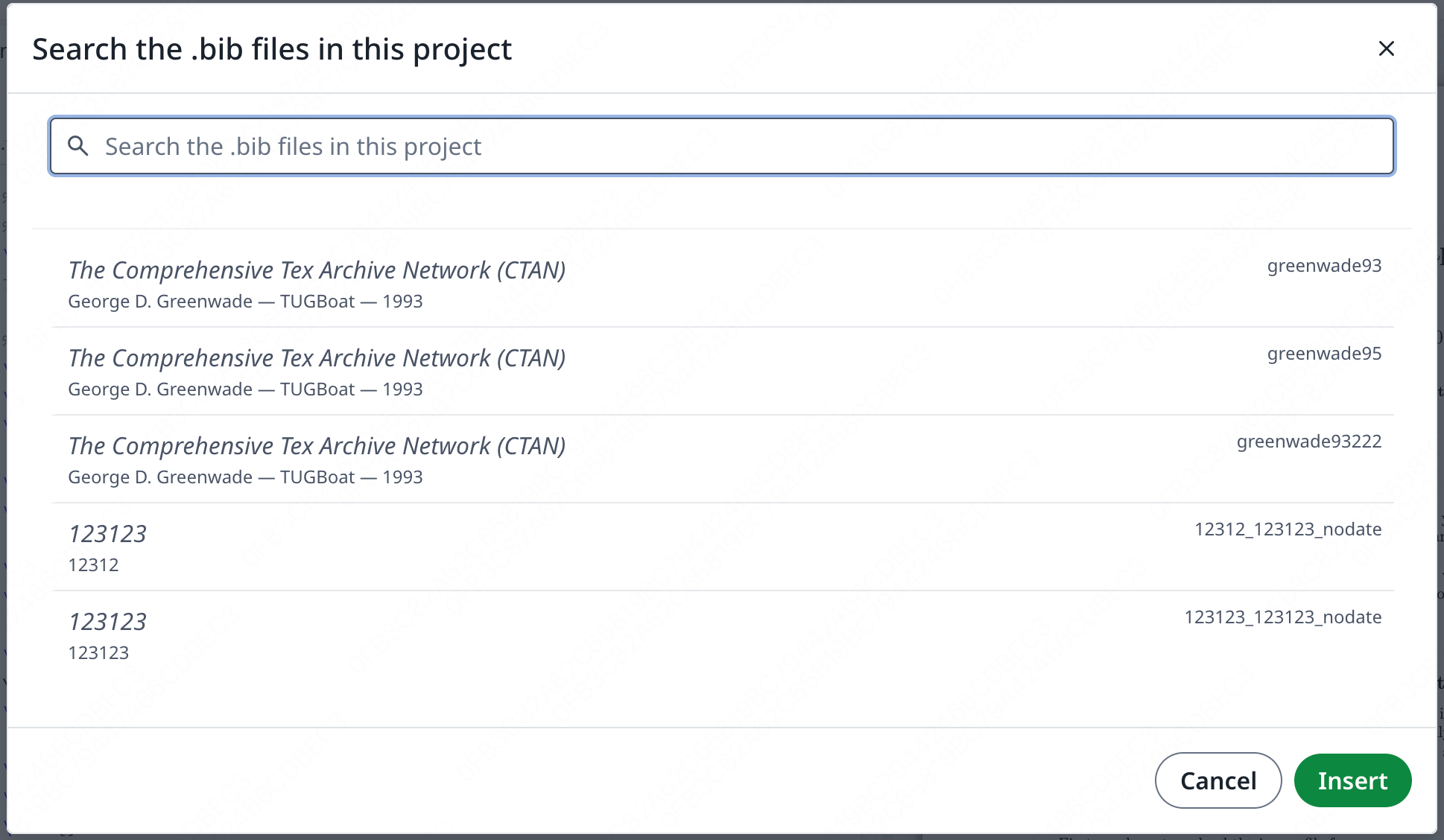
Features 14: Advanced Reference Search
This feature is developed by davrot, fixed by yu-i-i/overleaf-cep, also by ayaka-notes/ayakaleaf-pro.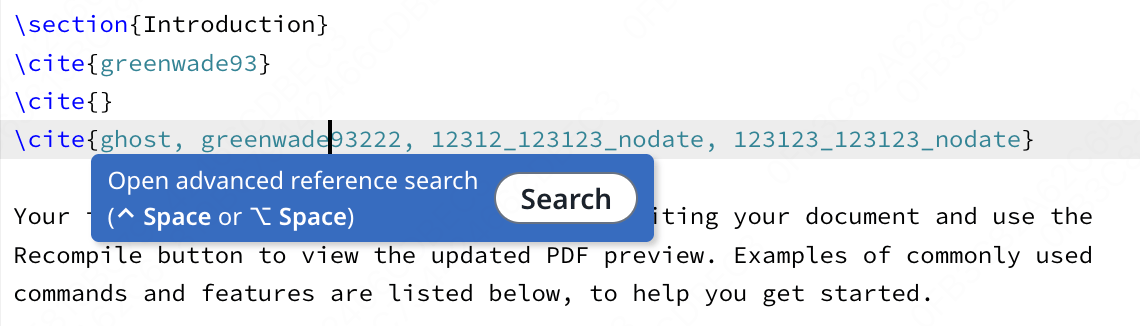
Features 15: Pandoc Conversions
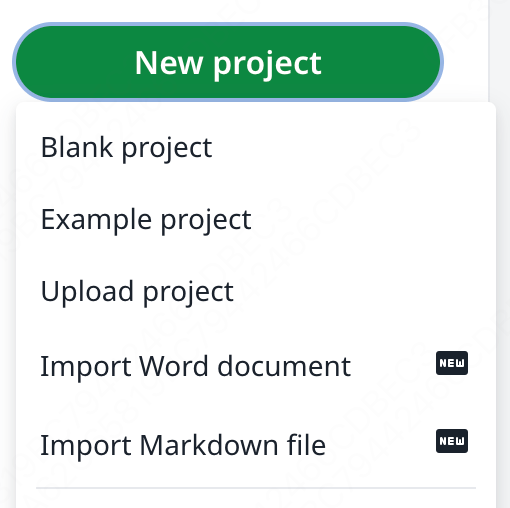
This feature allows you to import Word or Markdown documents as LaTeX projects, or export LaTeX projects to Markdown or DOCX.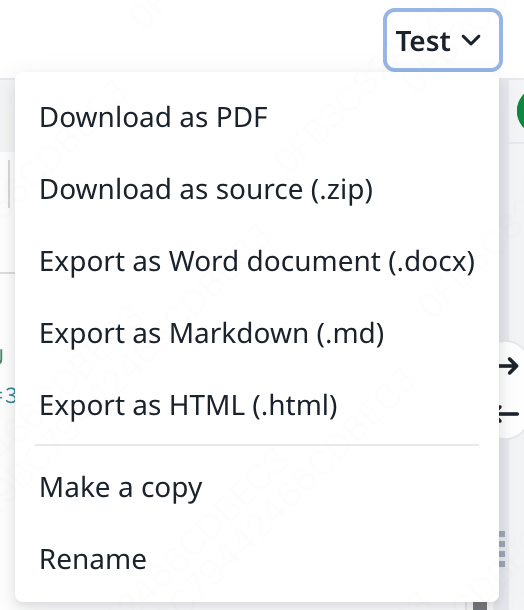
Features 16: AI chat and LaTeX error assistants
Ayakaleaf Pro brings The AI Assistant can use your project documents and current selection as context to answer questions and suggest edits for you to review, while the Error Assistant proposes a targeted fix when you select a LaTeX compilation error.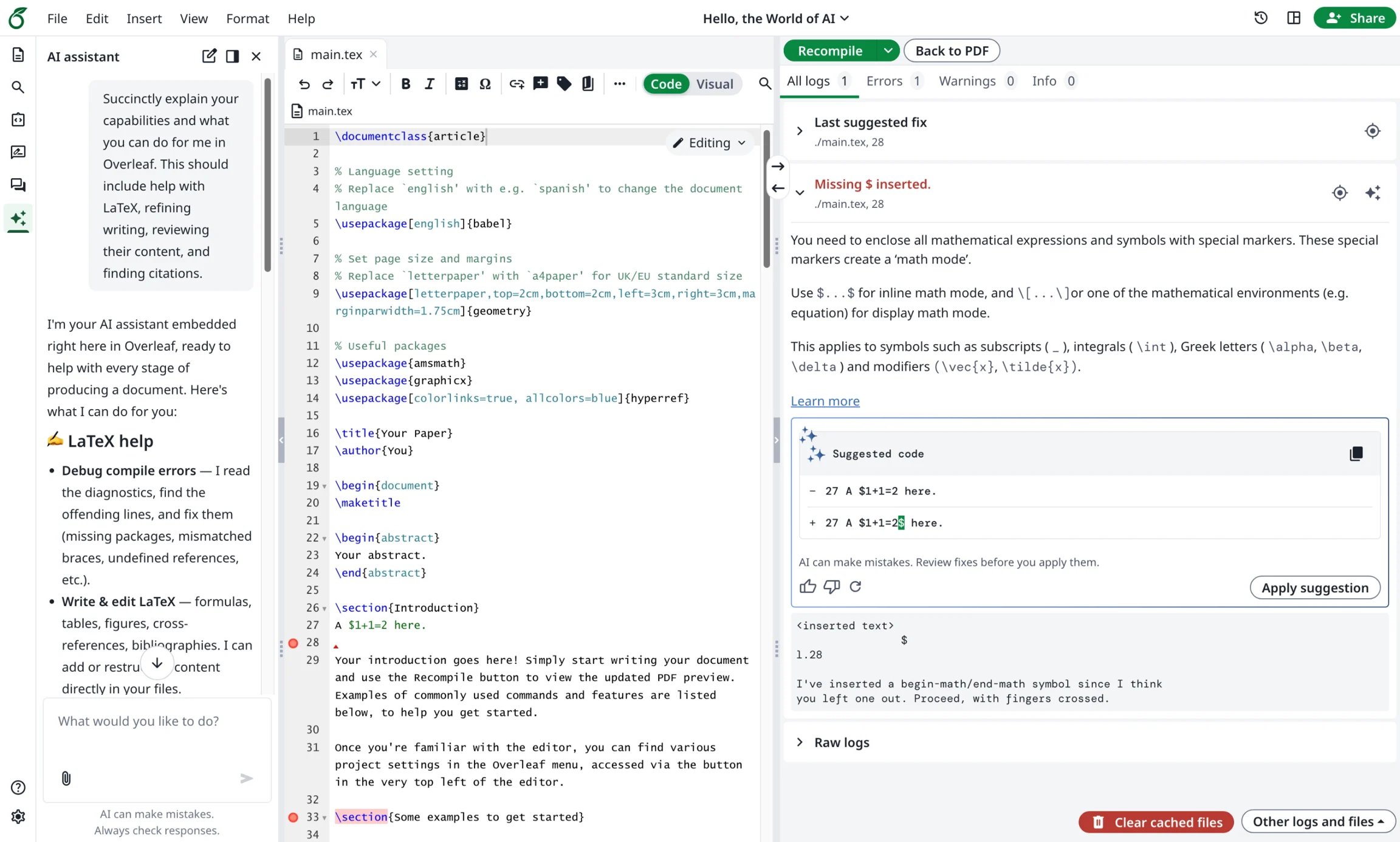
Features 17: Reference Manager Integration
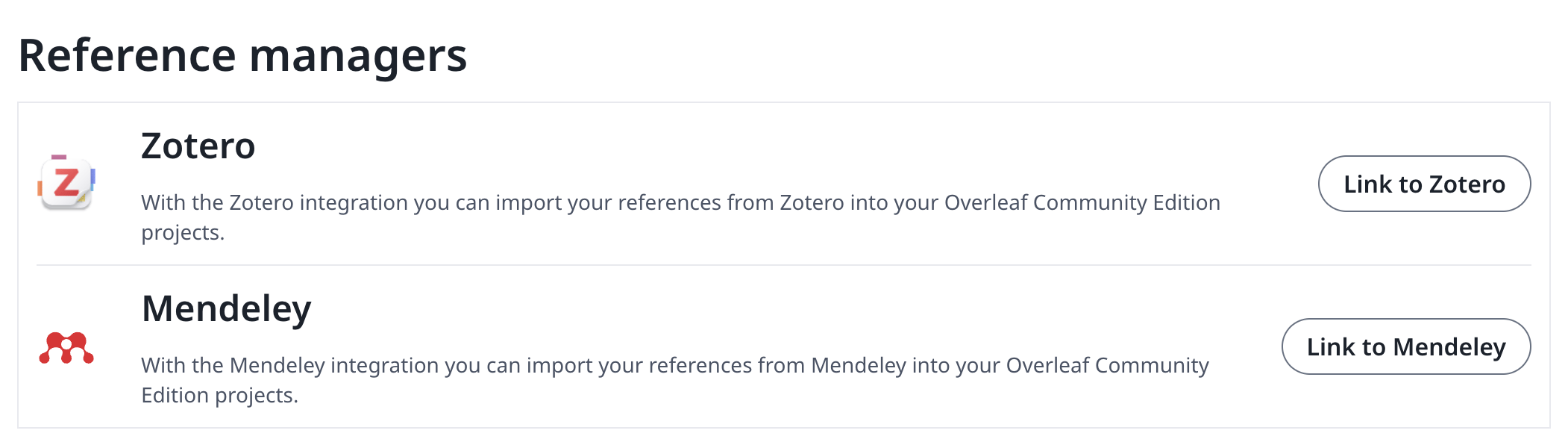
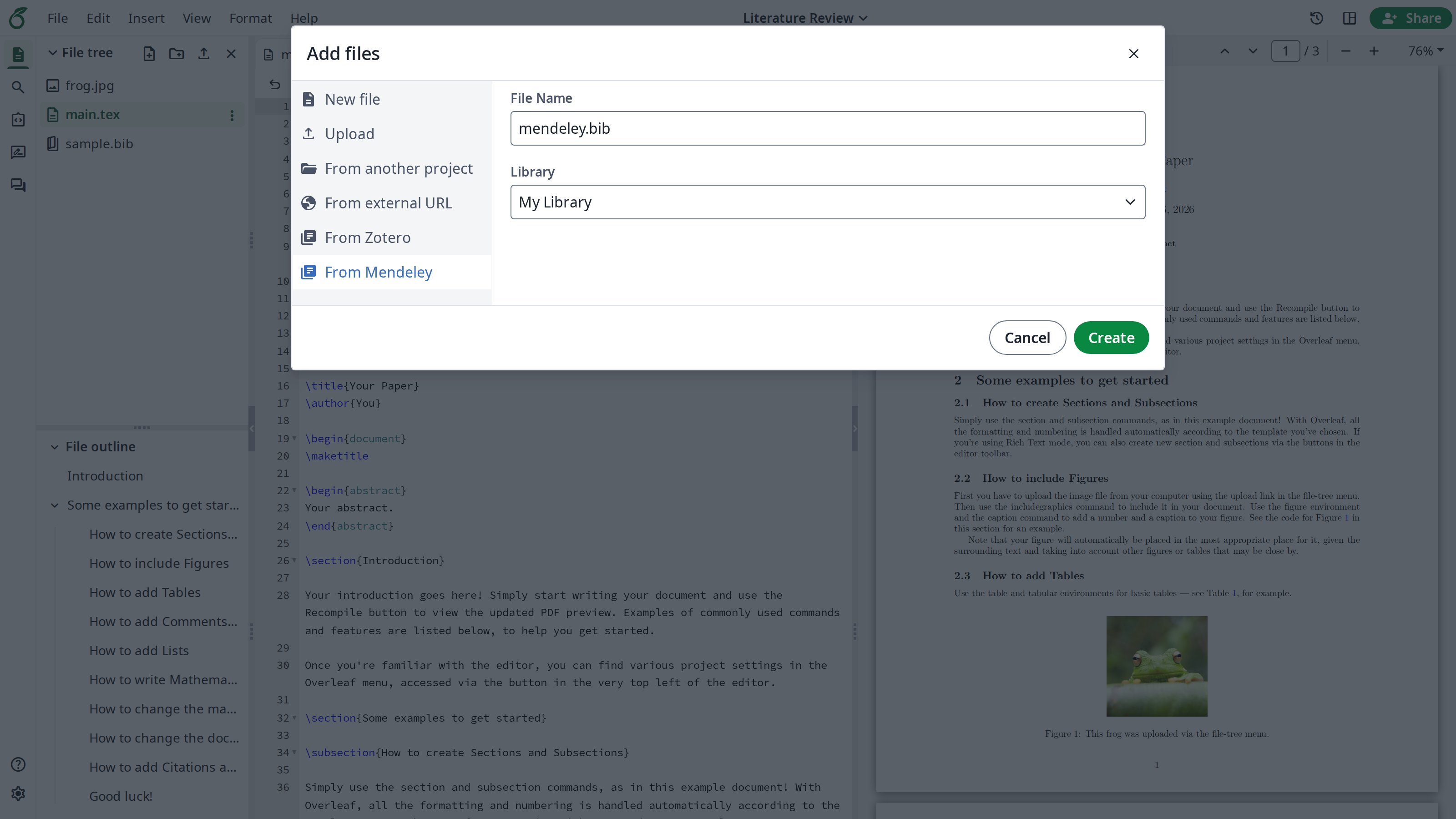
This feature is developed by ayaka-notes/ayakaleaf-pro. Zotero integration was initially developed by davrot and yu-i-i/overleaf-cep; we reworked it with OAuth and added Mendeley integration (OAuth 2.0) in v6.3.0. You can:- Link your Zotero and Mendeley accounts in Account settings.
- Import your personal library or a group library as a
.bibfile into your project. - Refresh the imported
.bibfile at any time to keep it up to date.
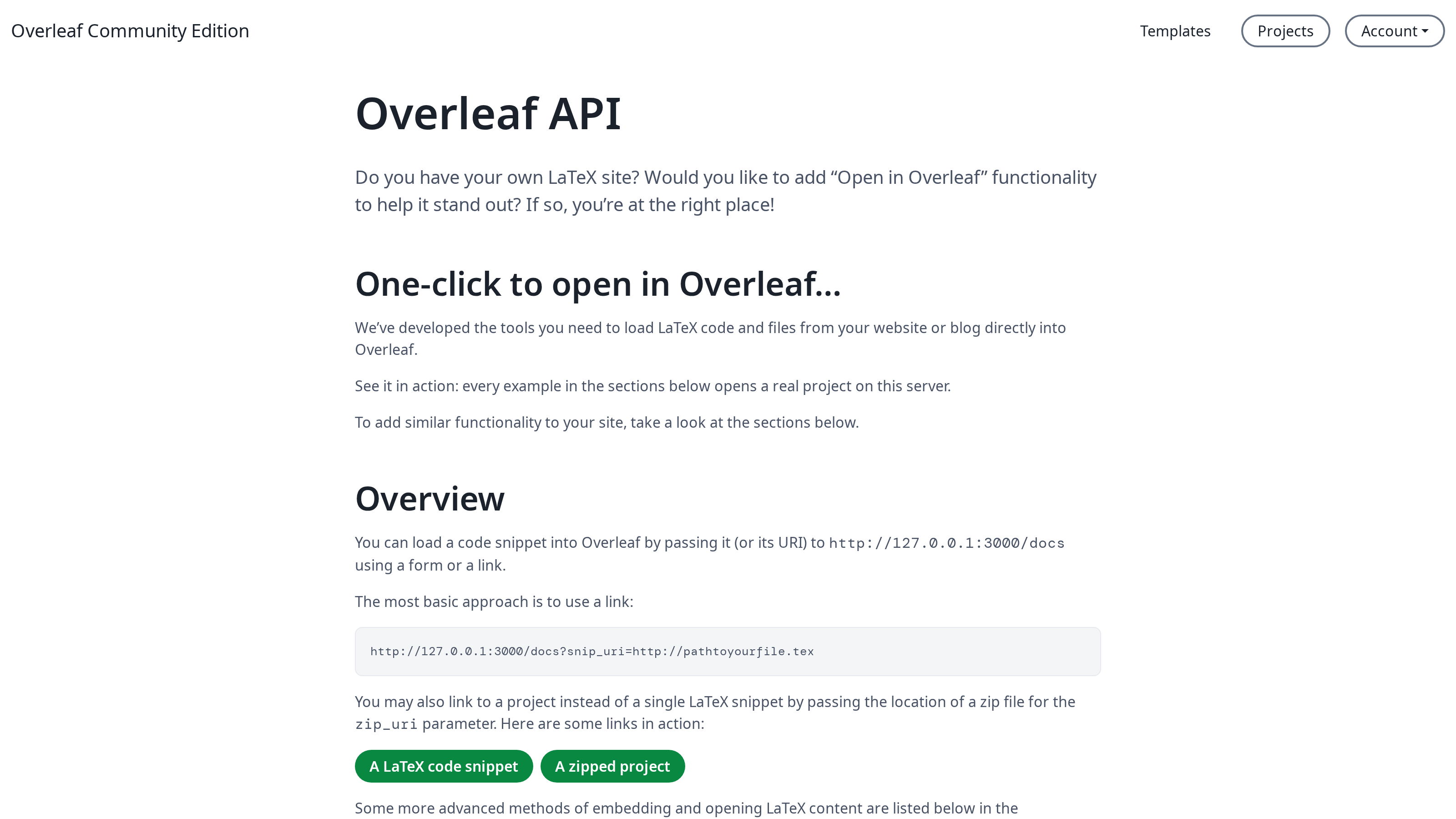
Features 18: Open in Overleaf API
This feature is developed by ayaka-notes/ayakaleaf-pro, compatible with the “Open in Overleaf” API of overleaf.com. You can add an “Open in Ayakaleaf” link or button to your website, blog or template library, so visitors can open a LaTeX snippet, a remote file or a ZIP project as a new project in your instance with one click. Visit/devs on your instance for details, and see Overleaf Import API.