

1
Locate the template
Navigate to the Template Gallery on overleaf.com and locate the required template, for example IEEE Photonics Journal Paper Template - Example Submission
2
Open as template
Click on the Open as Template button.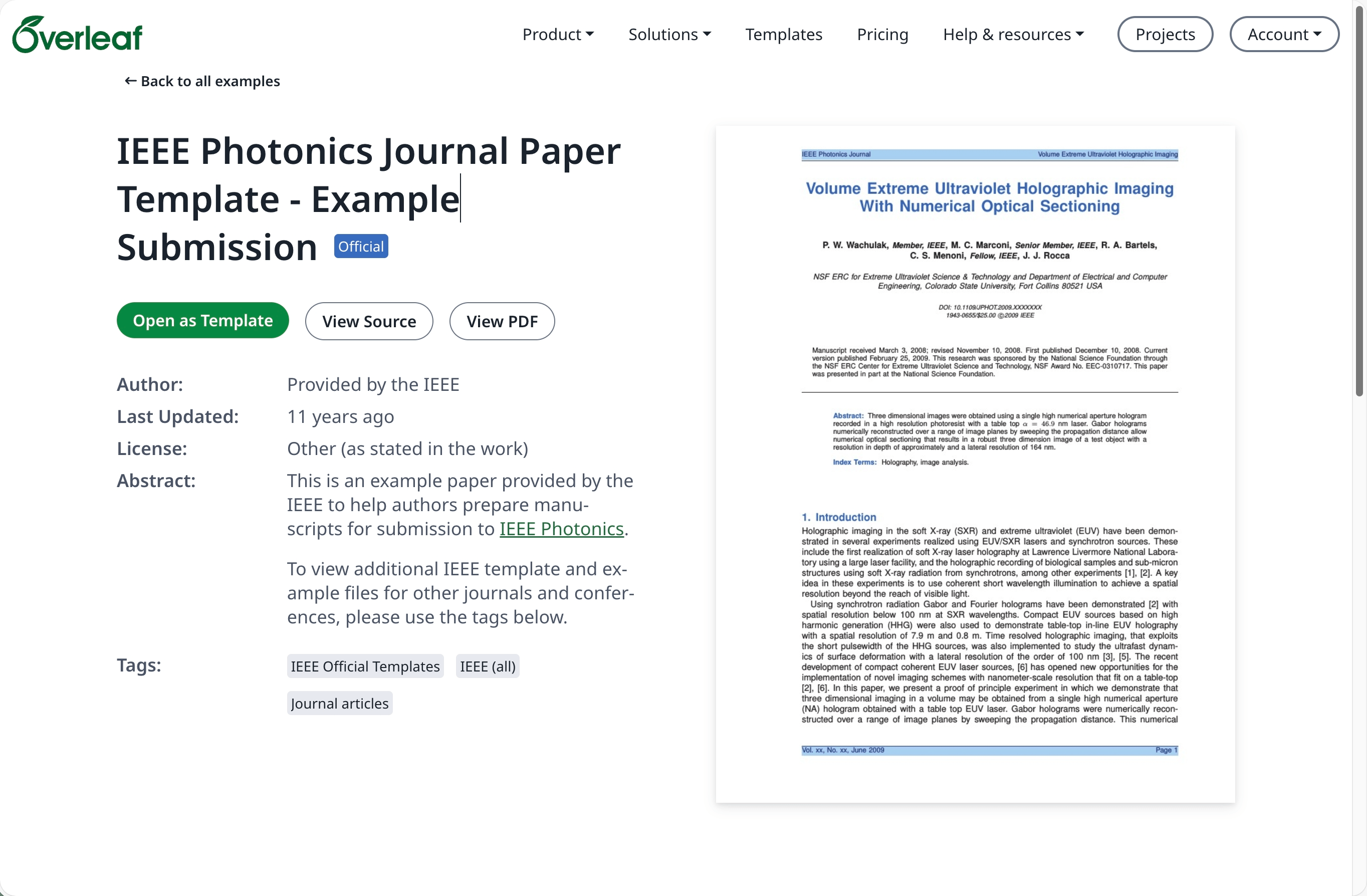
3
Download the source
Click on the project menu and choose Download Source.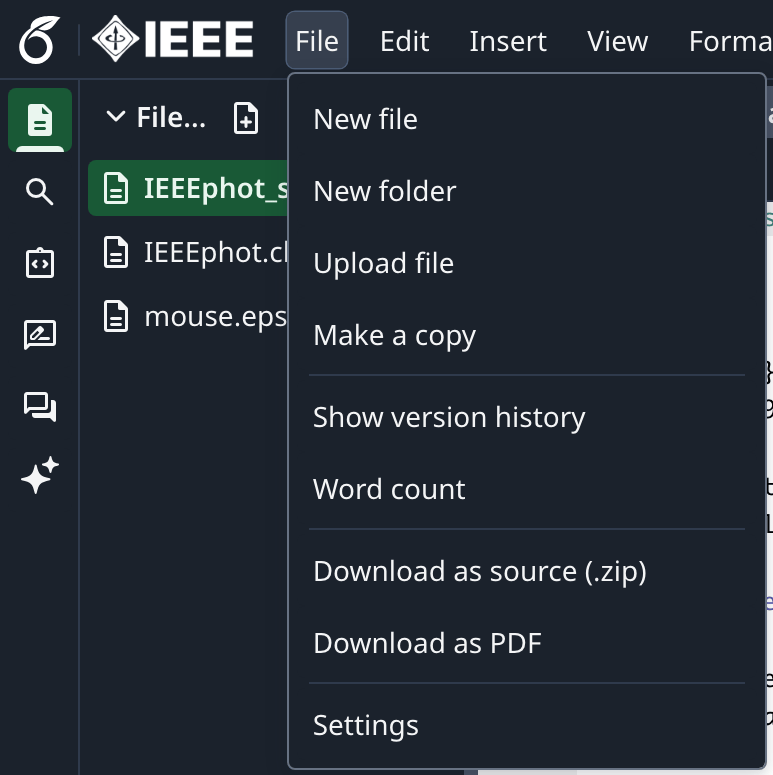
4
Log into Overleaf Pro
Log into your on-premise Overleaf Pro account.
5
Create a new project and upload
From the projects dashboard click New Project and choose Upload Project.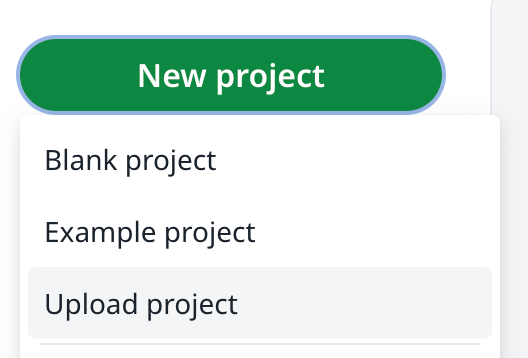
6
Select the template zip
Click Select a .zip file and choose the downloaded template zip file.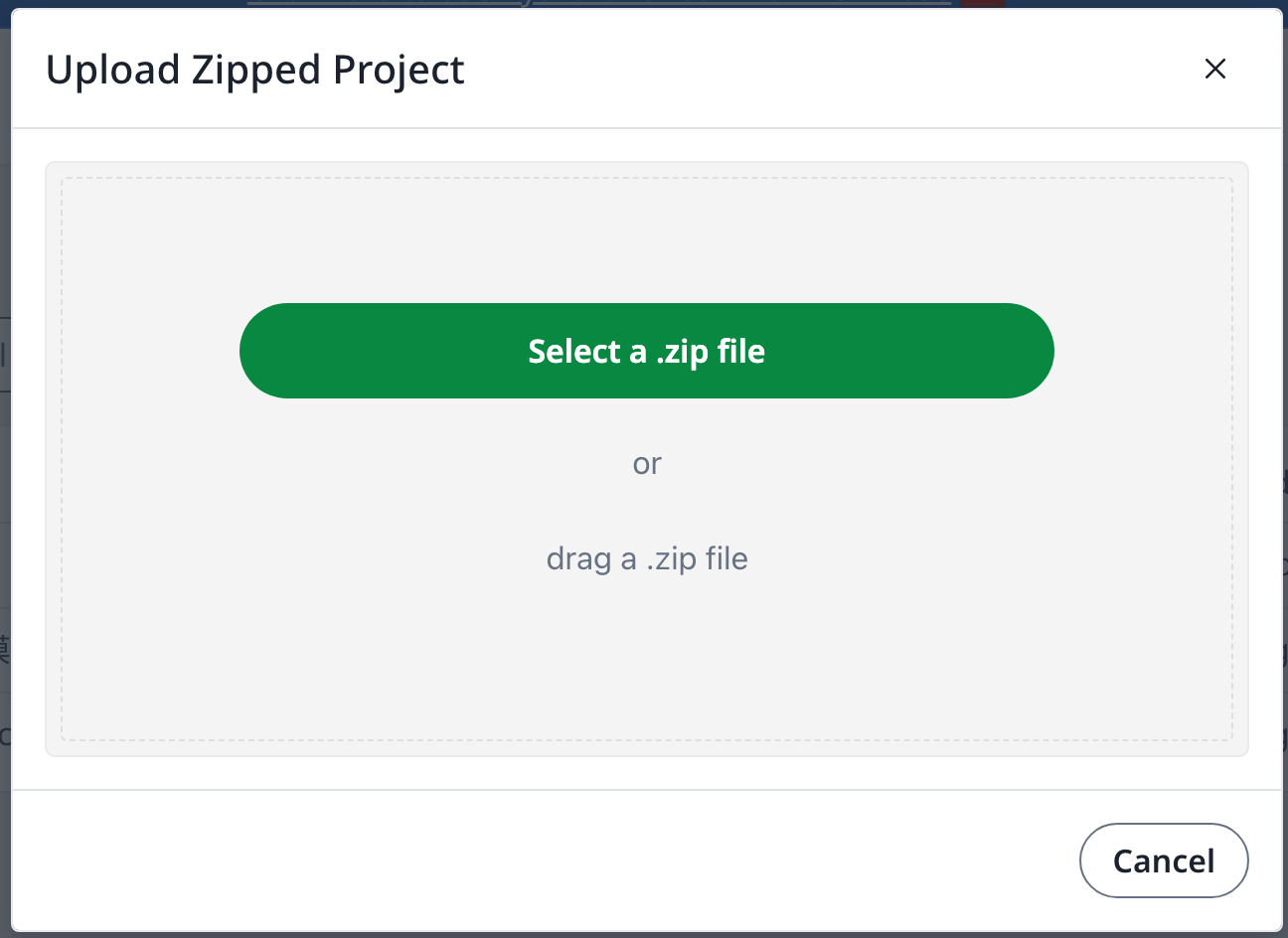
An overleaf.com account is required