

1
找到模板
2
作为模板打开
点击 Open as Template 按钮。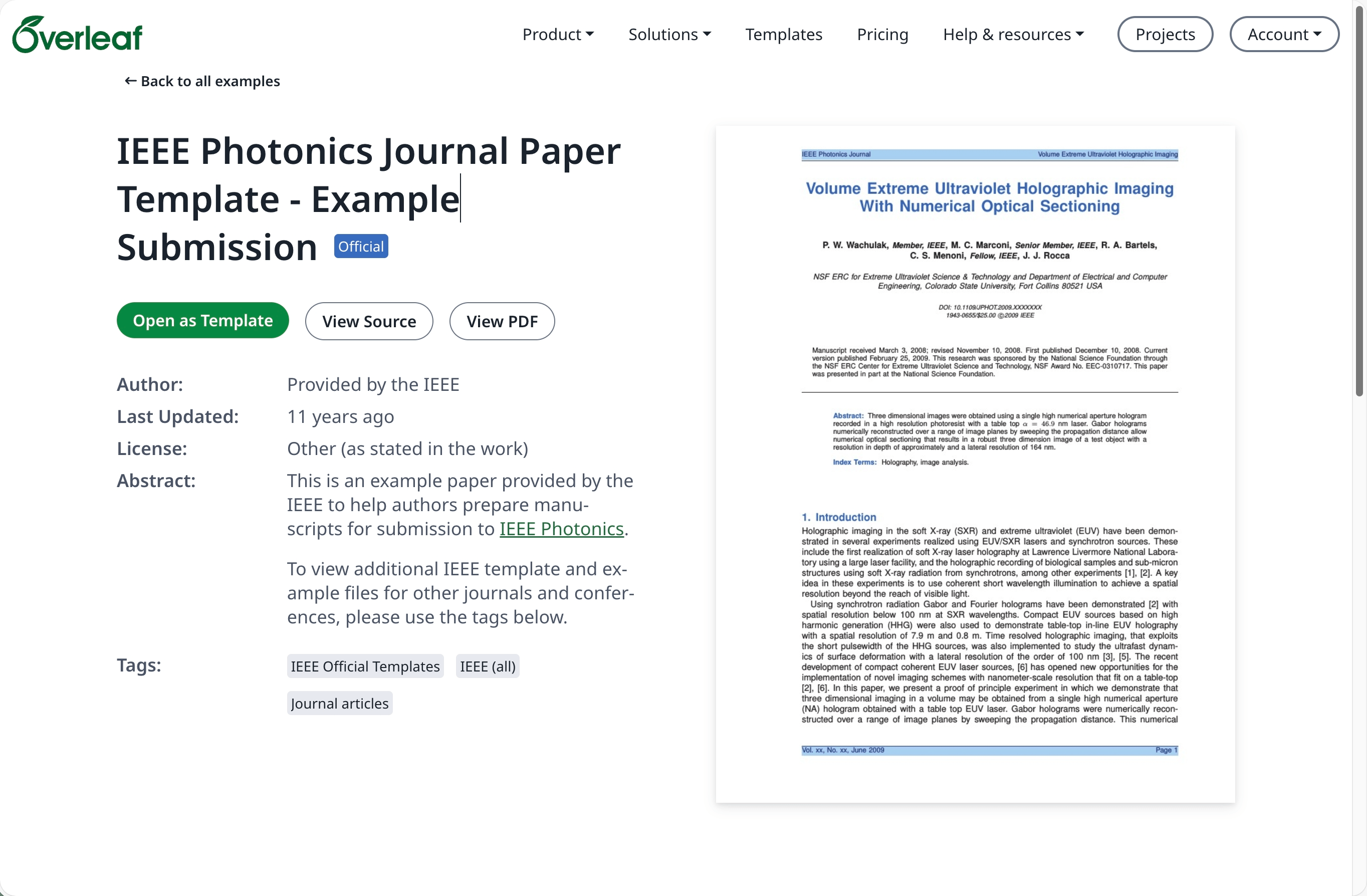
3
下载源文件
点击项目菜单并选择 Download Source。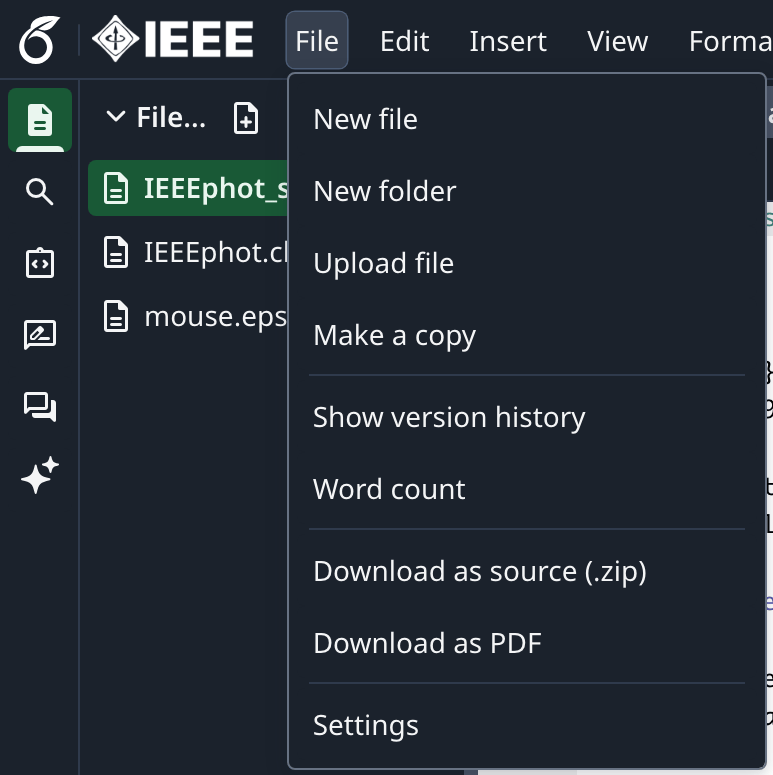
4
登录 Overleaf Pro
登录你的本地部署 Overleaf Pro 账户。
5
新建项目并上传
在项目仪表板中点击 New Project,然后选择 Upload Project。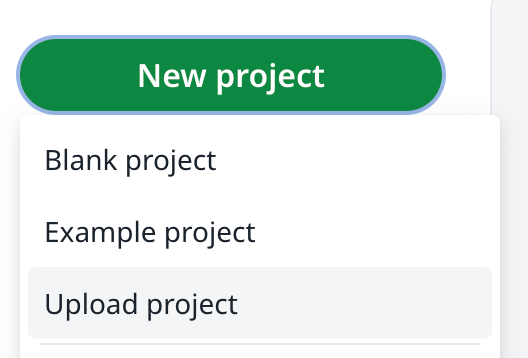
6
选择模板 zip 文件
点击 Select a .zip file,然后选择已下载的模板 zip 文件。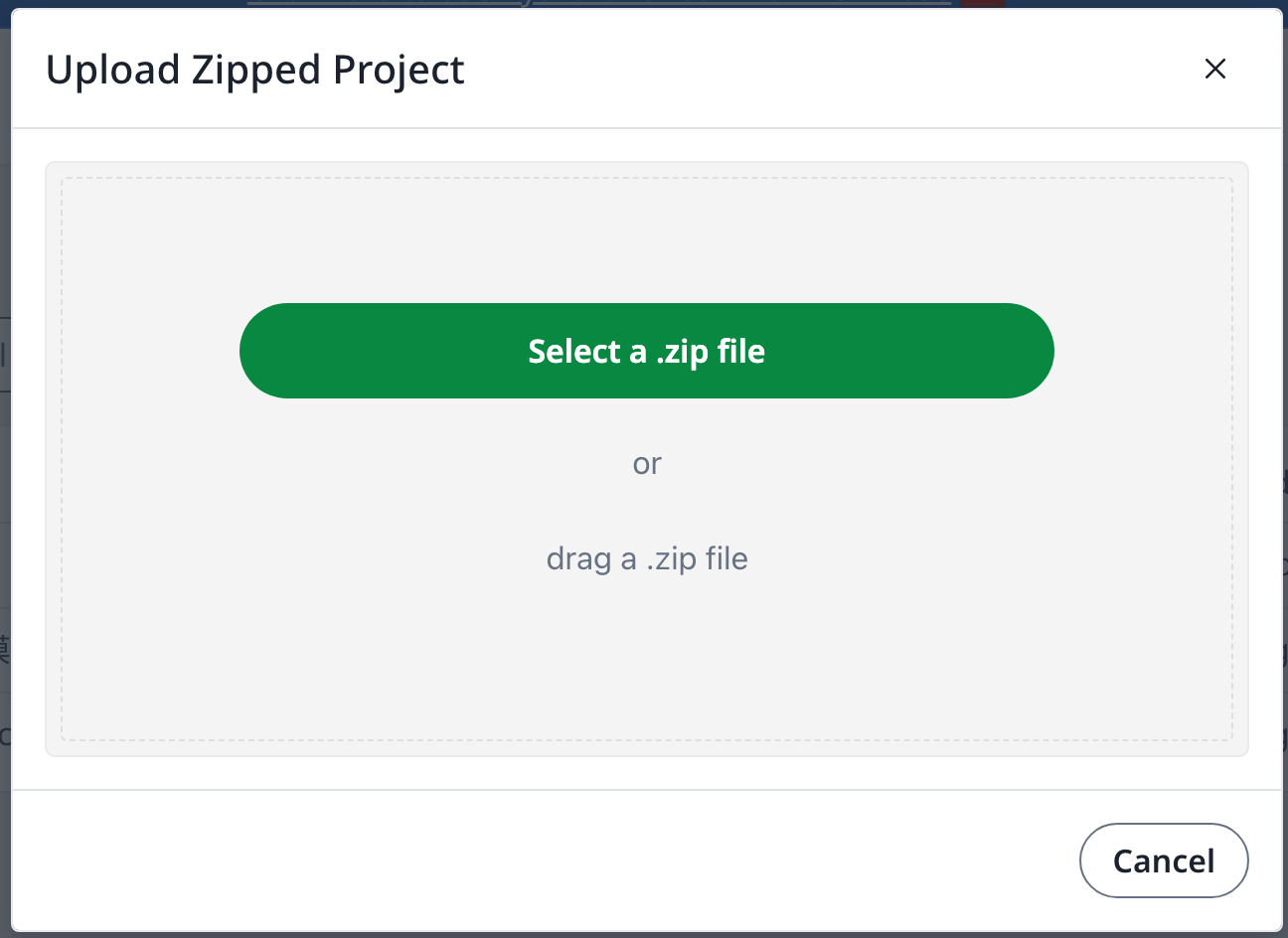
需要拥有 overleaf.com 账户
找到模板
作为模板打开
下载源文件
登录 Overleaf Pro
新建项目并上传
选择模板 zip 文件