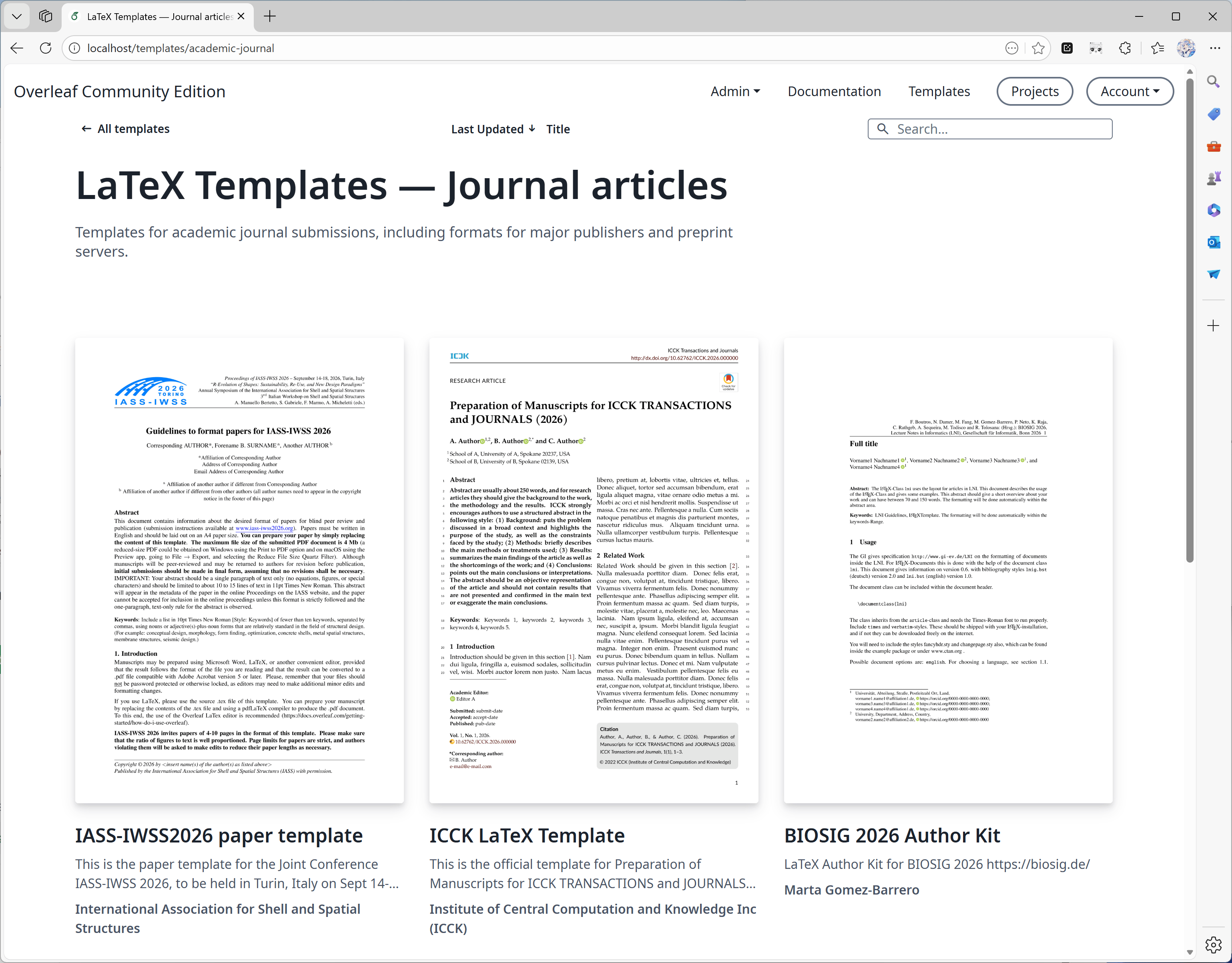
################## TEMPLATES ##################ENABLE_CONVERSIONS=trueOVERLEAF_TEMPLATE_GALLERY=trueOVERLEAF_TEMPLATE_CATEGORIES=academic-journal book presentation poster cv homework bibliography calendar formal-letter report thesis newsletterTEMPLATE_ACADEMIC_JOURNAL_NAME=Journal articlesTEMPLATE_ACADEMIC_JOURNAL_DESCRIPTION=Templates for academic journal submissions, including formats for major publishers and preprint servers.TEMPLATE_BIBLIOGRAPHY_NAME=BibliographiesTEMPLATE_BIBLIOGRAPHY_DESCRIPTION=Styles for creating and managing bibliographies with BibTeX or BibLaTeX. Suitable for use in academic papers, theses, and reports.TEMPLATE_BOOK_NAME=BooksTEMPLATE_BOOK_DESCRIPTION=Templates for writing books or long-form documents, including chapter structuring, front matter, and indexing.TEMPLATE_CALENDAR_NAME=CalendarsTEMPLATE_CALENDAR_DESCRIPTION=Templates to create yearly, monthly, or weekly calendars. Useful for personal planners or event scheduling.TEMPLATE_CV_NAME=CVs and résumésTEMPLATE_CV_DESCRIPTION=Templates for CVs and résumés with various formats for academic, industry, and creative positions.TEMPLATE_FORMAL_LETTER_NAME=Formal lettersTEMPLATE_FORMAL_LETTER_DESCRIPTION=Templates for professional letters, such as cover letters, recommendation letters, and official correspondence.TEMPLATE_HOMEWORK_NAME=AssignmentsTEMPLATE_HOMEWORK_DESCRIPTION=Templates for homework, coursework, and problem sets. Designed to be clean and well-structured for students and educators.TEMPLATE_NEWSLETTER_NAME=NewslettersTEMPLATE_NEWSLETTER_DESCRIPTION=Templates for creating newsletters with formats for academic, corporate, or community communications.TEMPLATE_POSTER_NAME=PostersTEMPLATE_POSTER_DESCRIPTION=Templates for scientific and academic posters, typically used in conferences and research presentations.TEMPLATE_PRESENTATION_NAME=PresentationsTEMPLATE_PRESENTATION_DESCRIPTION=Templates for Beamer and other presentation formats, tailored for academic talks and lectures.TEMPLATE_REPORT_NAME=ReportsTEMPLATE_REPORT_DESCRIPTION=Templates for technical, lab, or project reports. Includes sections for figures, tables, and references.TEMPLATE_THESIS_NAME=ThesesTEMPLATE_THESIS_DESCRIPTION=Templates for writing theses and dissertations, following institutional formatting and citation guidelines.TEMPLATE_ALL_NAME=All templatesTEMPLATE_ALL_DESCRIPTION=Browse a collection of all available LaTeX templates, categorized by document type, style, and purpose.
由于 Overleaf Pro 的架构设计为可离线运行,因此没有自动化的方式将 overleaf.com 模板库中的模板集成到你的本地部署中,不过可以逐个模板手动完成这一操作。默认情况下,Overleaf Pro 配置为使用 basic scheme 版本的 TeXLive 进行编译。这个基础版本较为轻量,仅包含非常有限的 LaTeX 宏包子集,因此当用户尝试在本地部署实例上使用来自 overleaf.com 的模板时,很可能会遇到缺少宏包的错误。遗憾的是,虽然没有自动安装缺失宏包的方式,但 Server Pro 中有一项可配置的设置,能够让用户以更安全的方式编译项目并使用更多宏包。该功能称为沙盒编译(也称为 Sibling Containers)。为确保下载的模板与你的本地 Server Pro 实例兼容,我们强烈建议启用沙盒编译,因为该功能会为用户提供与 overleaf.com 相同的 TeX Live 环境。这些镜像包含最常用的宏包和字体,并且已针对我们的模板库模板进行过测试。关于配置用户可在项目中选择的 TeX Live 版本,以及为新项目设置默认 TeX Live 镜像版本的更多信息,请参阅文档中的更改 TeX Live 镜像一节。
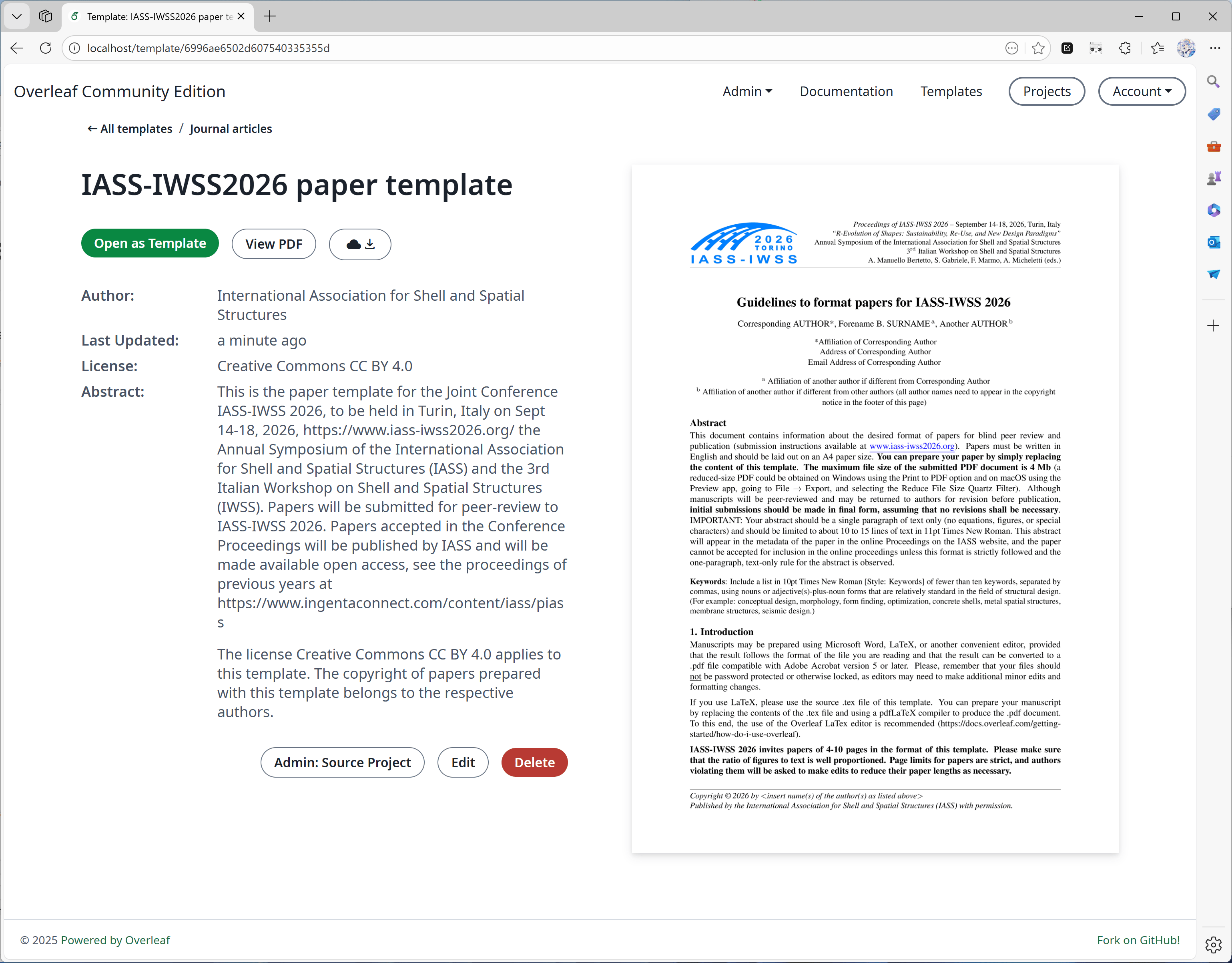
回答:可以,但我们不建议这样做。发布模板时,我们会为项目创建快照,并在发布时将项目保存为 zip 文件。这样即使你删除了模板对应的项目,模板也不会受到影响。不过,我们还会记录与该模板关联的 ProjectID,以便你将来更新模板。如果你删除了对应的项目,将不会在模板详情页上看到”Admin: Source Project”按钮(见下图)。
为什么某些项目发布模板需要很长时间?
回答:发布模板时,我们会将项目保存为 zip 和 pdf 文件,这通常很快。但我们还需要为 PDF 生成缩略图,以便在模板详情中显示。缩略图生成时间通常取决于 PDF 第一页的内容。为了在显示质量和转换时间之间取得平衡,我们选择了一个适中的宽度。但是,如果 PDF 第一页包含大量文字,转换缩略图可能需要 40 秒甚至更长时间,请耐心等待。以下是一个大型海报的示例,它需要更长的时间。
大型海报
最后修改于 2026年10月5日
此页面对您有帮助吗?
Assistant
Responses are generated using AI and may contain mistakes.