Develop Tools Recommended
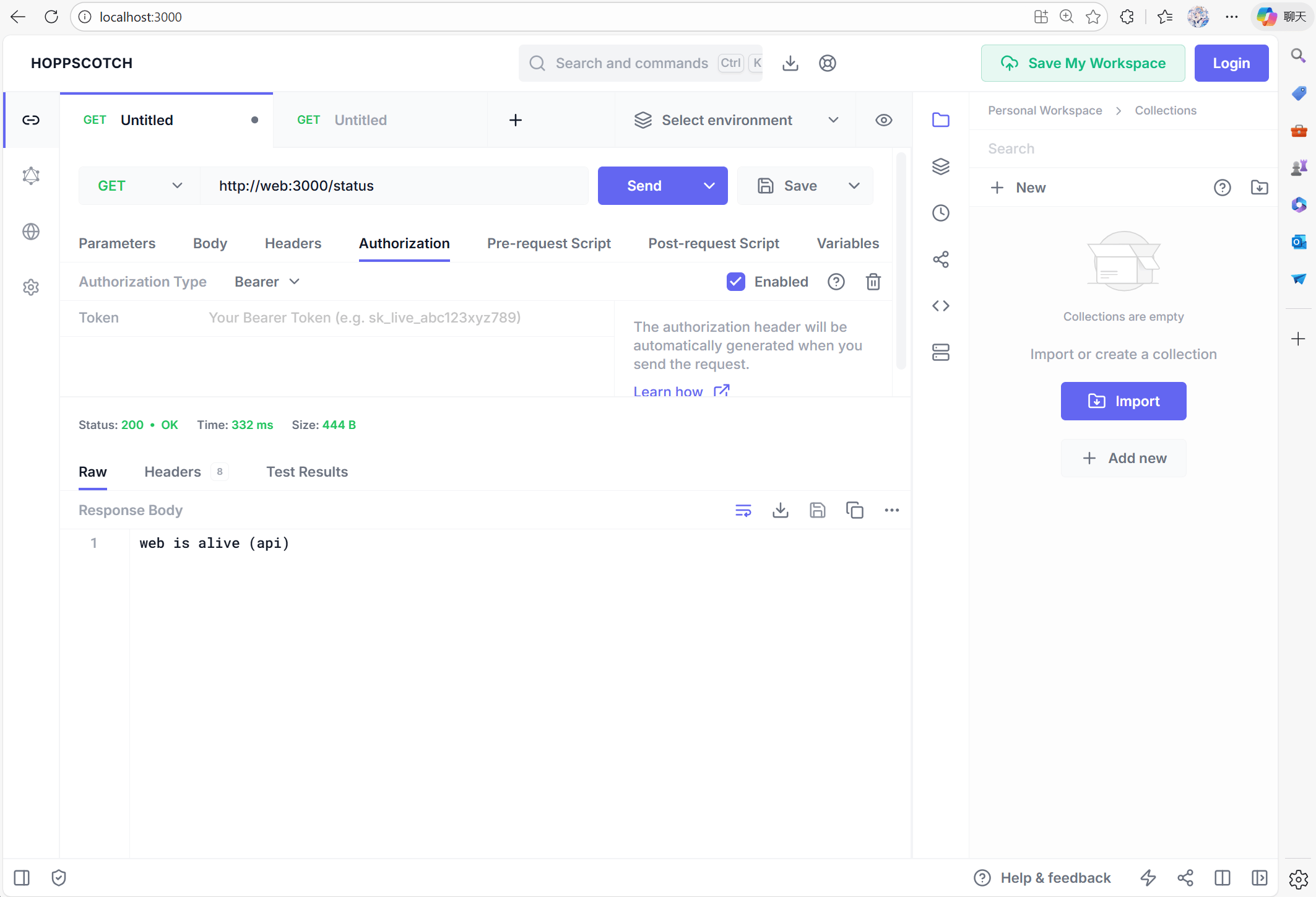
These optional services are not required to run Overleaf, but they are highly recommended for development, debugging, and inspection during local development.- Hoppscotch is a lightweight API testing tool similar to Postman, but browser-based and very convenient for development.
- Frontend: http://localhost:3000
- Proxy (for CORS bypass): http://localhost:9159
- RedisInsight provides a visual interface for inspecting Redis data. UI available at: http://localhost:5540
- Mongo Express is a web-based UI for MongoDB. You can visit http://localhost:8081 with credentials:
admin:pass
docker-compose.yml :
develop/docker-compose.yml
develop/docker-compose.yml
develop/docker-compose.yml
Setup Hoppscotch
Proxy API Request
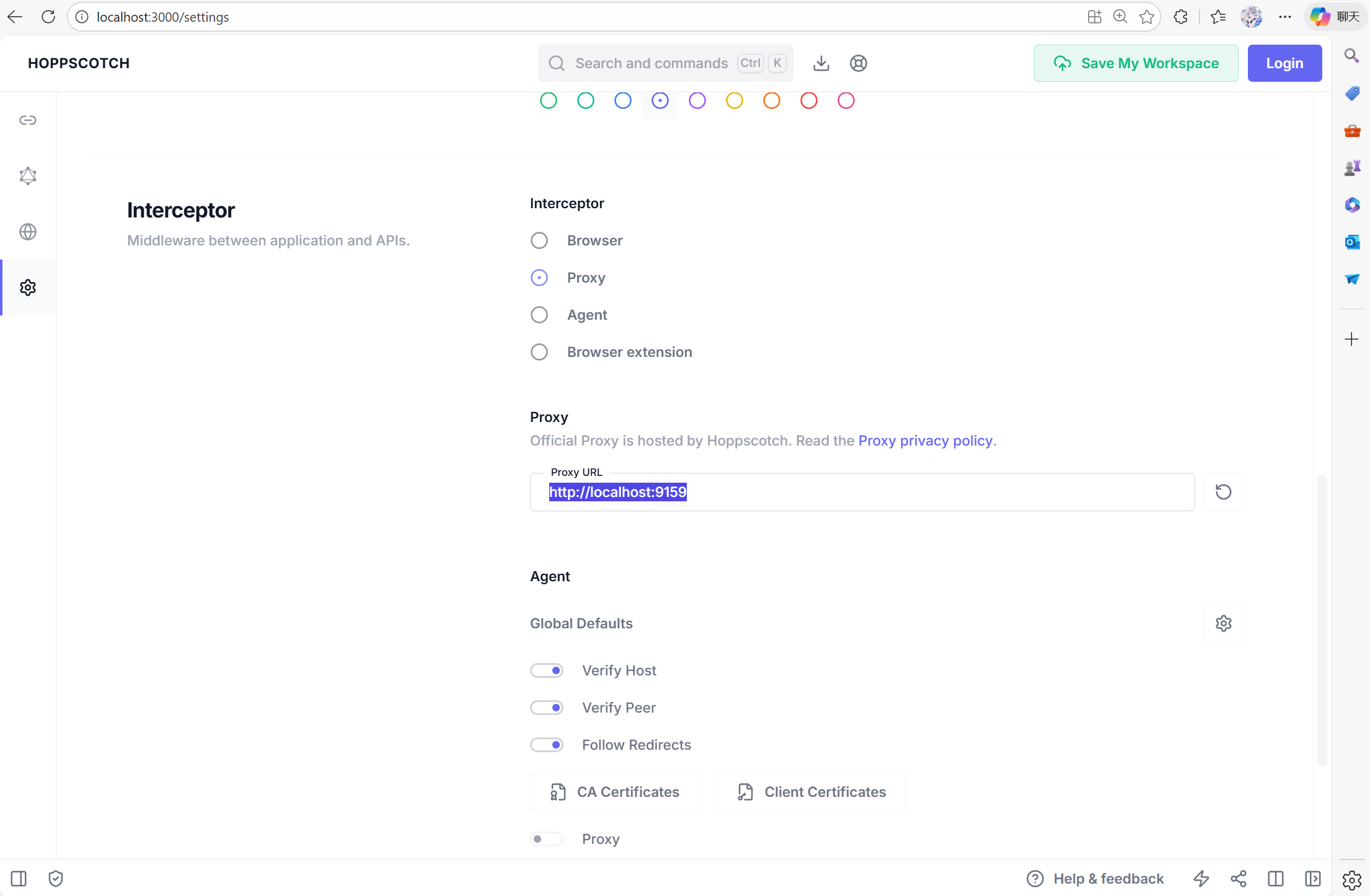
To setup Hoppscotch, you can visit http://localhost:3000, then go to setting tab. You need to setProxy to http://localhost:9159, so that your debug tools can interact with container internal Networks.
CSRF Problems
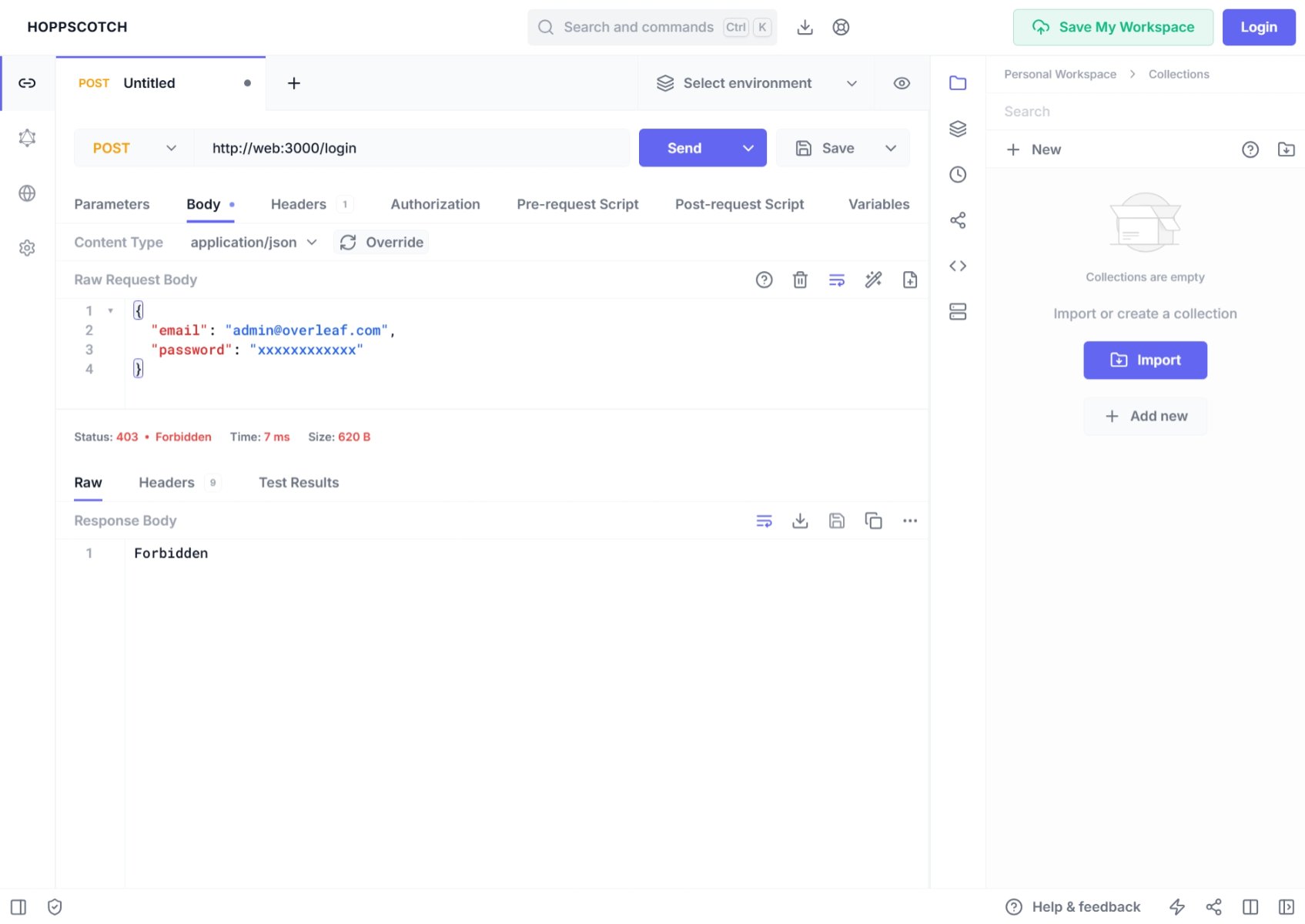
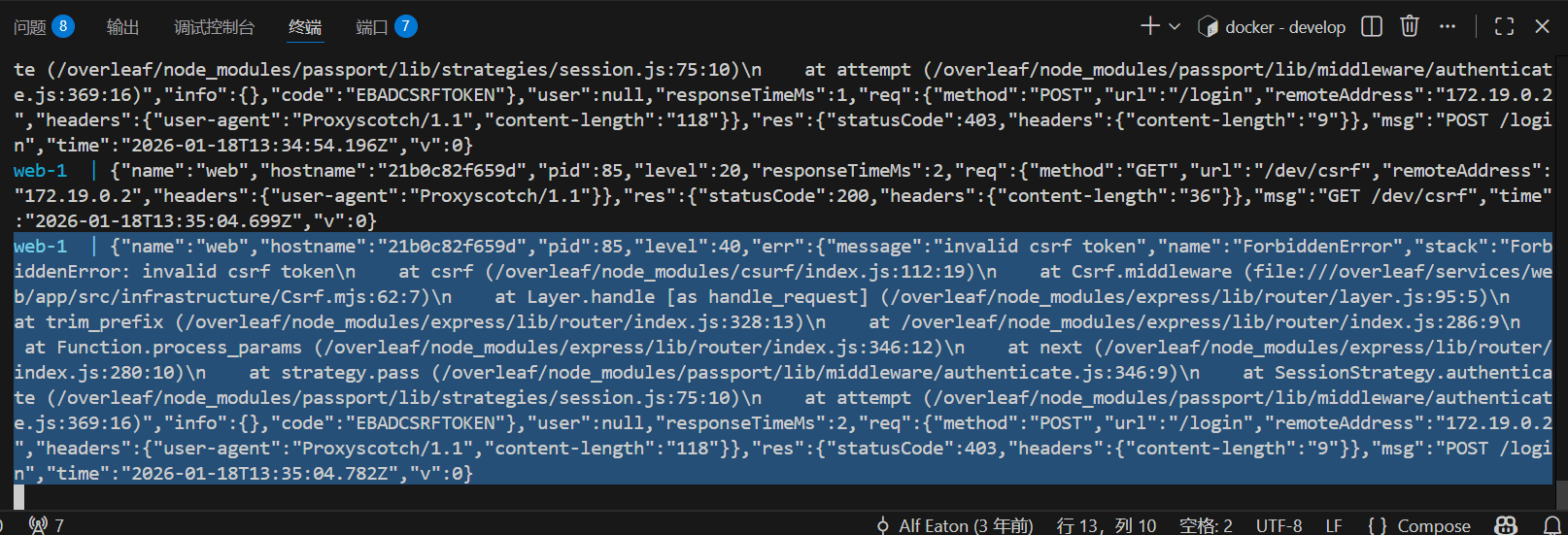
1
Add Pre Request
Add the following code to Pre-Request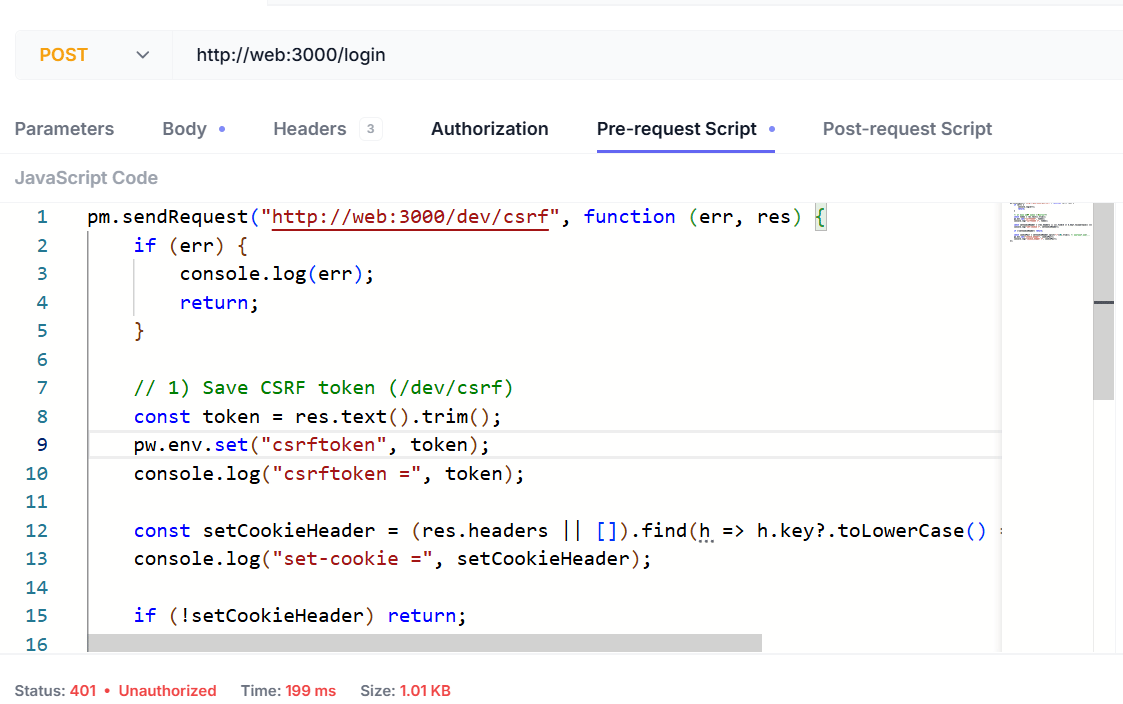
2
Add Request Header
You need to add the following headers: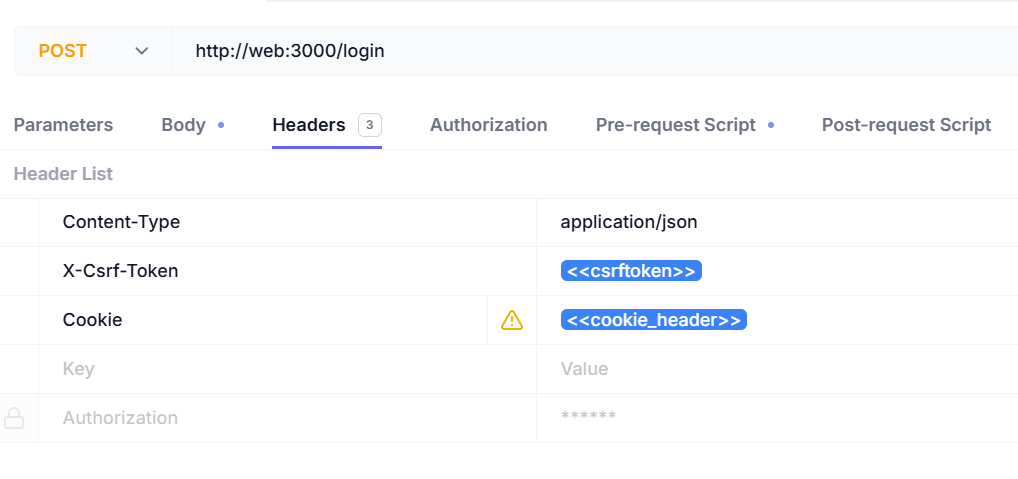
3
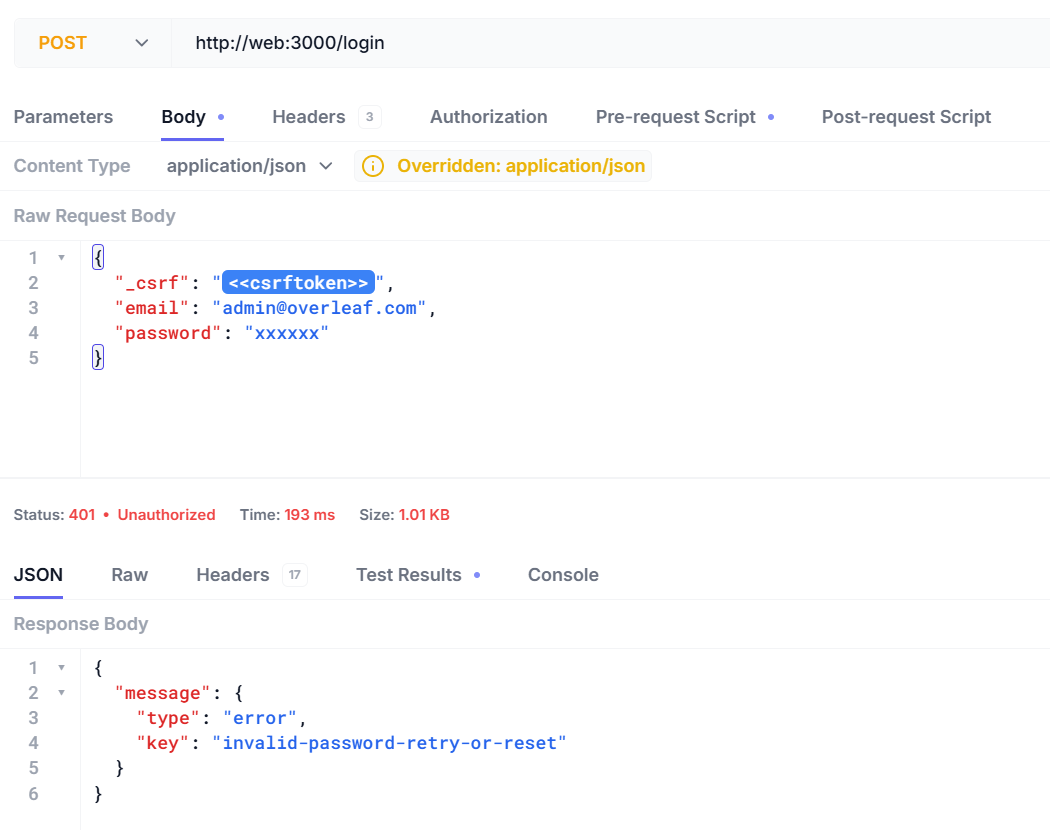
Login with API Tools
Now you can login with your username and password.Here is the response when you input the wrong username or password.