

Configuration Tutorial
1
Create Codespaces
Click the following button to create a cloud codespaces for server-pro development. It’s more recommented to choose Machine Type at least 4-core. For larger machine type, you can make a request to GitHub’s official support team by filing a ticket here.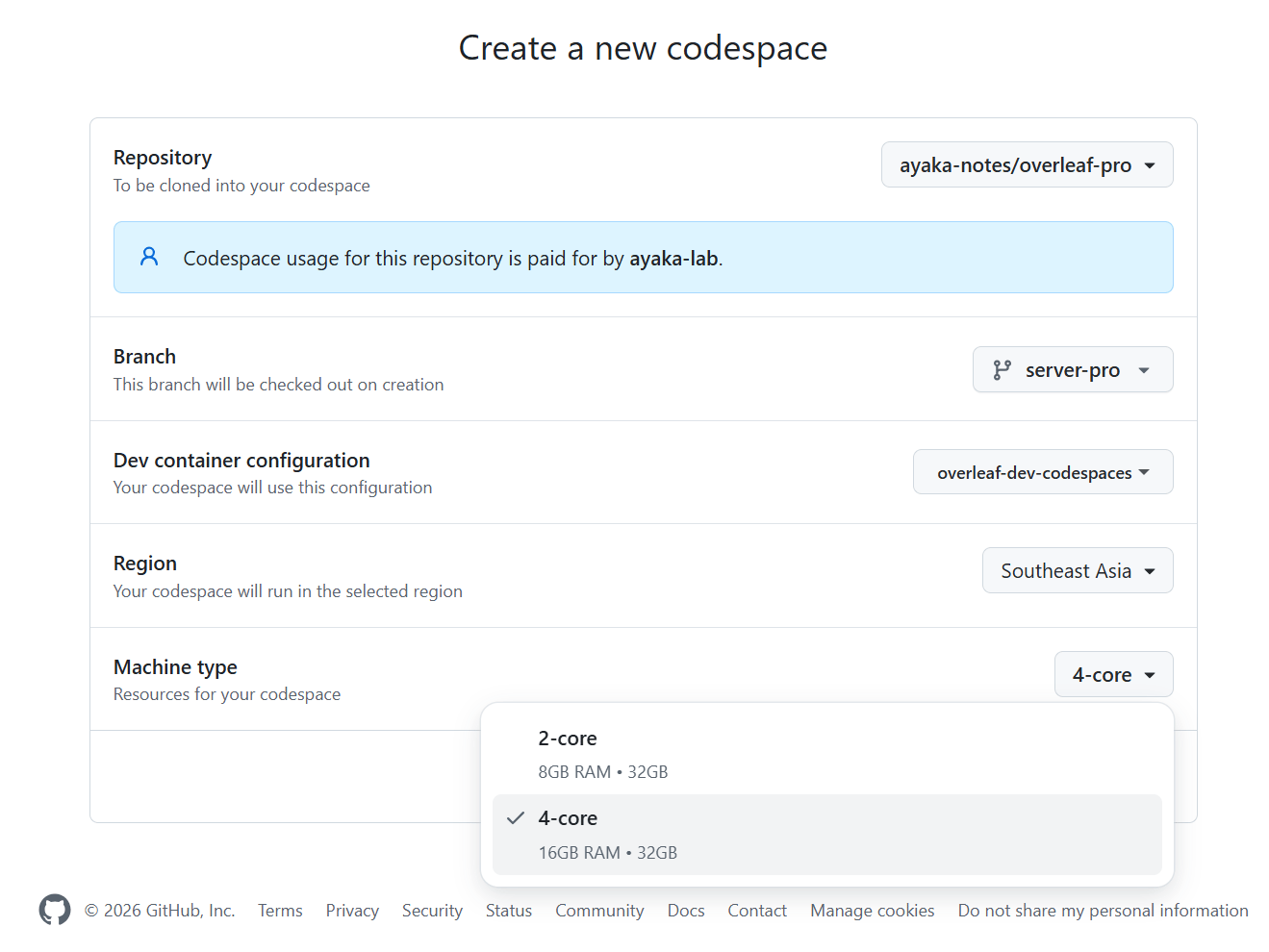
It’s more recommented to choose Machine Type at least 4-core. For larger machine type, you can make a request to GitHub’s official support team by filing a ticket here.2
Launch Setup Script
You will need to wait patiently before the codespace get created. After you can have access to your Terminal, run the folloing command: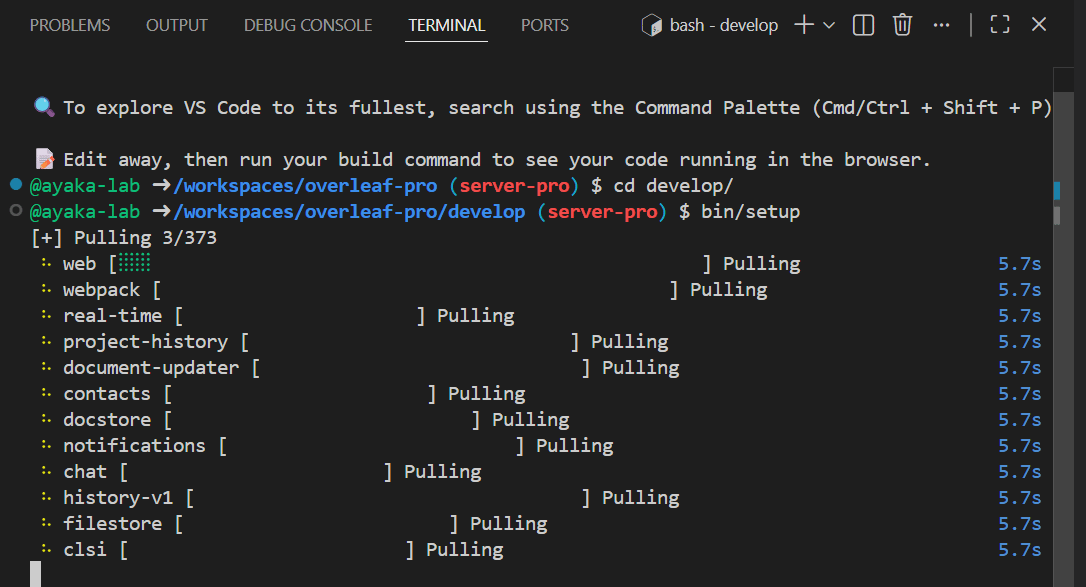
3
Access Your Launchpad
Switch to port tab, you will see a list of avaiable web port. Click the one with 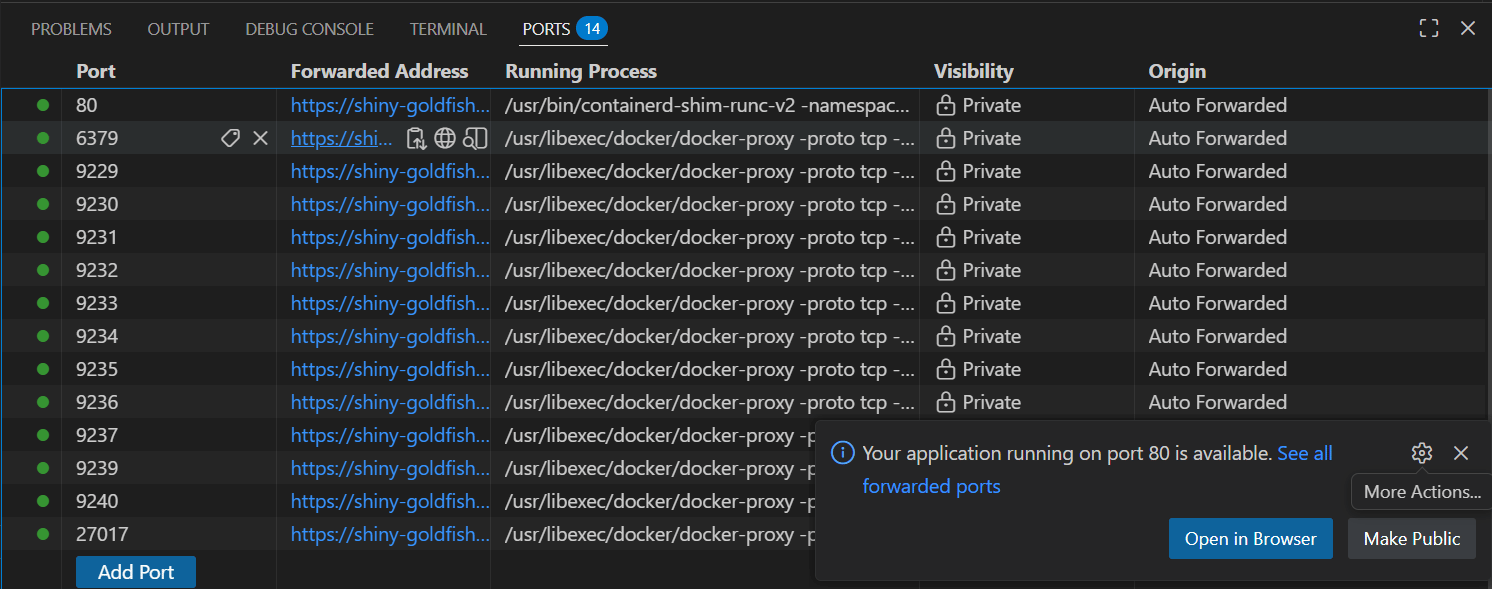
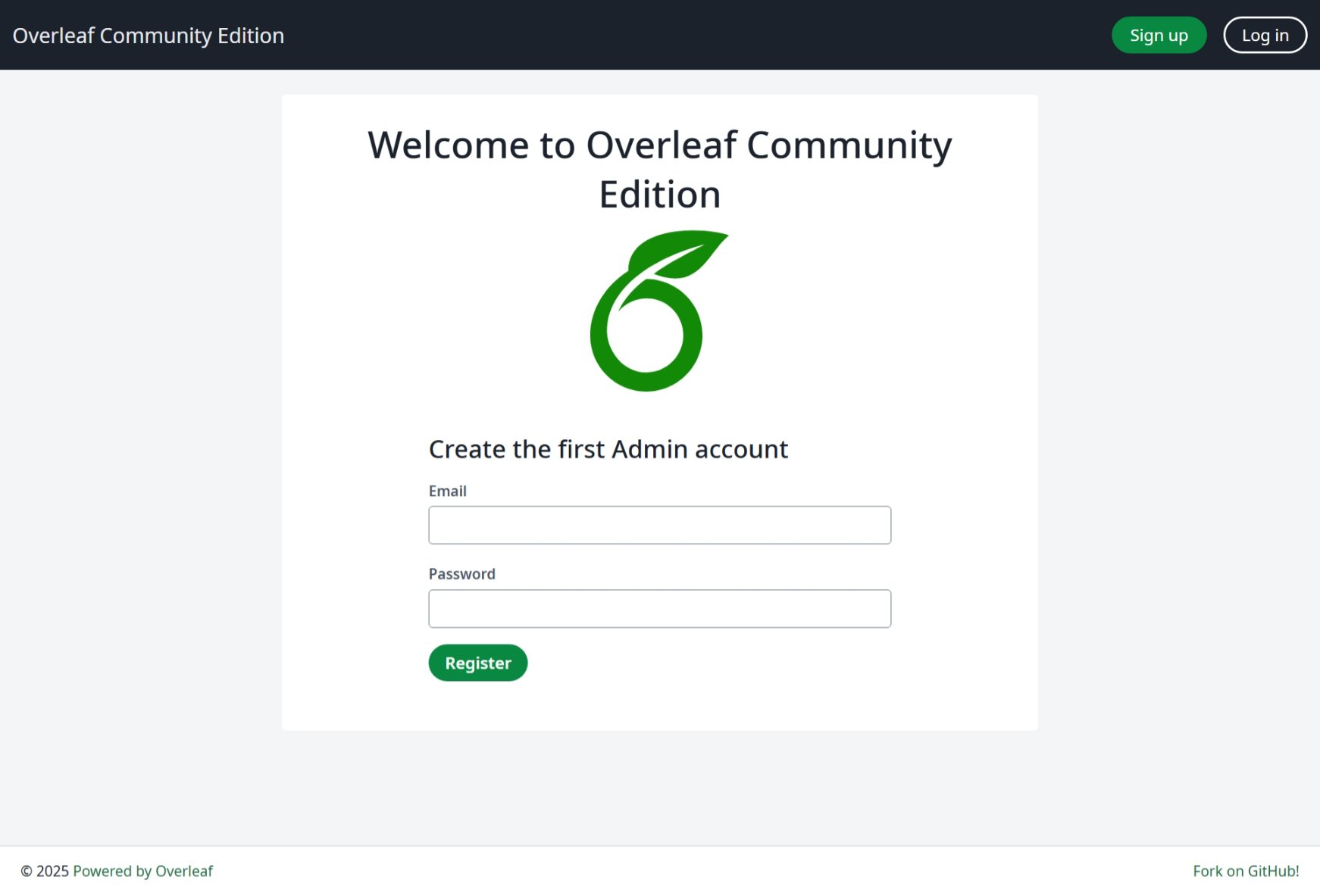
80. You should see launchpad page now.4
Enjoy Development
Now, time to your own time! Start build your awesome feature. You need to run the following command to enable realtime display:
bash