> ## Documentation Index
> Fetch the complete documentation index at: https://ayakaleaf-pro.mintlify.site/llms.txt
> Use this file to discover all available pages before exploring further.
# GitHub 同步
此功能由 [ayaka-notes/overleaf-pro](https://github.com/ayaka-notes/overleaf-pro) 开发,并由 [yu-i-i/overleaf-cep](https://github.com/yu-i-i/overleaf-cep) 修改。它自 v6.2.0 起引入,目前仍处于 beta 阶段。如果你遇到任何问题,我们需要你的反馈。
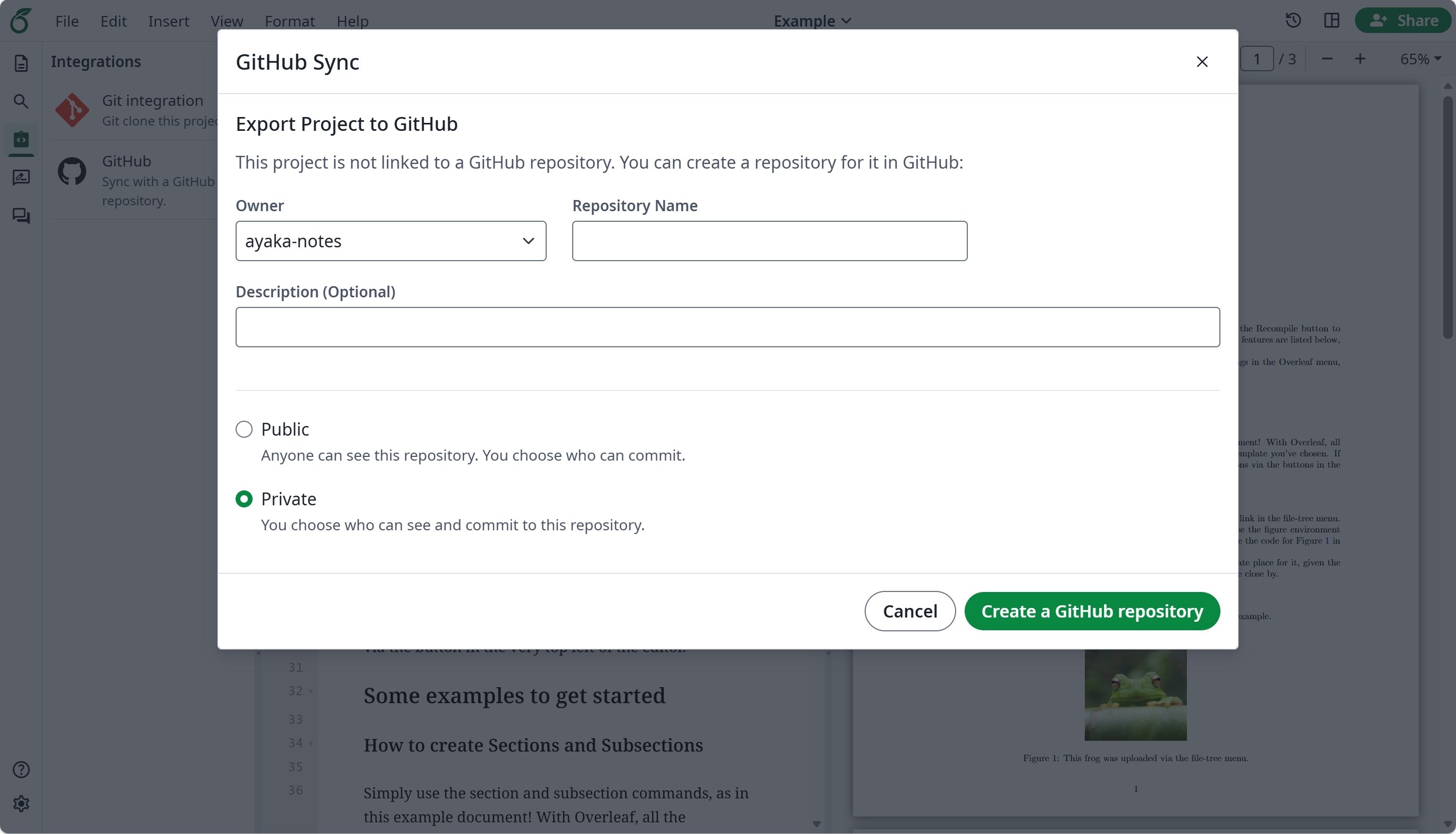
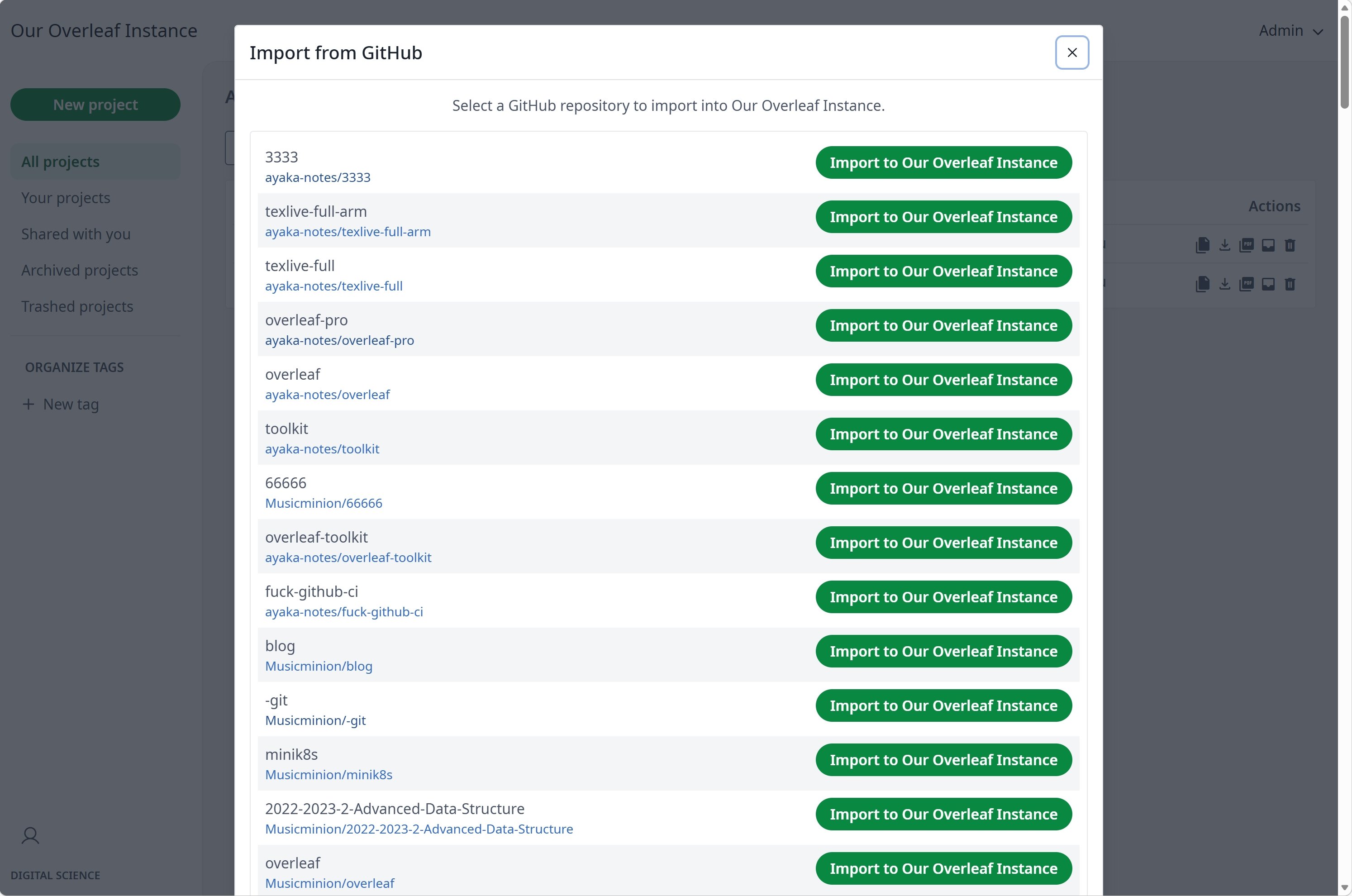
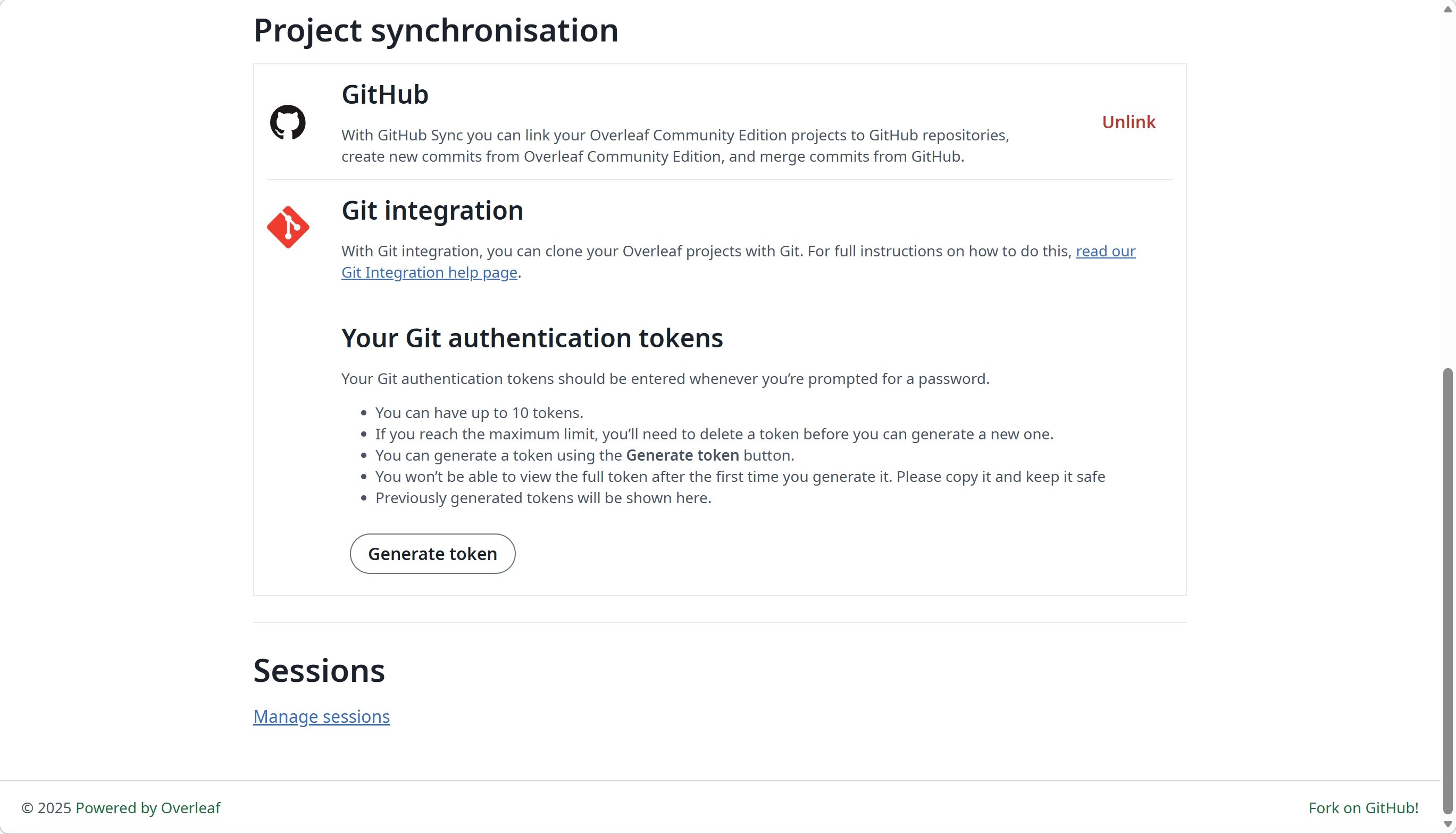
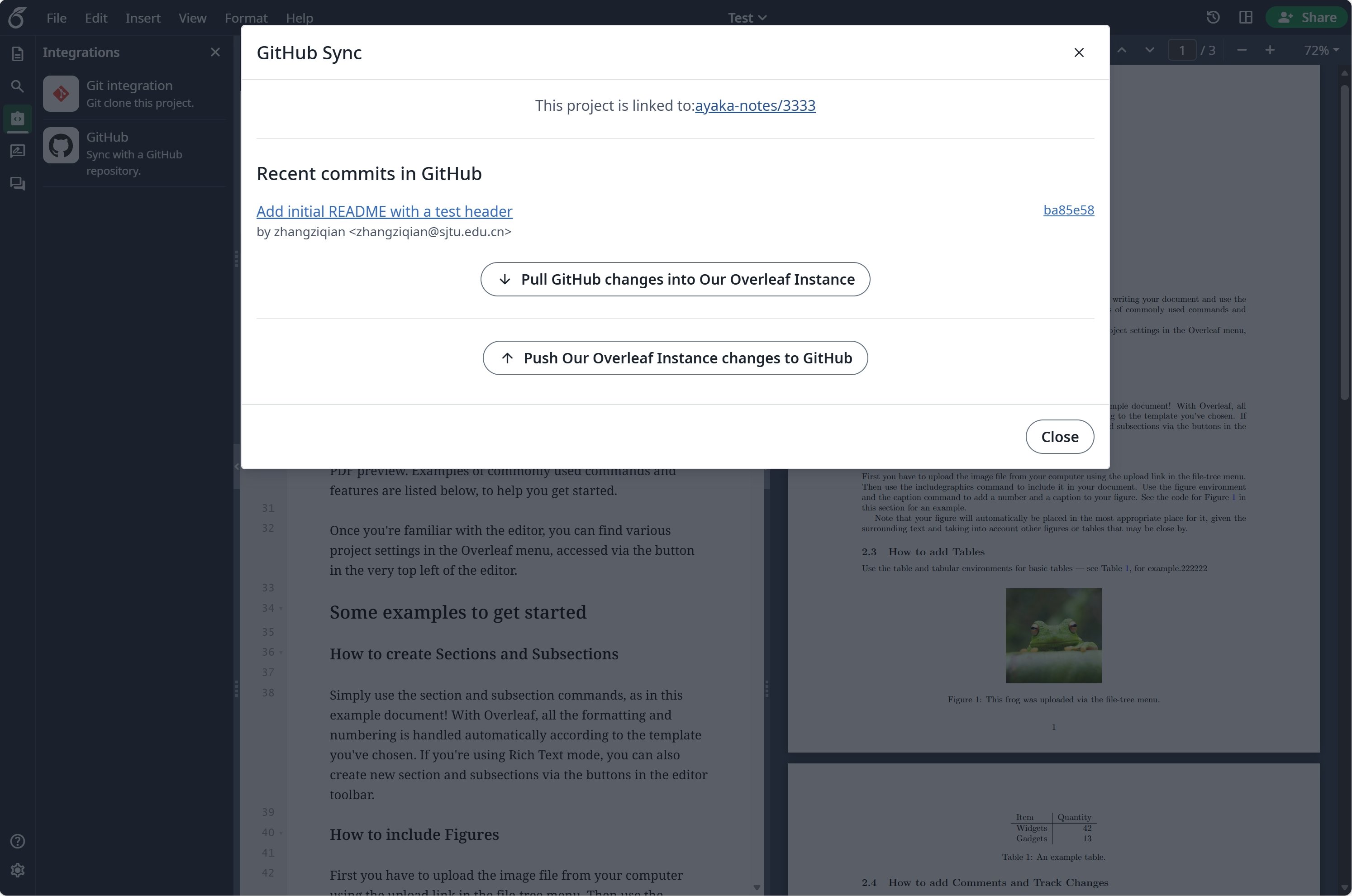 ### 设置 GitHub 同步
在使用 GitHub 同步之前,你需要先启用 [git-bridge](/zh-CN/on-premises/configuration/overleaf-toolkit/git-integration)。
```dotenv title="config/overleaf.rc" theme={null}
GIT_BRIDGE_ENABLED=true
```
访问 [developers settings](https://github.com/settings/developers) 创建你的 GitHub OAuth 应用,并复制 `CLIENT_ID` 和 `SECRET`。
**注意**:你的 OAuth 回调 URL 为:`${OVERLEAF_SITE_URL}/user/github-sync/oauth2/callback`。
然后,将以下设置添加到你的 Overleaf 环境变量文件中。
```dotenv title="config/variables.env" wrap theme={null}
# used to encrypt the user's GitHub access token.
# How to generate: `openssl rand -hex 32`
GITHUB_TOKEN_CIPHER_PASSWORD=0123456789ABCDEFG # changed to yours
# Github Sync Settings
GITHUB_SYNC_ENABLED=true
GITHUB_SYNC_CLIENT_ID=
GITHUB_SYNC_CLIENT_SECRET=
# OAuth callback is: ${OVERLEAF_SITE_URL}/user/github-sync/oauth2/callback
# (Optional) GITHUB_SYNC_PROXY_URL=http://10.0.0.1:10808
```
在配置 GitHub OAuth 回调 URL 之前,请确保 `OVERLEAF_SITE_URL` 已正确设置。
如果你位于中国大陆,可能需要配置代理才能访问 GitHub。请设置以下环境变量:`GITHUB_SYNC_PROXY_URL=http://10.0.0.1:10808`。
不要使用 `127.0.0.1` 作为代理主机。如果代理运行在宿主服务器上,请使用服务器的局域网 IP 地址(例如 `192.168.1.xx`),并确保代理已配置为接受来自本地网络设备的连接。
This documentation is built and hosted on [Mintlify](https://mintlify.com), a developer documentation platform.
### 设置 GitHub 同步
在使用 GitHub 同步之前,你需要先启用 [git-bridge](/zh-CN/on-premises/configuration/overleaf-toolkit/git-integration)。
```dotenv title="config/overleaf.rc" theme={null}
GIT_BRIDGE_ENABLED=true
```
访问 [developers settings](https://github.com/settings/developers) 创建你的 GitHub OAuth 应用,并复制 `CLIENT_ID` 和 `SECRET`。
**注意**:你的 OAuth 回调 URL 为:`${OVERLEAF_SITE_URL}/user/github-sync/oauth2/callback`。
然后,将以下设置添加到你的 Overleaf 环境变量文件中。
```dotenv title="config/variables.env" wrap theme={null}
# used to encrypt the user's GitHub access token.
# How to generate: `openssl rand -hex 32`
GITHUB_TOKEN_CIPHER_PASSWORD=0123456789ABCDEFG # changed to yours
# Github Sync Settings
GITHUB_SYNC_ENABLED=true
GITHUB_SYNC_CLIENT_ID=
GITHUB_SYNC_CLIENT_SECRET=
# OAuth callback is: ${OVERLEAF_SITE_URL}/user/github-sync/oauth2/callback
# (Optional) GITHUB_SYNC_PROXY_URL=http://10.0.0.1:10808
```
在配置 GitHub OAuth 回调 URL 之前,请确保 `OVERLEAF_SITE_URL` 已正确设置。
如果你位于中国大陆,可能需要配置代理才能访问 GitHub。请设置以下环境变量:`GITHUB_SYNC_PROXY_URL=http://10.0.0.1:10808`。
不要使用 `127.0.0.1` 作为代理主机。如果代理运行在宿主服务器上,请使用服务器的局域网 IP 地址(例如 `192.168.1.xx`),并确保代理已配置为接受来自本地网络设备的连接。
This documentation is built and hosted on [Mintlify](https://mintlify.com), a developer documentation platform.