> ## Documentation Index
> Fetch the complete documentation index at: https://ayakaleaf-pro.mintlify.site/llms.txt
> Use this file to discover all available pages before exploring further.
# Sincronização com GitHub
Este recurso foi desenvolvido por [ayaka-notes/overleaf-pro](https://github.com/ayaka-notes/overleaf-pro) e modificado por [yu-i-i/overleaf-cep](https://github.com/yu-i-i/overleaf-cep). Ele foi introduzido na v6.2.0 e posteriores. Ainda está em fase beta. Precisamos do seu feedback caso encontre algum problema.
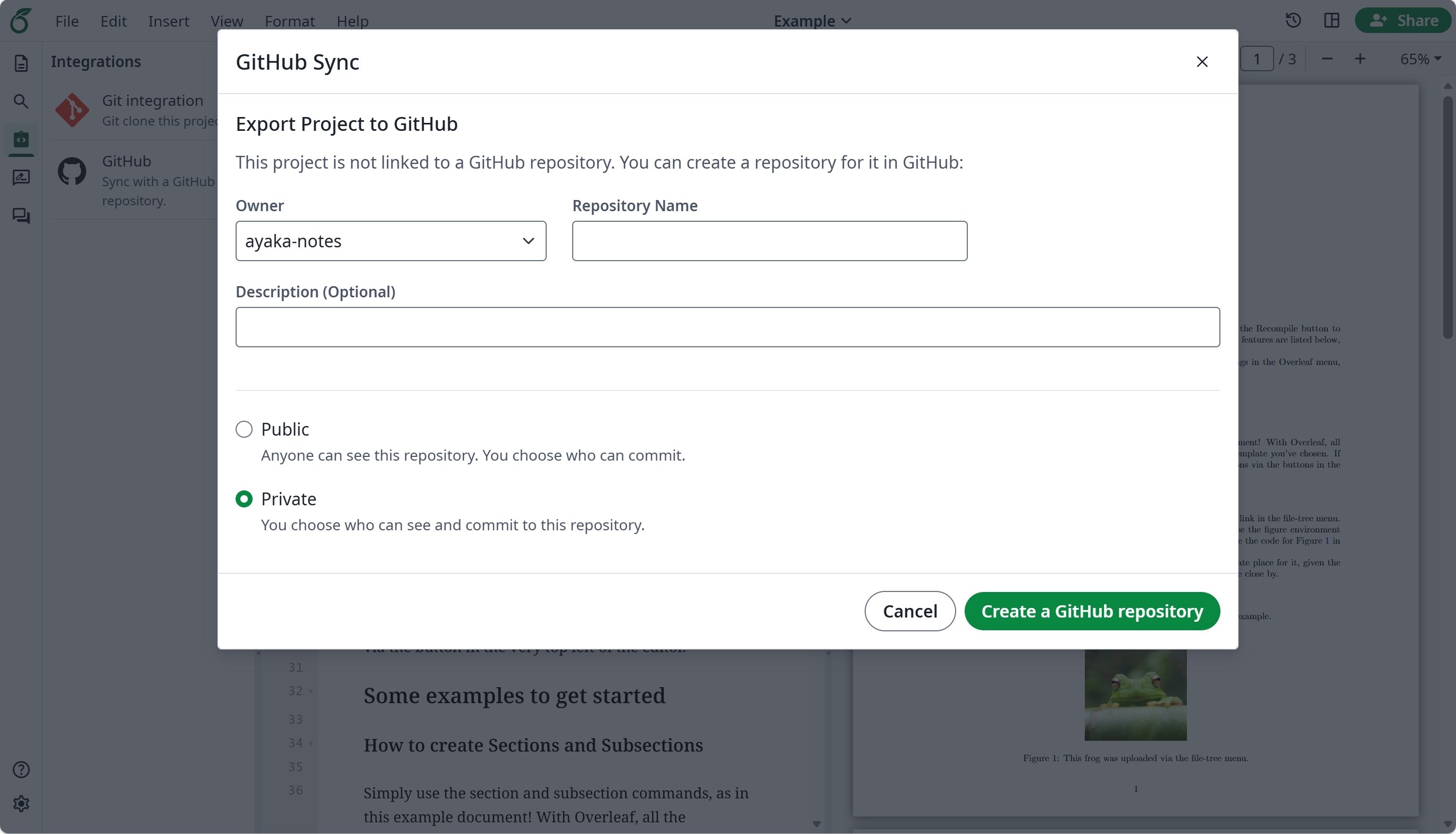
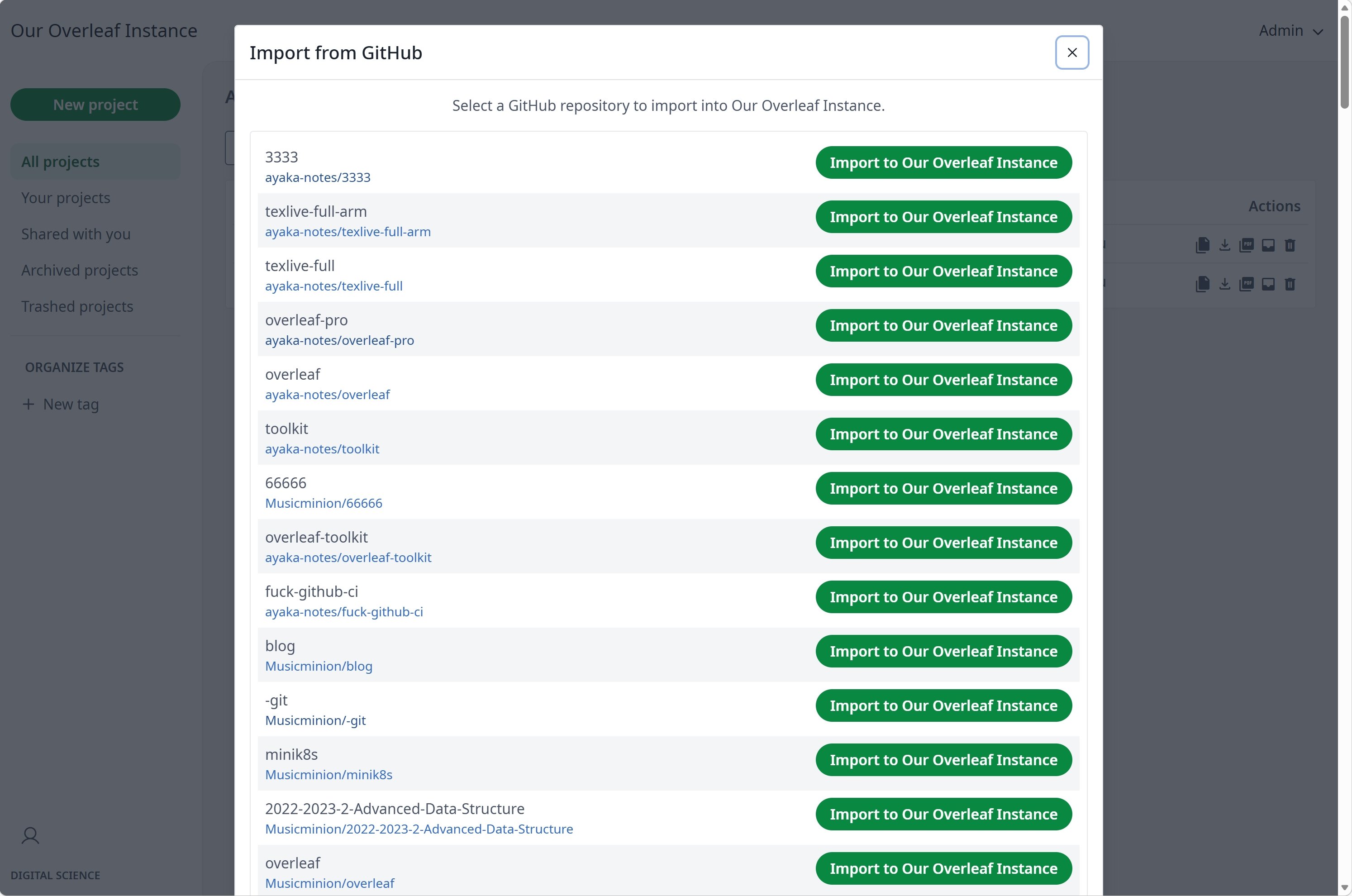
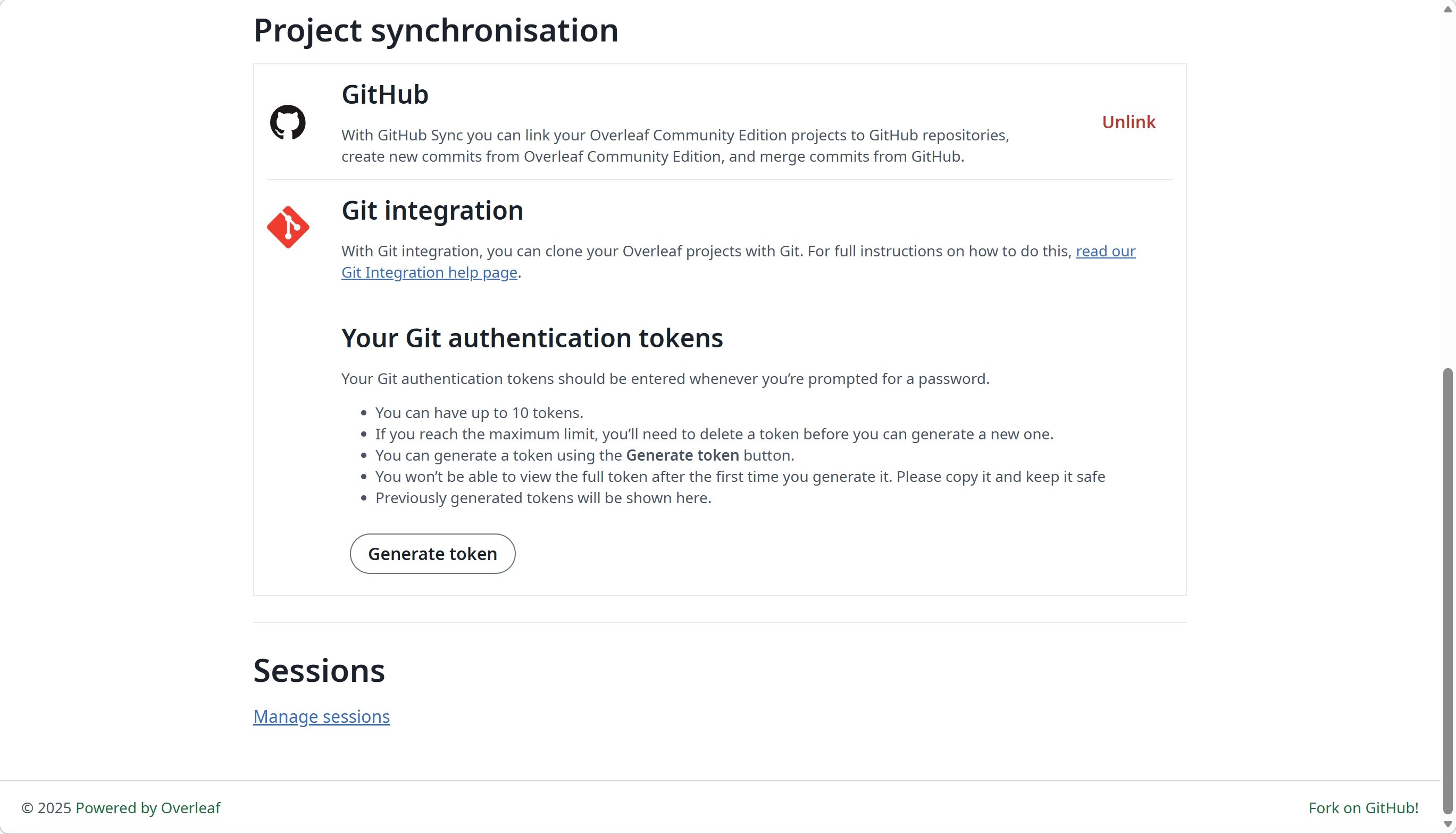
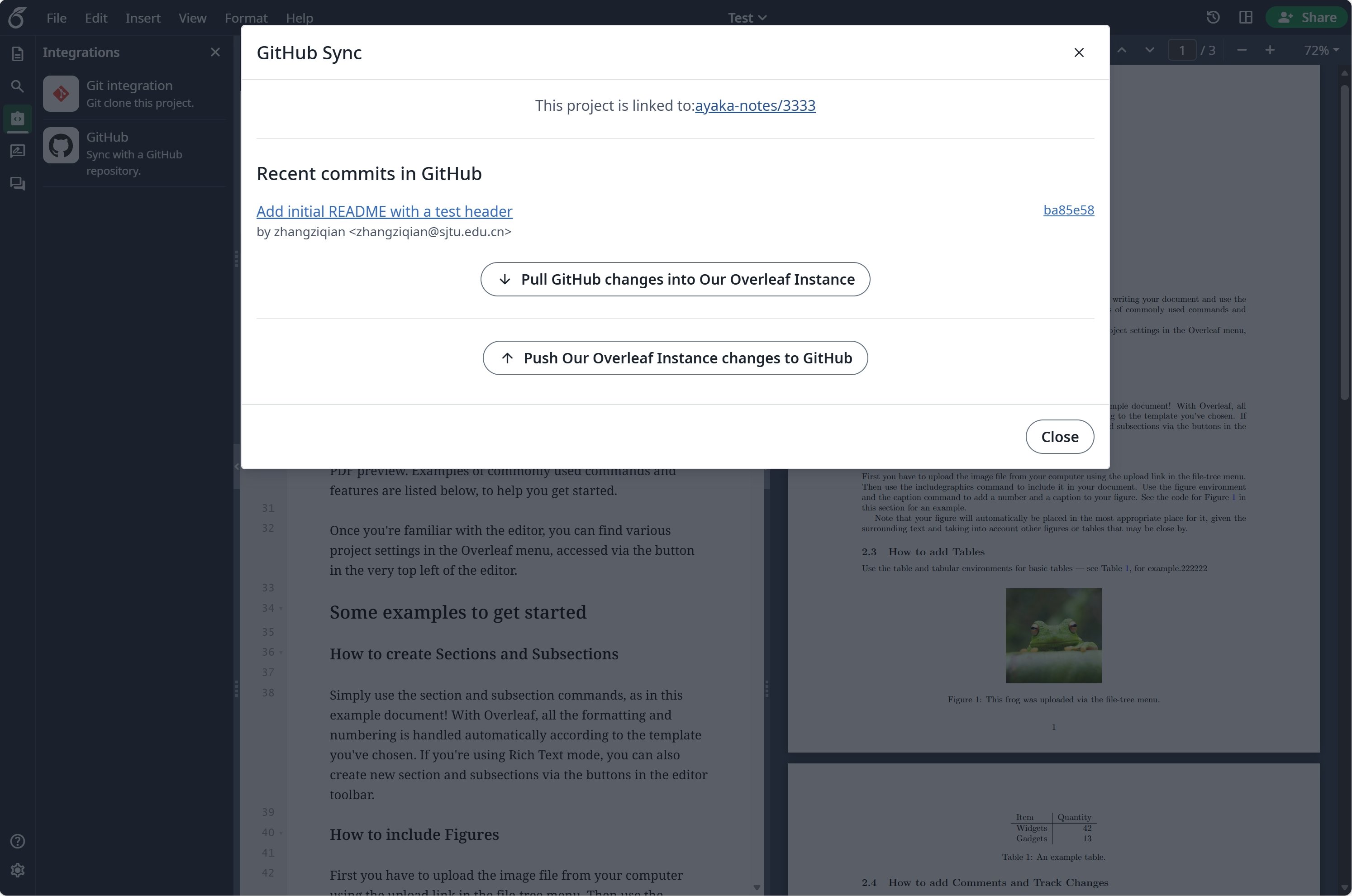 ### Configurar a sincronização com GitHub
Você precisa habilitar o [git-bridge](/pt/on-premises/configuration/overleaf-toolkit/git-integration) antes de usar a sincronização com GitHub.
```dotenv title="config/overleaf.rc" theme={null}
GIT_BRIDGE_ENABLED=true
```
Acesse as [configurações de desenvolvedor](https://github.com/settings/developers) para criar seu aplicativo OAuth do GitHub e copie seu `CLIENT_ID` e `SECRET`.
**Observação**: sua URL de callback OAuth é: `${OVERLEAF_SITE_URL}/user/github-sync/oauth2/callback`.
Em seguida, adicione as seguintes configurações aos seus arquivos de variáveis de ambiente do Overleaf.
```dotenv title="config/variables.env" wrap theme={null}
# used to encrypt the user's GitHub access token.
# How to generate: `openssl rand -hex 32`
GITHUB_TOKEN_CIPHER_PASSWORD=0123456789ABCDEFG # changed to yours
# Github Sync Settings
GITHUB_SYNC_ENABLED=true
GITHUB_SYNC_CLIENT_ID=
GITHUB_SYNC_CLIENT_SECRET=
# OAuth callback is: ${OVERLEAF_SITE_URL}/user/github-sync/oauth2/callback
# (Optional) GITHUB_SYNC_PROXY_URL=http://10.0.0.1:10808
```
Antes de configurar a URL de callback OAuth do GitHub, certifique-se de que `OVERLEAF_SITE_URL` esteja definido corretamente.
Se você estiver na China continental, talvez precise configurar um proxy para acessar o GitHub. Defina a seguinte variável de ambiente: `GITHUB_SYNC_PROXY_URL=http://10.0.0.1:10808`.
Não use `127.0.0.1` como host do proxy. Se o proxy estiver em execução no servidor host, use o endereço IP da LAN do servidor (como `192.168.1.xx`) e certifique-se de que o proxy esteja configurado para aceitar conexões de dispositivos da rede local.
This documentation is built and hosted on [Mintlify](https://mintlify.com), a developer documentation platform.
### Configurar a sincronização com GitHub
Você precisa habilitar o [git-bridge](/pt/on-premises/configuration/overleaf-toolkit/git-integration) antes de usar a sincronização com GitHub.
```dotenv title="config/overleaf.rc" theme={null}
GIT_BRIDGE_ENABLED=true
```
Acesse as [configurações de desenvolvedor](https://github.com/settings/developers) para criar seu aplicativo OAuth do GitHub e copie seu `CLIENT_ID` e `SECRET`.
**Observação**: sua URL de callback OAuth é: `${OVERLEAF_SITE_URL}/user/github-sync/oauth2/callback`.
Em seguida, adicione as seguintes configurações aos seus arquivos de variáveis de ambiente do Overleaf.
```dotenv title="config/variables.env" wrap theme={null}
# used to encrypt the user's GitHub access token.
# How to generate: `openssl rand -hex 32`
GITHUB_TOKEN_CIPHER_PASSWORD=0123456789ABCDEFG # changed to yours
# Github Sync Settings
GITHUB_SYNC_ENABLED=true
GITHUB_SYNC_CLIENT_ID=
GITHUB_SYNC_CLIENT_SECRET=
# OAuth callback is: ${OVERLEAF_SITE_URL}/user/github-sync/oauth2/callback
# (Optional) GITHUB_SYNC_PROXY_URL=http://10.0.0.1:10808
```
Antes de configurar a URL de callback OAuth do GitHub, certifique-se de que `OVERLEAF_SITE_URL` esteja definido corretamente.
Se você estiver na China continental, talvez precise configurar um proxy para acessar o GitHub. Defina a seguinte variável de ambiente: `GITHUB_SYNC_PROXY_URL=http://10.0.0.1:10808`.
Não use `127.0.0.1` como host do proxy. Se o proxy estiver em execução no servidor host, use o endereço IP da LAN do servidor (como `192.168.1.xx`) e certifique-se de que o proxy esteja configurado para aceitar conexões de dispositivos da rede local.
This documentation is built and hosted on [Mintlify](https://mintlify.com), a developer documentation platform.