> ## Documentation Index
> Fetch the complete documentation index at: https://ayakaleaf-pro.mintlify.site/llms.txt
> Use this file to discover all available pages before exploring further.
# GitHub 同期
この機能は [ayaka-notes/overleaf-pro](https://github.com/ayaka-notes/overleaf-pro) によって開発され、[yu-i-i/overleaf-cep](https://github.com/yu-i-i/overleaf-cep) によって改修されたものです。v6.2.0 以降で導入されています。まだベータ版のため、問題があればぜひフィードバックをお寄せください。
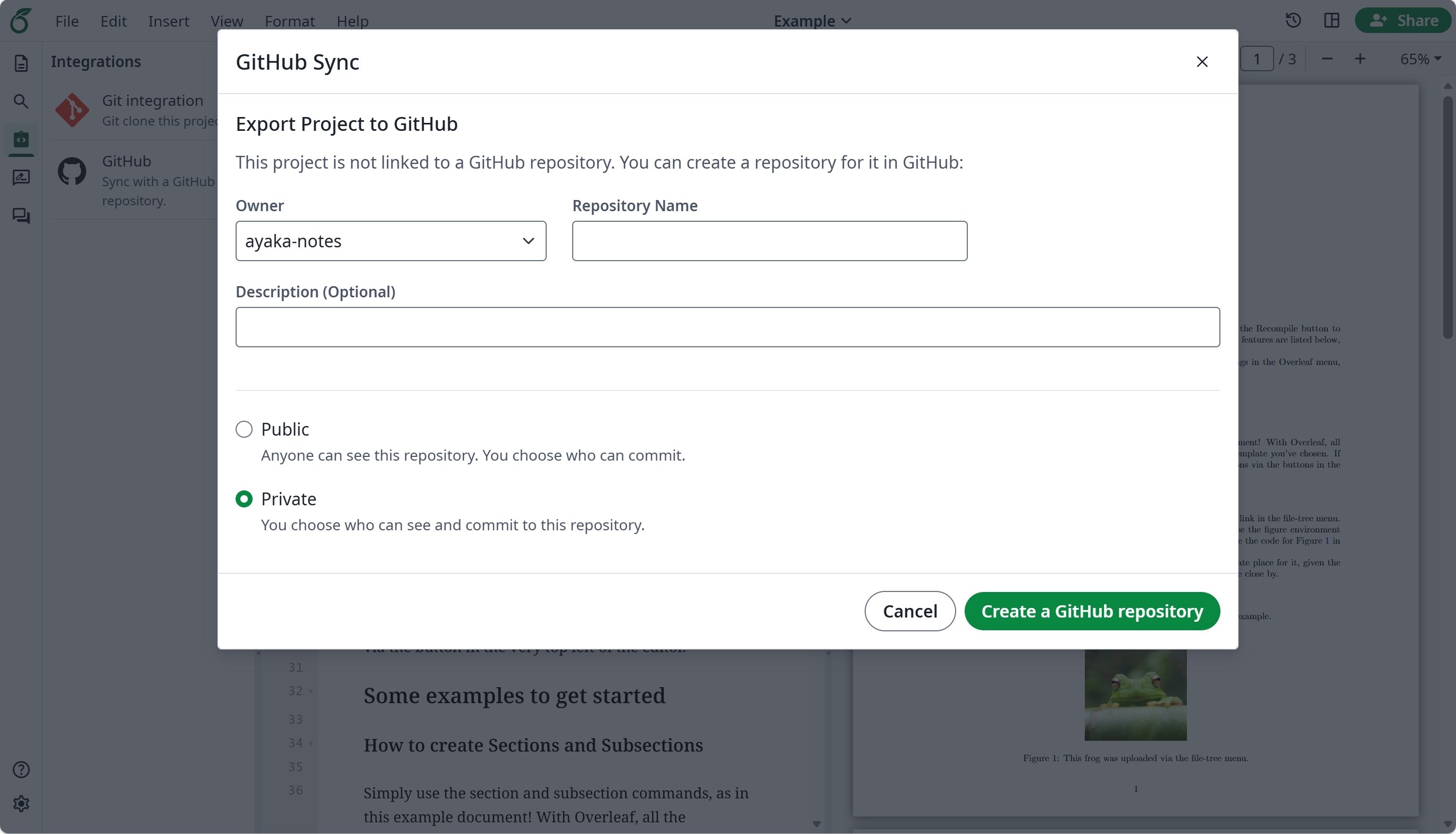
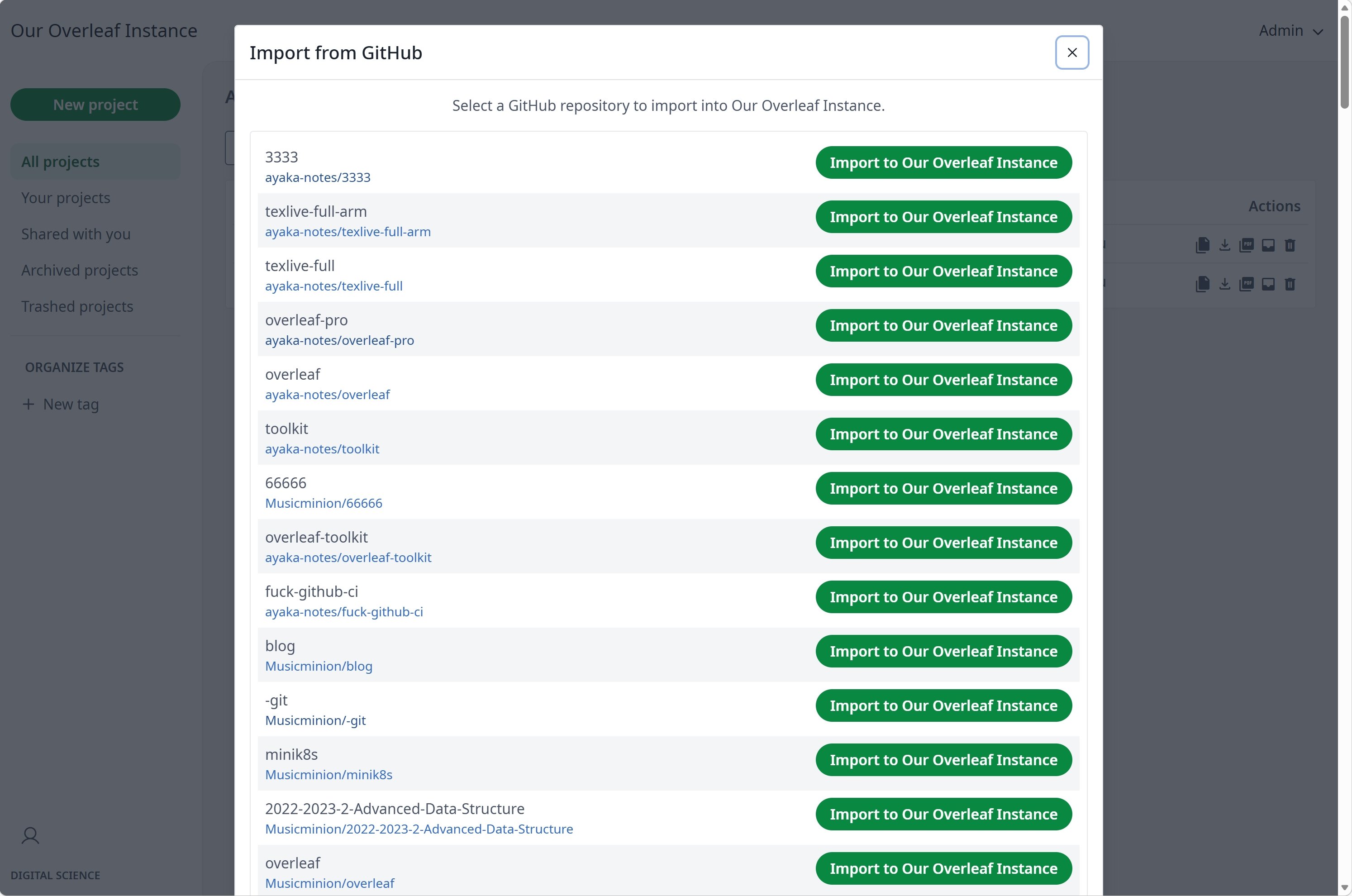
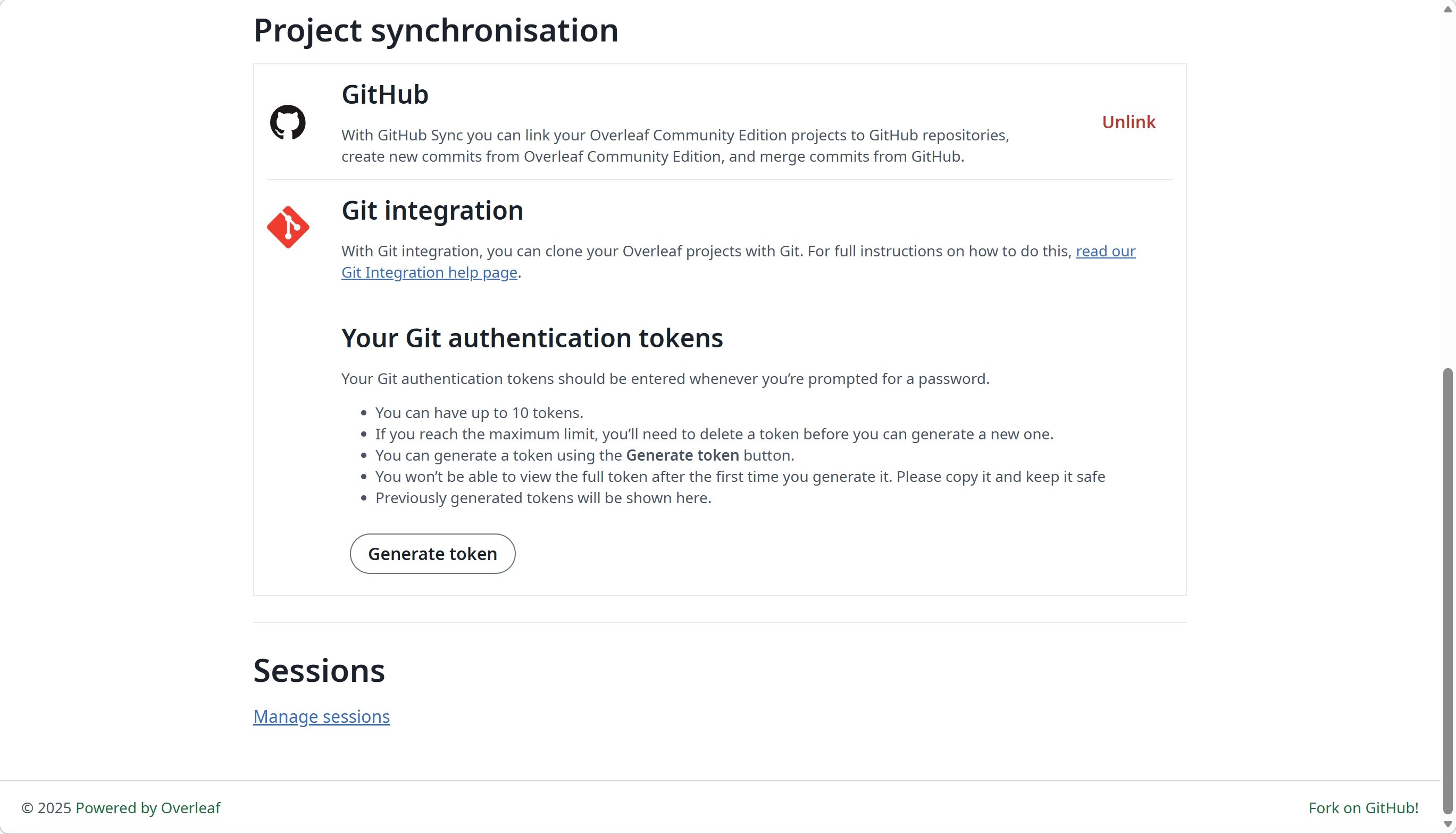
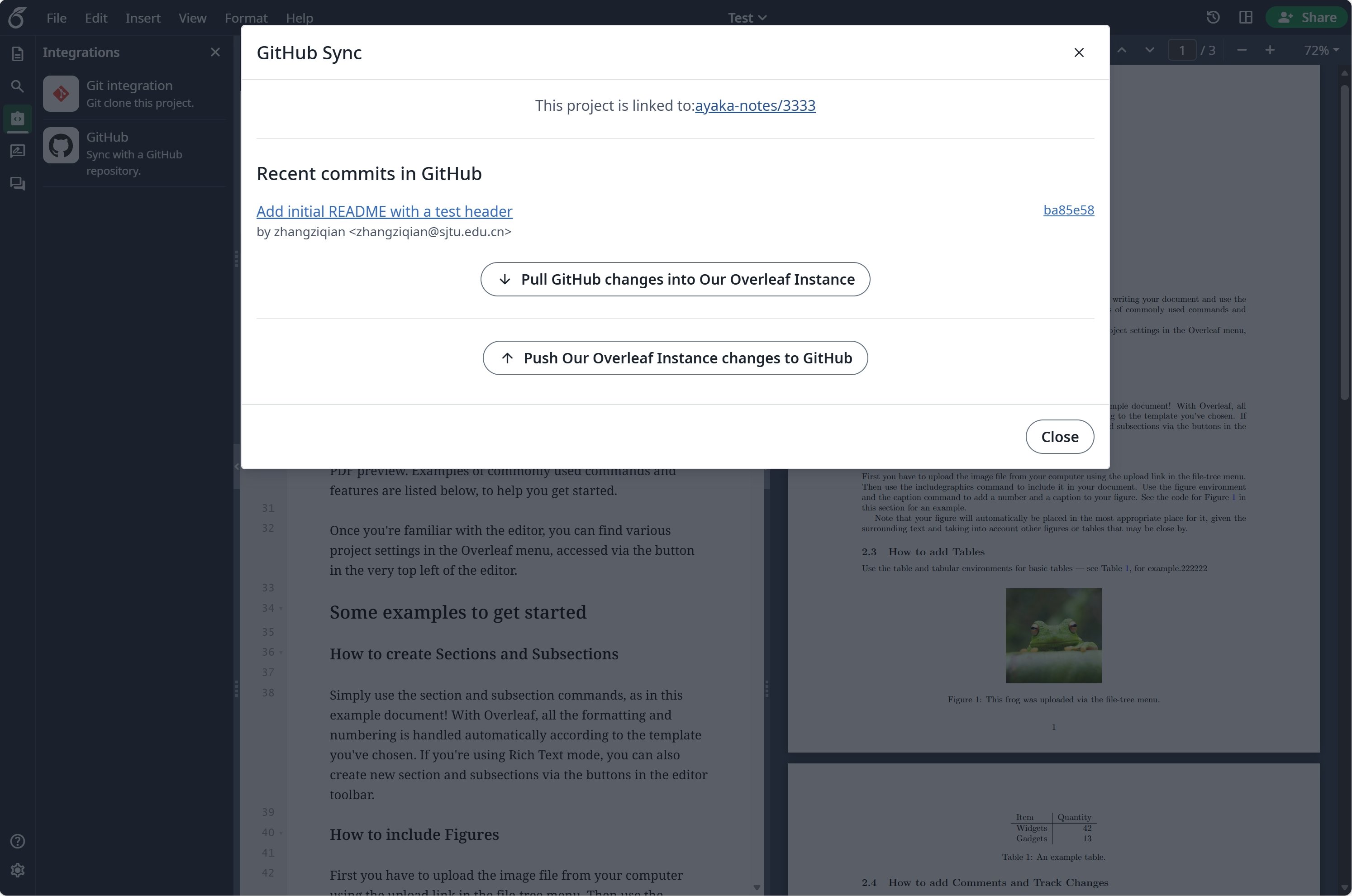 ### GitHub 同期のセットアップ
GitHub 同期を使用する前に、まず [git-bridge](/ja/on-premises/configuration/overleaf-toolkit/git-integration) を有効にする必要があります。
```dotenv title="config/overleaf.rc" theme={null}
GIT_BRIDGE_ENABLED=true
```
[開発者設定](https://github.com/settings/developers) にアクセスして GitHub OAuth アプリケーションを作成し、`CLIENT_ID` と `SECRET` をコピーします。
**注意**: OAuth コールバック URL は `${OVERLEAF_SITE_URL}/user/github-sync/oauth2/callback` です。
次に、Overleaf の環境変数ファイルに以下の設定を追加します。
```dotenv title="config/variables.env" wrap theme={null}
# used to encrypt the user's GitHub access token.
# How to generate: `openssl rand -hex 32`
GITHUB_TOKEN_CIPHER_PASSWORD=0123456789ABCDEFG # changed to yours
# Github Sync Settings
GITHUB_SYNC_ENABLED=true
GITHUB_SYNC_CLIENT_ID=
GITHUB_SYNC_CLIENT_SECRET=
# OAuth callback is: ${OVERLEAF_SITE_URL}/user/github-sync/oauth2/callback
# (Optional) GITHUB_SYNC_PROXY_URL=http://10.0.0.1:10808
```
GitHub OAuth のコールバック URL を設定する前に、`OVERLEAF_SITE_URL` が正しく設定されていることを確認してください。
中国本土にいる場合は、GitHub にアクセスするためにプロキシの設定が必要になることがあります。次の環境変数を設定してください: `GITHUB_SYNC_PROXY_URL=http://10.0.0.1:10808`。
プロキシのホストに `127.0.0.1` を使用しないでください。プロキシがホストサーバー上で動作している場合は、サーバーの LAN IP アドレス(`192.168.1.xx` など)を使用し、プロキシがローカルネットワーク上のデバイスからの接続を受け付けるよう設定されていることを確認してください。
This documentation is built and hosted on [Mintlify](https://mintlify.com), a developer documentation platform.
### GitHub 同期のセットアップ
GitHub 同期を使用する前に、まず [git-bridge](/ja/on-premises/configuration/overleaf-toolkit/git-integration) を有効にする必要があります。
```dotenv title="config/overleaf.rc" theme={null}
GIT_BRIDGE_ENABLED=true
```
[開発者設定](https://github.com/settings/developers) にアクセスして GitHub OAuth アプリケーションを作成し、`CLIENT_ID` と `SECRET` をコピーします。
**注意**: OAuth コールバック URL は `${OVERLEAF_SITE_URL}/user/github-sync/oauth2/callback` です。
次に、Overleaf の環境変数ファイルに以下の設定を追加します。
```dotenv title="config/variables.env" wrap theme={null}
# used to encrypt the user's GitHub access token.
# How to generate: `openssl rand -hex 32`
GITHUB_TOKEN_CIPHER_PASSWORD=0123456789ABCDEFG # changed to yours
# Github Sync Settings
GITHUB_SYNC_ENABLED=true
GITHUB_SYNC_CLIENT_ID=
GITHUB_SYNC_CLIENT_SECRET=
# OAuth callback is: ${OVERLEAF_SITE_URL}/user/github-sync/oauth2/callback
# (Optional) GITHUB_SYNC_PROXY_URL=http://10.0.0.1:10808
```
GitHub OAuth のコールバック URL を設定する前に、`OVERLEAF_SITE_URL` が正しく設定されていることを確認してください。
中国本土にいる場合は、GitHub にアクセスするためにプロキシの設定が必要になることがあります。次の環境変数を設定してください: `GITHUB_SYNC_PROXY_URL=http://10.0.0.1:10808`。
プロキシのホストに `127.0.0.1` を使用しないでください。プロキシがホストサーバー上で動作している場合は、サーバーの LAN IP アドレス(`192.168.1.xx` など)を使用し、プロキシがローカルネットワーク上のデバイスからの接続を受け付けるよう設定されていることを確認してください。
This documentation is built and hosted on [Mintlify](https://mintlify.com), a developer documentation platform.