> ## Documentation Index
> Fetch the complete documentation index at: https://ayakaleaf-pro.mintlify.site/llms.txt
> Use this file to discover all available pages before exploring further.
# Integrasi Zotero
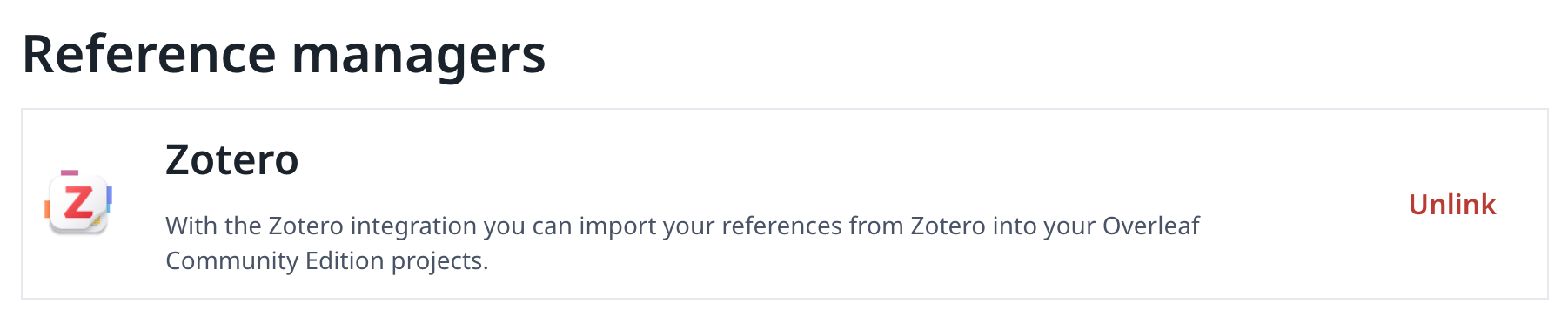
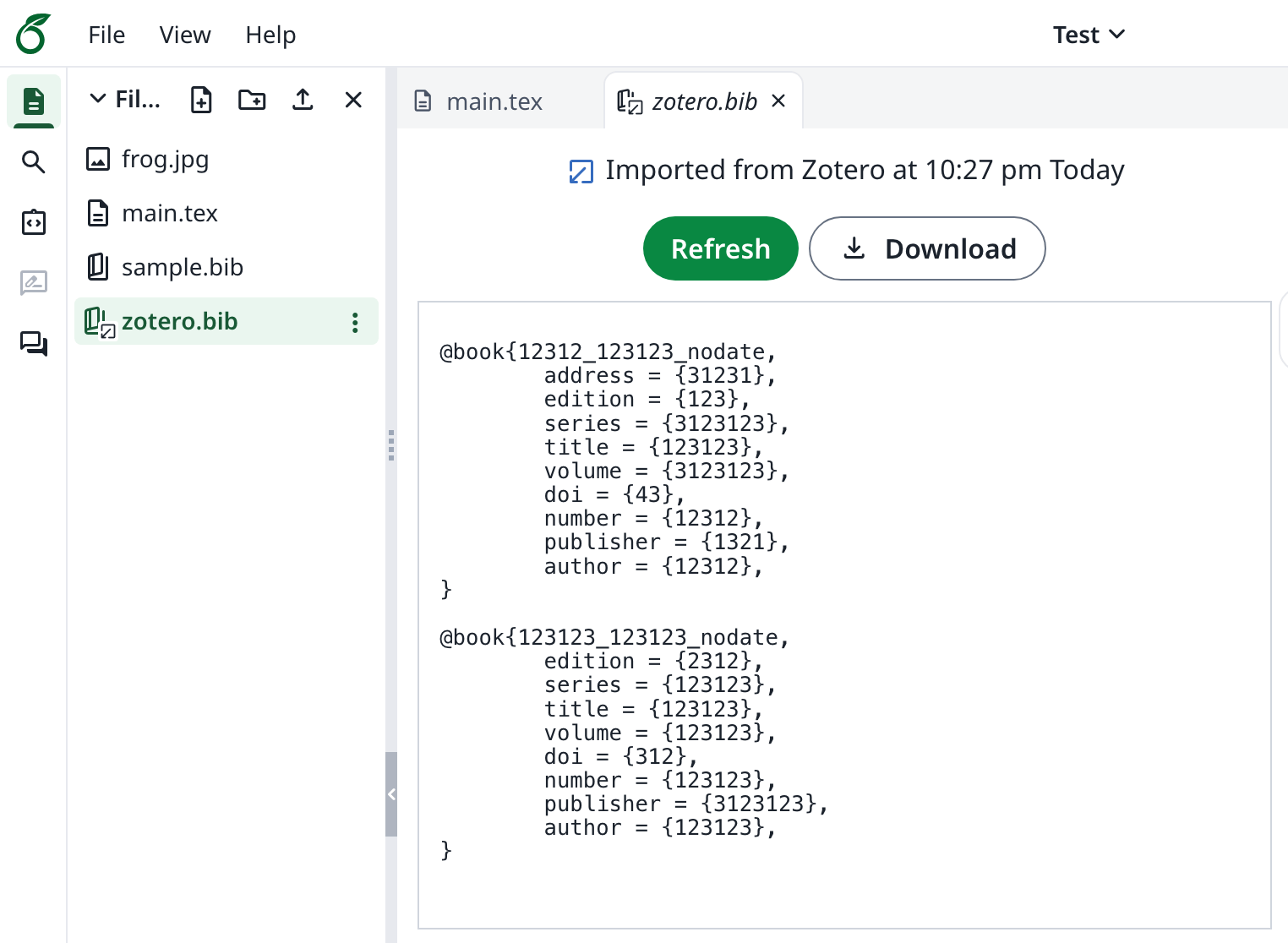
Fitur ini awalnya dikembangkan oleh [davrot](https://github.com/davrot) dan [yu-i-i/overleaf-cep](https://github.com/yu-i-i/overleaf-cep), lalu dimodifikasi oleh [ayaka-notes/overleaf-pro](https://github.com/ayaka-notes/overleaf-pro) dengan OAuth. Fitur ini diperkenalkan mulai v6.2.0 dan seterusnya. Fitur ini masih berstatus beta. Kami membutuhkan masukan Anda jika Anda mengalami masalah.
 ### Menyiapkan Integrasi Zotero
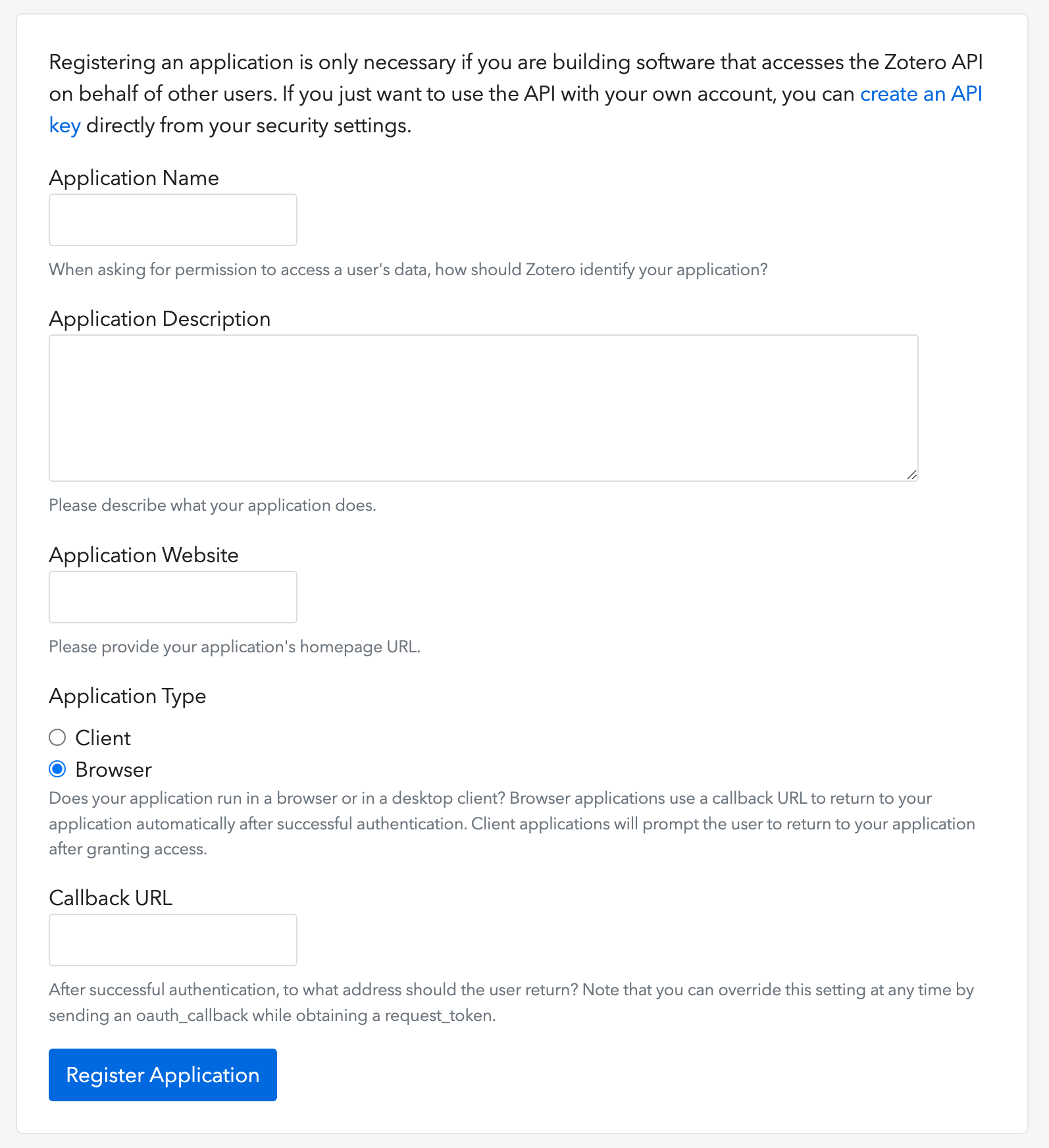
1. Buka [tautan ini](https://www.zotero.org/oauth/apps) untuk membuat klien OAuth Zotero (seperti yang ditunjukkan pada gambar)
2. Pilih **Application Type**: **Browser**
3. Atur Callback URL dengan `${OVERLEAF_SITE_URL}/user/zotero/oauth/callback` Anda
4. Konfigurasikan `config/variables.env` Anda
### Menyiapkan Integrasi Zotero
1. Buka [tautan ini](https://www.zotero.org/oauth/apps) untuk membuat klien OAuth Zotero (seperti yang ditunjukkan pada gambar)
2. Pilih **Application Type**: **Browser**
3. Atur Callback URL dengan `${OVERLEAF_SITE_URL}/user/zotero/oauth/callback` Anda
4. Konfigurasikan `config/variables.env` Anda
 ```dotenv title="config/variables.env" theme={null}
#################
# Zotero #
#################
# 'zotero' must be in ENABLED_LINKED_FILE_TYPES (set in develop/docker-compose.yml)
ENABLED_LINKED_FILE_TYPES=project_file,project_output_file,url,zotero
# From a Zotero OAuth client (register at https://www.zotero.org/oauth/apps)
# Application Type: Browser
# Callback URL -> ${OVERLEAF_SITE_URL}/user/zotero/oauth/callback
ZOTERO_CLIENT_ID=
ZOTERO_CLIENT_SECRET=
# Encrypts the Zotero API key in mongo (set in dev to avoid writing a key file
# to /var/lib/overleaf/data, which the dev web container can't create)
# How to generate: `openssl rand -hex 32`
ZOTERO_CIPHER_PASSWORD=dev-zotero-cipher-password
# Optional: route the module's server-side Zotero requests (OAuth + API) through
# an HTTP proxy (must be reachable from the web container; same as github-sync)
# http://10.0.0.1:10808
# (Optional) ZOTERO_PROXY_URL=
```
### Catatan
Saat melakukan upgrade instalasi yang sudah ada dengan file bibliografi tertaut Zotero ke 6.3.0 yang dirilis ulang, ikuti [instruksi migrasi Zotero / Mendeley](/id/on-premises/release-notes/release-notes-6.x.x#ayakaleaf-pro-6.3.0 "mention"). Instalasi baru tidak memerlukan migrasi ini.
Karena Ayakaleaf adalah platform kolaboratif, untuk meningkatkan keamanan, mulai versi 6.3.0, hanya pembuat asli file Referensi `bib` yang diizinkan untuk memperbarui file yang diimpor.
Sebagai contoh, misalkan pemilik proyek, Pengguna A, mengaktifkan berbagi tautan dan membuat file `test.bib` di dalam proyek, lalu menautkannya ke akun Zotero miliknya sendiri. Jika pengguna lain, Pengguna B, mengakses proyek melalui tautan yang dibagikan, Pengguna B tetap dapat membaca dan mengunduh `test.bib`, tetapi tidak diizinkan untuk memperbarui atau mengimpor ulang file tersebut dari Zotero. Hanya Pengguna A, sebagai pembuat asli file Referensi, yang dapat melakukan pembaruan. Dengan kata lain, hanya pembuat asli file `.bib` yang memiliki izin untuk memperbaruinya.
This documentation is built and hosted on [Mintlify](https://mintlify.com), a developer documentation platform.
```dotenv title="config/variables.env" theme={null}
#################
# Zotero #
#################
# 'zotero' must be in ENABLED_LINKED_FILE_TYPES (set in develop/docker-compose.yml)
ENABLED_LINKED_FILE_TYPES=project_file,project_output_file,url,zotero
# From a Zotero OAuth client (register at https://www.zotero.org/oauth/apps)
# Application Type: Browser
# Callback URL -> ${OVERLEAF_SITE_URL}/user/zotero/oauth/callback
ZOTERO_CLIENT_ID=
ZOTERO_CLIENT_SECRET=
# Encrypts the Zotero API key in mongo (set in dev to avoid writing a key file
# to /var/lib/overleaf/data, which the dev web container can't create)
# How to generate: `openssl rand -hex 32`
ZOTERO_CIPHER_PASSWORD=dev-zotero-cipher-password
# Optional: route the module's server-side Zotero requests (OAuth + API) through
# an HTTP proxy (must be reachable from the web container; same as github-sync)
# http://10.0.0.1:10808
# (Optional) ZOTERO_PROXY_URL=
```
### Catatan
Saat melakukan upgrade instalasi yang sudah ada dengan file bibliografi tertaut Zotero ke 6.3.0 yang dirilis ulang, ikuti [instruksi migrasi Zotero / Mendeley](/id/on-premises/release-notes/release-notes-6.x.x#ayakaleaf-pro-6.3.0 "mention"). Instalasi baru tidak memerlukan migrasi ini.
Karena Ayakaleaf adalah platform kolaboratif, untuk meningkatkan keamanan, mulai versi 6.3.0, hanya pembuat asli file Referensi `bib` yang diizinkan untuk memperbarui file yang diimpor.
Sebagai contoh, misalkan pemilik proyek, Pengguna A, mengaktifkan berbagi tautan dan membuat file `test.bib` di dalam proyek, lalu menautkannya ke akun Zotero miliknya sendiri. Jika pengguna lain, Pengguna B, mengakses proyek melalui tautan yang dibagikan, Pengguna B tetap dapat membaca dan mengunduh `test.bib`, tetapi tidak diizinkan untuk memperbarui atau mengimpor ulang file tersebut dari Zotero. Hanya Pengguna A, sebagai pembuat asli file Referensi, yang dapat melakukan pembaruan. Dengan kata lain, hanya pembuat asli file `.bib` yang memiliki izin untuk memperbaruinya.
This documentation is built and hosted on [Mintlify](https://mintlify.com), a developer documentation platform.