> ## Documentation Index
> Fetch the complete documentation index at: https://ayakaleaf-pro.mintlify.site/llms.txt
> Use this file to discover all available pages before exploring further.
# Zotero-Integration
Diese Funktion wurde ursprünglich von [davrot](https://github.com/davrot) und [yu-i-i/overleaf-cep](https://github.com/yu-i-i/overleaf-cep) entwickelt und von [ayaka-notes/overleaf-pro](https://github.com/ayaka-notes/overleaf-pro) um OAuth erweitert. Sie ist ab v6.2.0 verfügbar und befindet sich noch im Beta-Stadium. Wenn Sie auf Probleme stoßen, freuen wir uns über Ihr Feedback.
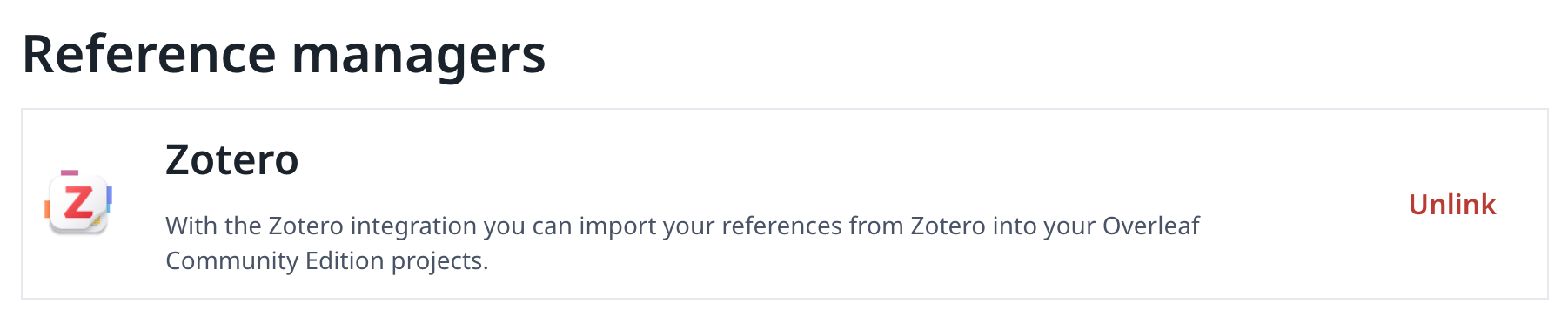
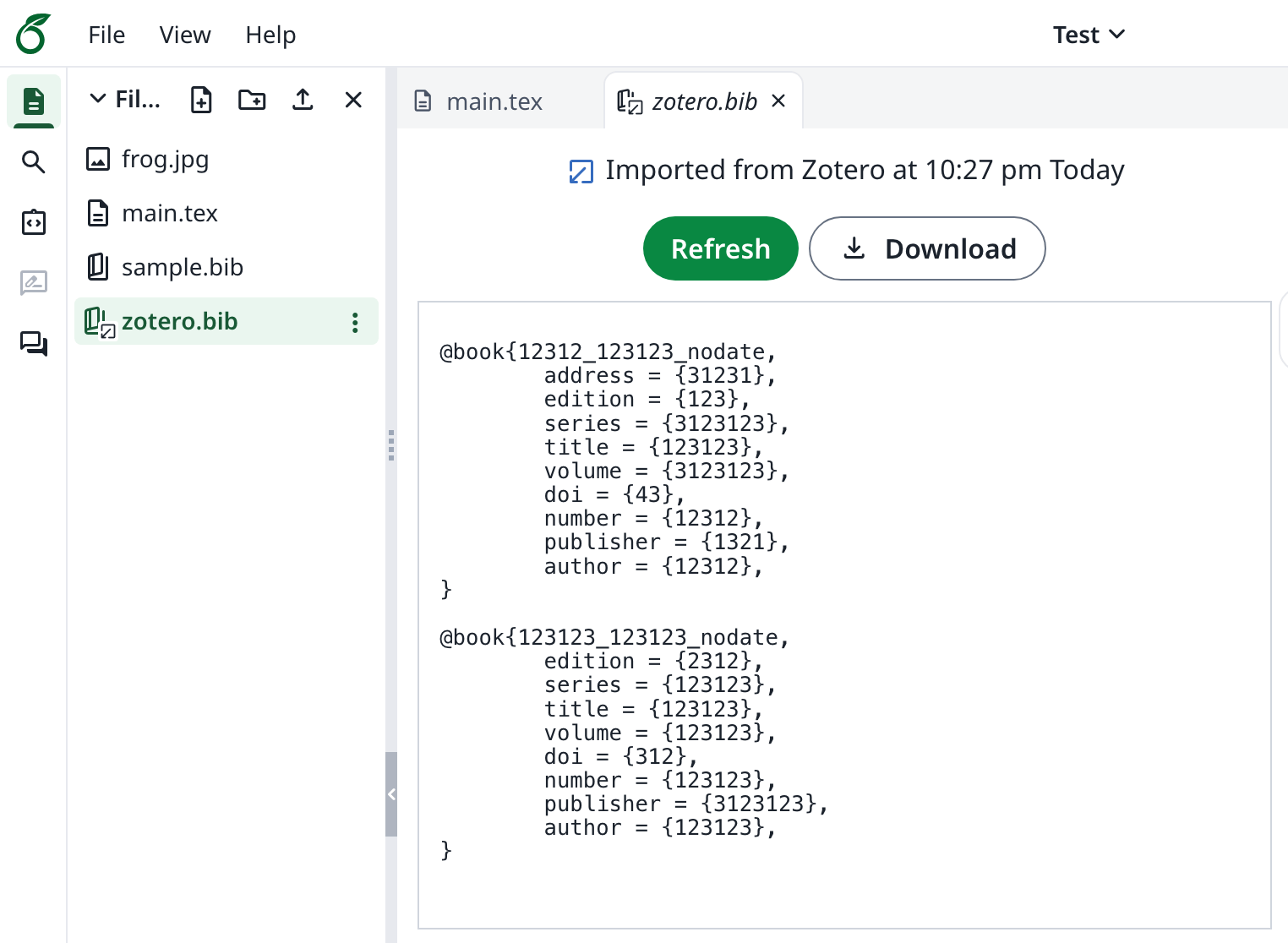 ### Zotero-Integration einrichten
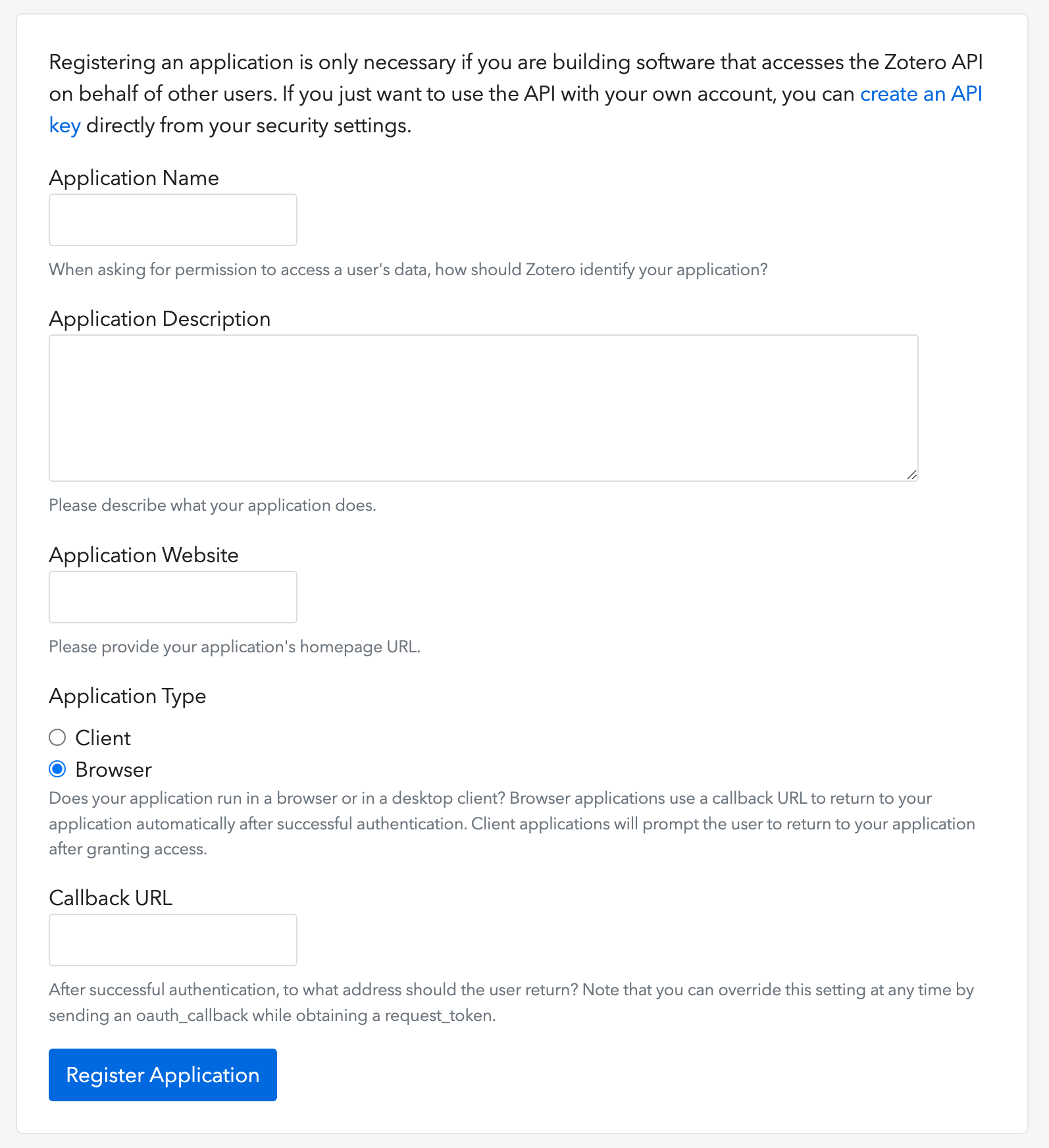
1. Öffnen Sie [diesen Link](https://www.zotero.org/oauth/apps), um einen Zotero-OAuth-Client zu erstellen (wie in der Abbildung gezeigt)
2. Wählen Sie als **Application Type**: **Browser**
3. Legen Sie die Callback-URL auf `${OVERLEAF_SITE_URL}/user/zotero/oauth/callback` fest
4. Konfigurieren Sie Ihre `config/variables.env`
### Zotero-Integration einrichten
1. Öffnen Sie [diesen Link](https://www.zotero.org/oauth/apps), um einen Zotero-OAuth-Client zu erstellen (wie in der Abbildung gezeigt)
2. Wählen Sie als **Application Type**: **Browser**
3. Legen Sie die Callback-URL auf `${OVERLEAF_SITE_URL}/user/zotero/oauth/callback` fest
4. Konfigurieren Sie Ihre `config/variables.env`
 ```dotenv title="config/variables.env" theme={null}
#################
# Zotero #
#################
# 'zotero' must be in ENABLED_LINKED_FILE_TYPES (set in develop/docker-compose.yml)
ENABLED_LINKED_FILE_TYPES=project_file,project_output_file,url,zotero
# From a Zotero OAuth client (register at https://www.zotero.org/oauth/apps)
# Application Type: Browser
# Callback URL -> ${OVERLEAF_SITE_URL}/user/zotero/oauth/callback
ZOTERO_CLIENT_ID=
ZOTERO_CLIENT_SECRET=
# Encrypts the Zotero API key in mongo (set in dev to avoid writing a key file
# to /var/lib/overleaf/data, which the dev web container can't create)
# How to generate: `openssl rand -hex 32`
ZOTERO_CIPHER_PASSWORD=dev-zotero-cipher-password
# Optional: route the module's server-side Zotero requests (OAuth + API) through
# an HTTP proxy (must be reachable from the web container; same as github-sync)
# http://10.0.0.1:10808
# (Optional) ZOTERO_PROXY_URL=
```
### Hinweise
Wenn Sie eine bestehende Installation mit Zotero-verknüpften Bibliografiedateien auf das neu veröffentlichte 6.3.0 aktualisieren, befolgen Sie die [Migrationsanleitung für Zotero / Mendeley](/de/on-premises/release-notes/release-notes-6.x.x#ayakaleaf-pro-6.3.0 "mention"). Neue Installationen benötigen diese Migration nicht.
Da Ayakaleaf eine kollaborative Plattform ist, darf zur Verbesserung der Sicherheit ab Version 6.3.0 nur die ursprüngliche Erstellerin bzw. der ursprüngliche Ersteller einer Referenz-`bib`-Datei die importierte Datei aktualisieren.
Angenommen, die Projekteigentümerin, Benutzerin A, aktiviert die Linkfreigabe und erstellt im Projekt eine Datei `test.bib`, die sie mit ihrem eigenen Zotero-Konto verknüpft. Wenn ein anderer Benutzer, Benutzer B, über den freigegebenen Link auf das Projekt zugreift, kann Benutzer B `test.bib` weiterhin lesen und herunterladen, darf die Datei jedoch nicht aktualisieren oder erneut aus Zotero importieren. Nur Benutzerin A als ursprüngliche Erstellerin der Referenzdatei kann Aktualisierungen durchführen. Umgekehrt hat nur die ursprüngliche Erstellerin bzw. der ursprüngliche Ersteller der `.bib`-Datei die Berechtigung, sie zu aktualisieren.
This documentation is built and hosted on [Mintlify](https://mintlify.com), a developer documentation platform.
```dotenv title="config/variables.env" theme={null}
#################
# Zotero #
#################
# 'zotero' must be in ENABLED_LINKED_FILE_TYPES (set in develop/docker-compose.yml)
ENABLED_LINKED_FILE_TYPES=project_file,project_output_file,url,zotero
# From a Zotero OAuth client (register at https://www.zotero.org/oauth/apps)
# Application Type: Browser
# Callback URL -> ${OVERLEAF_SITE_URL}/user/zotero/oauth/callback
ZOTERO_CLIENT_ID=
ZOTERO_CLIENT_SECRET=
# Encrypts the Zotero API key in mongo (set in dev to avoid writing a key file
# to /var/lib/overleaf/data, which the dev web container can't create)
# How to generate: `openssl rand -hex 32`
ZOTERO_CIPHER_PASSWORD=dev-zotero-cipher-password
# Optional: route the module's server-side Zotero requests (OAuth + API) through
# an HTTP proxy (must be reachable from the web container; same as github-sync)
# http://10.0.0.1:10808
# (Optional) ZOTERO_PROXY_URL=
```
### Hinweise
Wenn Sie eine bestehende Installation mit Zotero-verknüpften Bibliografiedateien auf das neu veröffentlichte 6.3.0 aktualisieren, befolgen Sie die [Migrationsanleitung für Zotero / Mendeley](/de/on-premises/release-notes/release-notes-6.x.x#ayakaleaf-pro-6.3.0 "mention"). Neue Installationen benötigen diese Migration nicht.
Da Ayakaleaf eine kollaborative Plattform ist, darf zur Verbesserung der Sicherheit ab Version 6.3.0 nur die ursprüngliche Erstellerin bzw. der ursprüngliche Ersteller einer Referenz-`bib`-Datei die importierte Datei aktualisieren.
Angenommen, die Projekteigentümerin, Benutzerin A, aktiviert die Linkfreigabe und erstellt im Projekt eine Datei `test.bib`, die sie mit ihrem eigenen Zotero-Konto verknüpft. Wenn ein anderer Benutzer, Benutzer B, über den freigegebenen Link auf das Projekt zugreift, kann Benutzer B `test.bib` weiterhin lesen und herunterladen, darf die Datei jedoch nicht aktualisieren oder erneut aus Zotero importieren. Nur Benutzerin A als ursprüngliche Erstellerin der Referenzdatei kann Aktualisierungen durchführen. Umgekehrt hat nur die ursprüngliche Erstellerin bzw. der ursprüngliche Ersteller der `.bib`-Datei die Berechtigung, sie zu aktualisieren.
This documentation is built and hosted on [Mintlify](https://mintlify.com), a developer documentation platform.